Durable steel or aluminum alloy


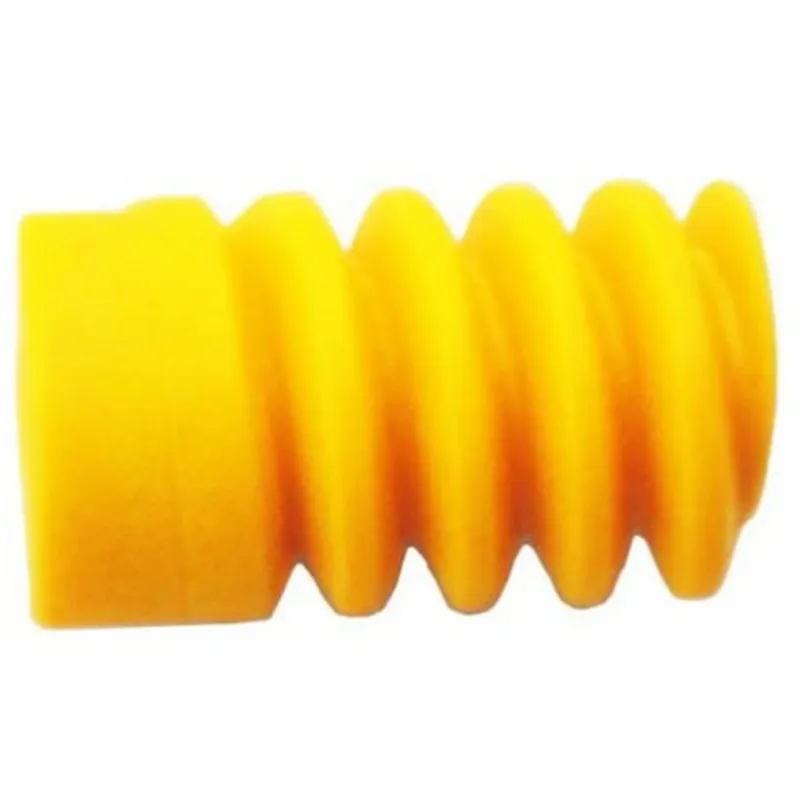
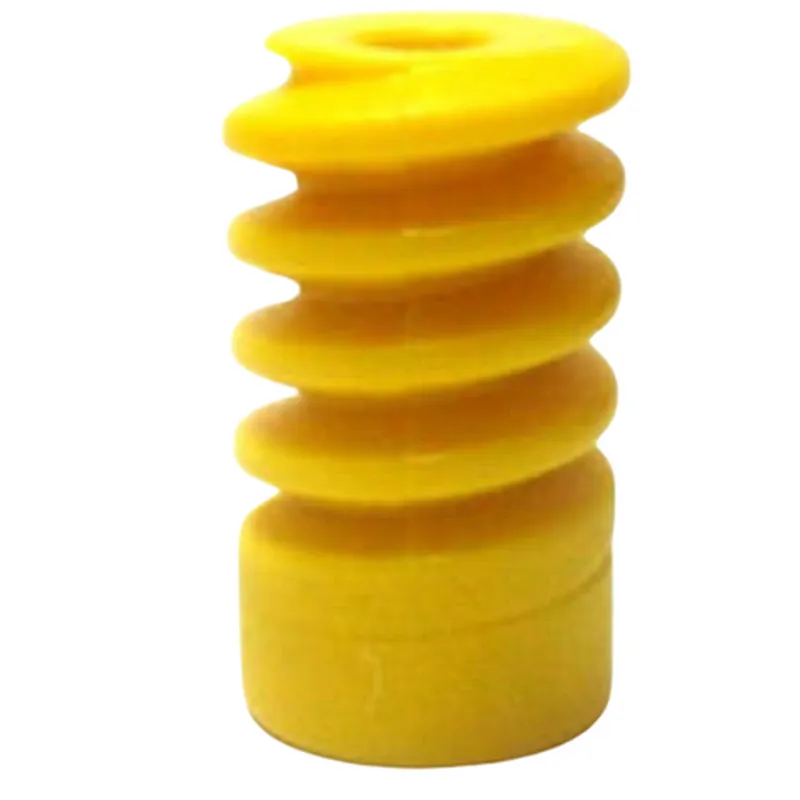
Durable steel or aluminum alloy
| Customizable (e.g., 10 | 1, 20:1, 30:1) |
Up to 100 Nm (depending on gear ratio and motor specifications)
10-100 rpm (depending on gear ratio and motor specifications)
Varies depending on the specific model and design
Applications
| The BO Motor Worm Gear is widely used in various IoT and robotics applications, including |
Robotic arms and grippers
Conveyor systems
Lifting and lowering systems
Precise motion control systems
Industrial automation
Smart home devices
In conclusion, the BO Motor Worm Gear is a highly efficient and precise component designed to provide high-torque, low-speed transmission of rotational motion in IoT and robotics applications. Its compact design, customizable ratio, and durable construction make it an ideal choice for a wide range of uses.
BO Motor Worm Gear DocumentationOverviewThe BO Motor Worm Gear is a compact, high-precision component designed for robotic and automation applications. It combines a DC motor with a worm gear mechanism, providing high torque and precise control. This component is ideal for IoT projects requiring precise movement, such as robotic arms, camera systems, and automated manufacturing processes.Technical SpecificationsMotor Type: DC Motor
Gear Ratio: 1:10 (customizable)
Torque: Up to 10 Nm
Speed: Up to 100 rpm
Power: 12V, 1A
Interface: 3-pin JST connector (VCC, GND, Signal)Code Examples### Example 1: Basic Control with ArduinoThis example demonstrates how to control the BO Motor Worm Gear using an Arduino Board.```c++
const int motorPin = 9; // Signal pin connected to Arduino digital pin 9void setup() {
pinMode(motorPin, OUTPUT);
}void loop() {
// Rotate the motor clockwise
digitalWrite(motorPin, HIGH);
delay(1000);// Rotate the motor counterclockwise
digitalWrite(motorPin, LOW);
delay(1000);
}
```### Example 2: Position Control with Raspberry Pi (Python)This example demonstrates how to control the BO Motor Worm Gear using a Raspberry Pi and Python. The example uses the RPi.GPIO library to control the motor.```python
import RPi.GPIO as GPIO
import time# Set up GPIO mode
GPIO.setmode(GPIO.BCM)# Define the motor pin
motor_pin = 17# Set up the motor pin as an output
GPIO.setup(motor_pin, GPIO.OUT)try:
while True:
# Rotate the motor to a specific position (e.g., 90 degrees)
GPIO.output(motor_pin, GPIO.HIGH)
time.sleep(0.5)
GPIO.output(motor_pin, GPIO.LOW)
time.sleep(0.5)except KeyboardInterrupt:
# Clean up GPIO on exit
GPIO.cleanup()
```### Example 3: Sensor-Integrated Control with ESP32 (C++)This example demonstrates how to control the BO Motor Worm Gear using an ESP32 board and a sensor (e.g., a potentiometer) to adjust the motor's position based on sensor input.```c++
#include <WiFi.h>
#include <ESP32Servo.h>// Define the motor pin and sensor pin
const int motorPin = 18;
const int sensorPin = 32;// Create a servo object
ESP32Servo myServo;void setup() {
// Initialize the motor pin as an output
pinMode(motorPin, OUTPUT);// Initialize the sensor pin as an input
pinMode(sensorPin, INPUT);// Attach the servo object to the motor pin
myServo.attach(motorPin);
}void loop() {
// Read the sensor value
int sensorValue = analogRead(sensorPin);// Map the sensor value to a motor position (e.g., 0-180 degrees)
int motorPosition = map(sensorValue, 0, 4095, 0, 180);// Set the motor to the desired position
myServo.write(motorPosition);delay(50);
}
```These examples demonstrate the basic control and integration of the BO Motor Worm Gear component in various IoT contexts. Please consult the component's datasheet and technical documentation for more detailed information on its usage and customization.