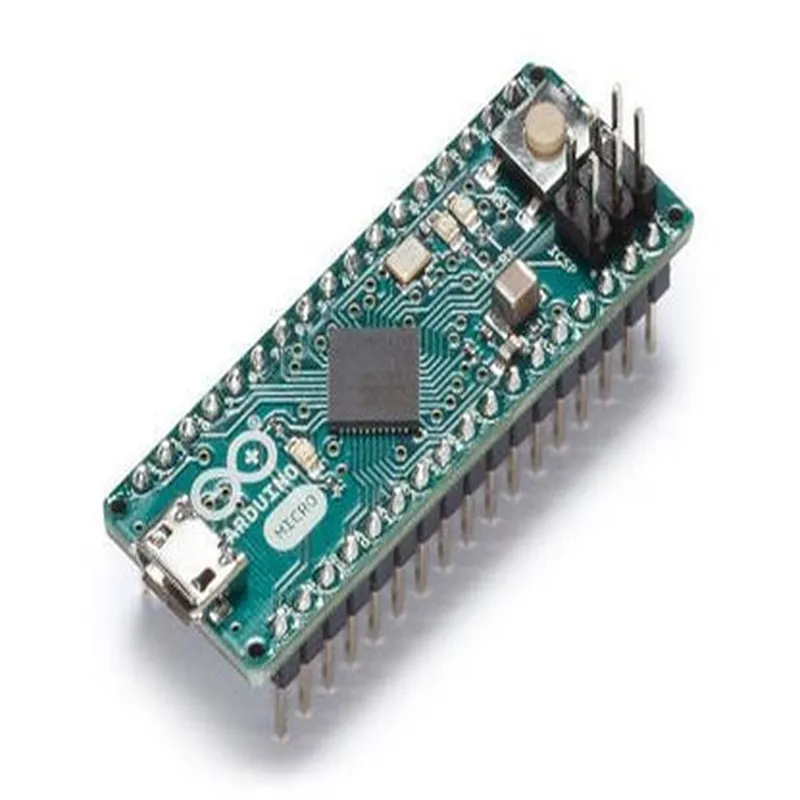
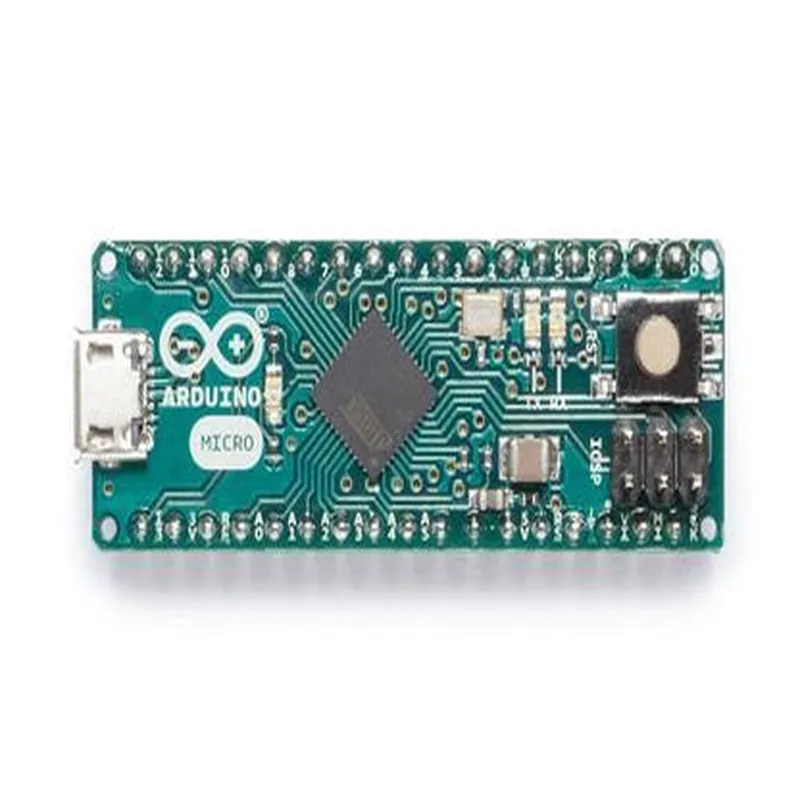
Arduino Micro with Headers Documentation
The Arduino Micro is a microcontroller board based on the ATmega32U4 chip. It has 20 digital input/output pins, 7 of which can be used as PWM outputs, 12 analog input pins, and 16 megabytes of flash memory. The board comes with headers soldered on, making it easy to connect to a breadboard or other components.
Technical Specifications:
Microcontroller: ATmega32U4
 Operating Voltage: 5V
 Input Voltage: 7-12V
 Digital I/O Pins: 20
 Analog Input Pins: 12
 PWM Pins: 7
 Flash Memory: 16MB
The Arduino Micro has the following pinout:
Digital Pins: 0-13
 Analog Pins: A0-A11
 Power Pins: Vin, 5V, 3.3V, GND
 Communication Pins: RX, TX, SDA, SCL
 Reset Pin: RST
Example 1: Blinking an LED
In this example, we will use the Arduino Micro to blink an LED connected to digital pin 13.
```c++
const int ledPin = 13;  // the number of the LED pin
void setup() {
  pinMode(ledPin, OUTPUT);  // set the LED pin as an output
}
void loop() {
  digitalWrite(ledPin, HIGH);  // turn the LED on
  delay(1000);               // wait for 1 second
  digitalWrite(ledPin, LOW);  // turn the LED off
  delay(1000);               // wait for 1 second
}
```
Example 2: Reading Analog Input
In this example, we will use the Arduino Micro to read an analog input from a potentiometer connected to analog pin A0.
```c++
const int potPin = A0;  // the number of the potentiometer pin
void setup() {
  Serial.begin(9600);  // initialize serial communication
}
void loop() {
  int sensorValue = analogRead(potPin);  // read the value from the potentiometer
  Serial.println(sensorValue);           // print the value to the serial monitor
  delay(100);                            // wait for 100 milliseconds
}
```
Example 3: Communication with I2C Device
In this example, we will use the Arduino Micro to communicate with an I2C device, such as an LCD display or a temperature sensor, connected to the SDA and SCL pins.
const int sclPin = SCL;  // the number of the SCL pin
const int sdaPin = SDA;  // the number of the SDA pin
void setup() {
  Wire.begin();  // initialize I2C communication
}
void loop() {
  Wire.beginTransmission(0x27);  // transmit to device with address 0x27
  Wire.write("Hello, world!");   // send a message to the device
  Wire.endTransmission();       // end transmission
  delay(100);                    // wait for 100 milliseconds
}
```
These examples demonstrate the basic functionality of the Arduino Micro with headers, including digital output, analog input, and I2C communication. The board can be used in a wide range of applications, from simple robotics to complex IoT projects.