

Stufin
Home Quick Cart Profile

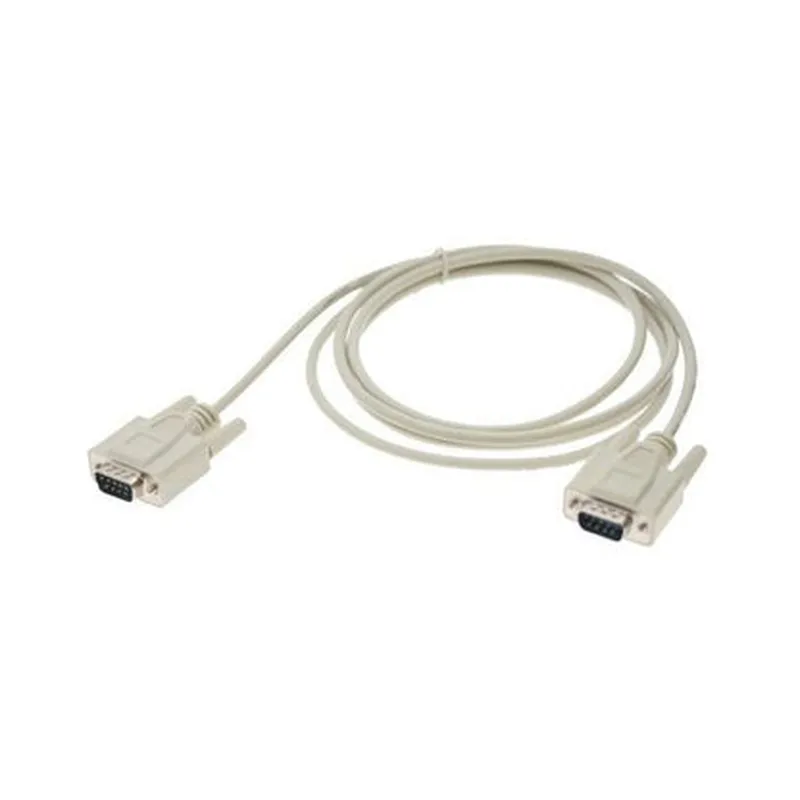
Male to Male DB-9 Cable

Buy Now on Stufin

Component Documentation

Male to Male DB-9 Cable

Overview

The Male to Male DB-9 Cable is a type of serial communication cable used to connect devices with DB-9 male ports, allowing for the transmission of data between them. This cable is commonly used in various IoT applications, such as industrial automation, networking, and communication systems.

Description

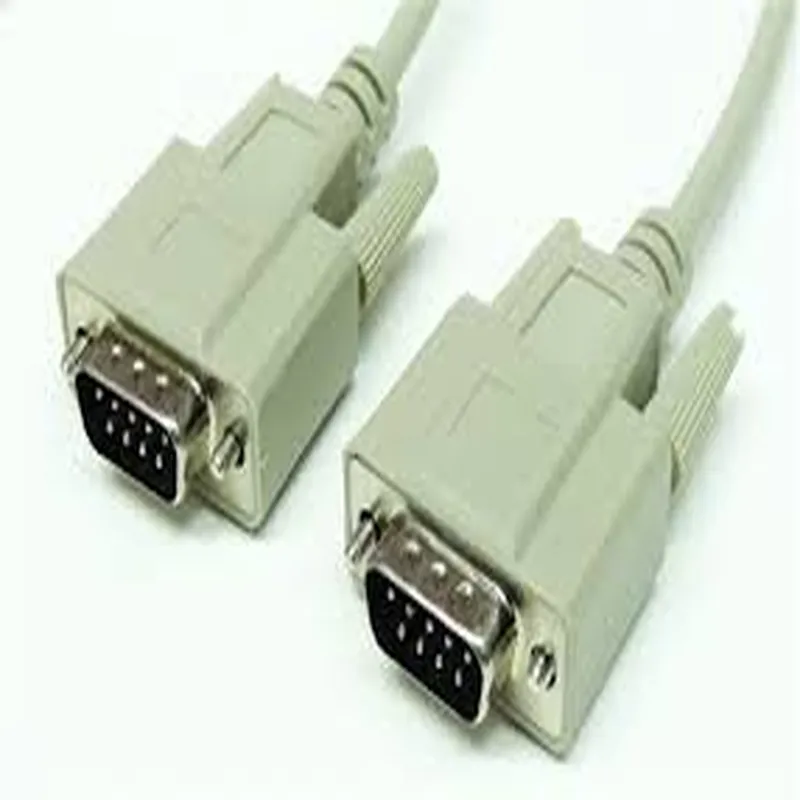
The Male to Male DB-9 Cable consists of a 9-pin male DB-9 connector at both ends, with a length of cable connecting the two connectors. The cable is designed to provide a reliable and secure connection between devices, enabling the transfer of data, commands, and signals.

Functionality

The primary function of the Male to Male DB-9 Cable is to establish a serial communication link between two devices, allowing them to exchange data and commands. The cable supports various serial communication protocols, including RS-232, RS-422, and RS-485.

Key Features

  • Connector Type: Male DB-9 connector at both ends, with 9 pins each.
  • Cable Length: Varies depending on the specific product, but typically ranges from 1 to 10 meters.
  • Shielding: The cable is typically shielded to reduce electromagnetic interference (EMI) and radio-frequency interference (RFI).
  • Signal Transmission: Supports transmission of data, commands, and signals between devices.
  • Protocol Support: Compatible with various serial communication protocols, including RS-232, RS-422, and RS-485.
  • Operating Temperature: Typically operates within a temperature range of -20C to 80C (-4F to 176F).
  • Compatibility: Compatible with a wide range of devices, including computers, serial terminals, and industrial control systems.

Technical Specifications

Cable Specification

28 AWG (American Wire Gauge) or 0.081 mm (square millimeter) copper wire.

Impedance

93 ohms 15% at 1 MHz.

Voltage Rating

300 Vrms (root mean square) maximum.

Current Rating

3 A (amps) maximum.

Applications

The Male to Male DB-9 Cable is commonly used in various IoT applications, including

Industrial automation systems

Serial communication networks

Data acquisition systems

Computer systems and peripherals

Point-of-Sale (POS) systems

Medical devices and equipment

Conclusion

The Male to Male DB-9 Cable is a reliable and versatile component for establishing serial communication links between devices. Its robust design, shielding, and compatibility with various protocols make it an ideal solution for a wide range of IoT applications.

Pin Configuration

  • Male to Male DB-9 Cable Documentation
  • Overview
  • The Male to Male DB-9 Cable is a type of serial communications cable used to connect devices with DB-9 ports. It is commonly used for serial communication, serial console connectivity, and other applications requiring a 9-pin D-Subminiature (DB-9) connector.
  • Pinout Structure
  • The Male to Male DB-9 Cable has a standard 9-pin configuration, with each pin serving a specific purpose. The pinout structure is as follows:
  • Pin 1:
  • Signal: DCD (Data Carrier Detect)
  • Function: Indicates the presence of a carrier signal from the modem.
  • Connect to: Typically connected to the DCD input on the receiving device.
  • Pin 2:
  • Signal: RXD (Receive Data)
  • Function: Receives serial data from the transmitting device.
  • Connect to: Connected to the RXD output on the transmitting device.
  • Pin 3:
  • Signal: TXD (Transmit Data)
  • Function: Transmits serial data to the receiving device.
  • Connect to: Connected to the TXD input on the receiving device.
  • Pin 4:
  • Signal: DTR (Data Terminal Ready)
  • Function: Indicates that the device is ready to receive data.
  • Connect to: Typically connected to the DTR output on the transmitting device.
  • Pin 5:
  • Signal: GND (Ground)
  • Function: Provides a common ground path for the signal lines.
  • Connect to: Connected to the GND pin on the receiving device.
  • Pin 6:
  • Signal: DSR (Data Set Ready)
  • Function: Indicates that the modem is ready to receive data.
  • Connect to: Typically connected to the DSR input on the receiving device.
  • Pin 7:
  • Signal: RTS (Request to Send)
  • Function: Requests the transmitting device to send data.
  • Connect to: Connected to the RTS output on the transmitting device.
  • Pin 8:
  • Signal: CTS (Clear to Send)
  • Function: Indicates that the device is ready to receive data.
  • Connect to: Typically connected to the CTS input on the transmitting device.
  • Pin 9:
  • Signal: RI (Ring Indicator)
  • Function: Indicates an incoming call or ringing signal from the modem.
  • Connect to: Typically connected to the RI input on the receiving device.
  • Cable Connection Guidelines
  • When connecting the Male to Male DB-9 Cable:
  • Ensure that the cable is securely connected to both devices to prevent data loss or errors.
  • Verify that the pinouts match between the two devices to ensure proper signaling.
  • Use the correct pin connections as specified above to avoid signal conflicts or damage to the devices.
  • By following these guidelines and understanding the pinout structure of the Male to Male DB-9 Cable, you can ensure reliable and error-free serial communication between devices.

Code Examples

Male to Male DB-9 Cable Documentation
Overview
The Male to Male DB-9 Cable is a type of serial communication cable used to connect two devices with DB-9 male connectors. It is commonly used in industrial automation, robotics, and other applications where serial communication is required.
Technical Specifications
Cable length: varies ( typically 1-10 meters)
 Connector type: DB-9 male to DB-9 male
 Wire count: 9 wires ( Tx, Rx, GND, RTS, CTS, DTR, DSR, RI, CD)
 Data transmission rate: up to 115.2 kbps (depending on the device and protocol)
Code Examples
### Example 1: Serial Communication using Python and PySerial Library
In this example, we will use the Male to Male DB-9 Cable to connect two devices, a Raspberry Pi and a serial device (e.g., a serial GPS module), and communicate using the PySerial library in Python.
Hardware Connection
Connect the Male to Male DB-9 Cable to the Raspberry Pi's serial port (UART) and the serial device's DB-9 connector.
Software Code
```python
import serial
# Open the serial port
ser = serial.Serial('/dev/ttyS0', 9600, timeout=1)
# Send a command to the serial device
ser.write(b'AT+CGPSINFO
')
# Read the response from the serial device
response = ser.readline()
print(response.decode())
# Close the serial port
ser.close()
```
### Example 2: Using the Male to Male DB-9 Cable with an Arduino Board
In this example, we will use the Male to Male DB-9 Cable to connect an Arduino Board to a serial device (e.g., a serial LCD display) and communicate using the Arduino's built-in Serial library.
Hardware Connection
Connect the Male to Male DB-9 Cable to the Arduino Board's serial port (e.g., Serial0) and the serial device's DB-9 connector.
Software Code
```c++
void setup() {
  Serial.begin(9600);
}
void loop() {
  // Send a command to the serial device
  Serial.println("Hello, World!");
// Read the response from the serial device
  if (Serial.available() > 0) {
    String response = Serial.readStringUntil('
');
    Serial.print("Response: ");
    Serial.println(response);
  }
  delay(1000);
}
```
Important Notes
Make sure to configure the serial communication settings (baud rate, parity, stop bits) correctly to match the device's requirements.
 Use the correct serial port number and device name in the code examples.
 Ensure the Male to Male DB-9 Cable is properly connected and secured to prevent data corruption or device damage.
By following these examples and documentation, you can successfully use the Male to Male DB-9 Cable to establish serial communication between devices in various IoT applications.