5V


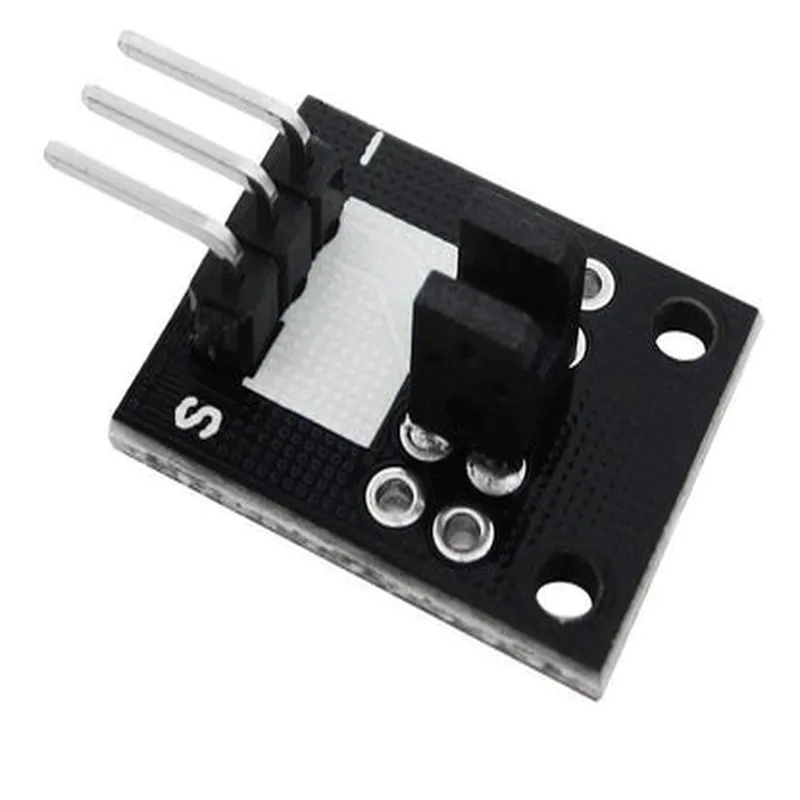
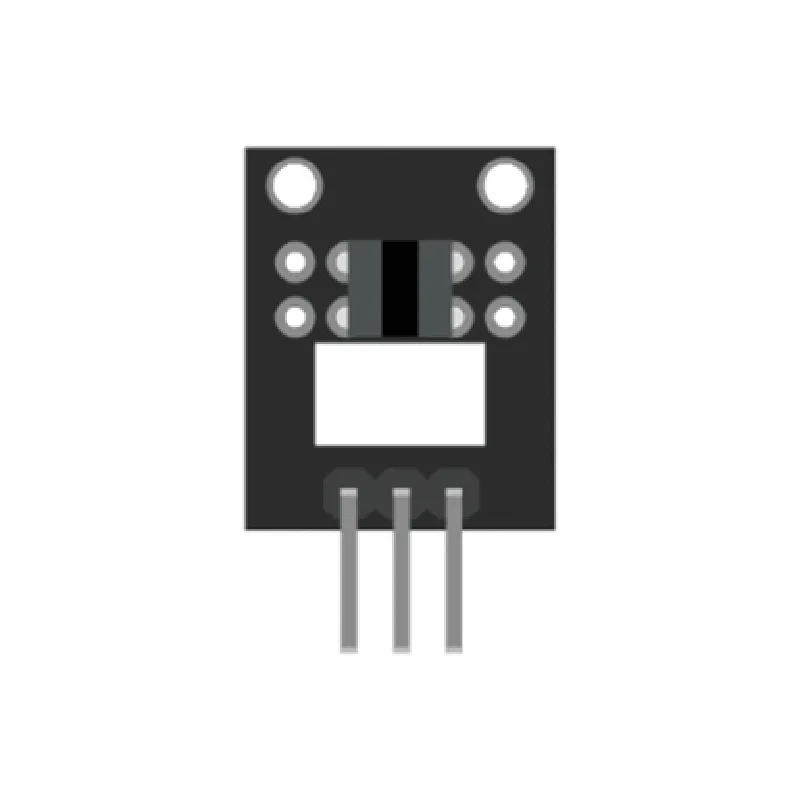
5V
5mA (typical)
0V (low) or 5V (high)
1ms (typical)
1-10mm (dependent on object size and shape)
-20C to 80C
24mm x 12mm x 10mm (L x W x H)
2g (approximate)
Applications
| The KY-010 Broken Light Blocking Sensor is suitable for various IoT applications, including |
Object detection and counting in production lines or automation systems
Obstacle detection in robotics and autonomous vehicles
Monitoring the position of moving parts in industrial machinery
Home automation projects, such as automating lighting or security systems
DIY projects, such as building a line follower robot or a smart door sensor
Overall, the KY-010 Broken Light Blocking Sensor is a versatile and reliable component for detecting objects or changes in light intensity, making it an essential component for various IoT applications.
KY-010 Broken Light Blocking Sensor DocumentationOverviewThe KY-010 Broken Light Blocking Sensor is a digital sensor used to detect the presence or absence of an object by blocking light. It consists of a light source and a photodiode or phototransistor. When an object blocks the light, the sensor outputs a low signal, and when the light is not blocked, it outputs a high signal. This sensor is commonly used in robotics, automation, and IoT projects.PinoutThe KY-010 Broken Light Blocking Sensor has three pins:VCC: Power supply (3.3V to 5V)
GND: Ground
OUT: Digital output signal (high or low)Code Examples### Example 1: Basic Object Detection with ArduinoThis example demonstrates how to use the KY-010 Broken Light Blocking Sensor with an Arduino board to detect the presence or absence of an object.```cpp
const int sensorPin = 2; // Pin connected to the OUT pin of the sensorvoid setup() {
pinMode(sensorPin, INPUT);
Serial.begin(9600);
}void loop() {
int sensorState = digitalRead(sensorPin);
if (sensorState == LOW) {
Serial.println("Object detected!");
} else {
Serial.println("No object detected.");
}
delay(500);
}
```### Example 2: Object Counting with Raspberry Pi (Python)This example demonstrates how to use the KY-010 Broken Light Blocking Sensor with a Raspberry Pi to count the number of objects that pass through the sensor.```python
import RPi.GPIO as GPIO
import time# Set up GPIO mode
GPIO.setmode(GPIO.BCM)# Set up the sensor pin as an input
sensor_pin = 17
GPIO.setup(sensor_pin, GPIO.IN, pull_up_down=GPIO.PUD_UP)object_count = 0while True:
if GPIO.input(sensor_pin) == 0:
object_count += 1
print("Object detected! Count:", object_count)
time.sleep(0.1)
```### Example 3: Object Detection with ESP32 (MicroPython)This example demonstrates how to use the KY-010 Broken Light Blocking Sensor with an ESP32 board running MicroPython to detect the presence or absence of an object.```python
import machine
import utime# Set up the sensor pin as an input
sensor_pin = machine.Pin(21, machine.Pin.IN)while True:
if sensor_pin.value() == 0:
print("Object detected!")
else:
print("No object detected.")
utime.sleep_ms(500)
```In each example, the sensor's output signal is read and interpreted to determine the presence or absence of an object. The output signal is typically connected to a digital input pin on the microcontroller or single-board computer.