Quad-band (850/900/1800/1900 MHz)


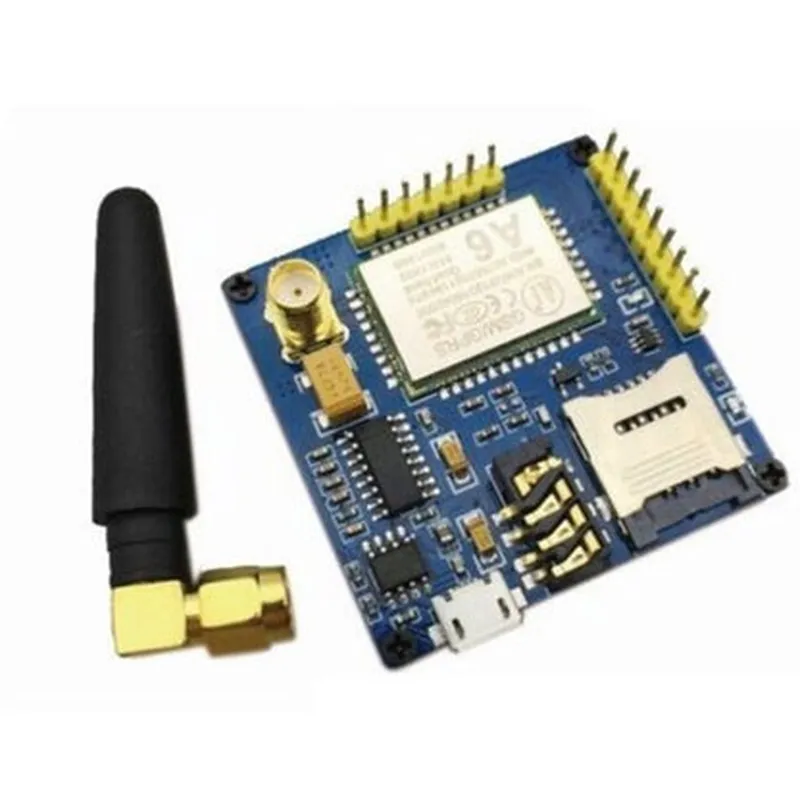
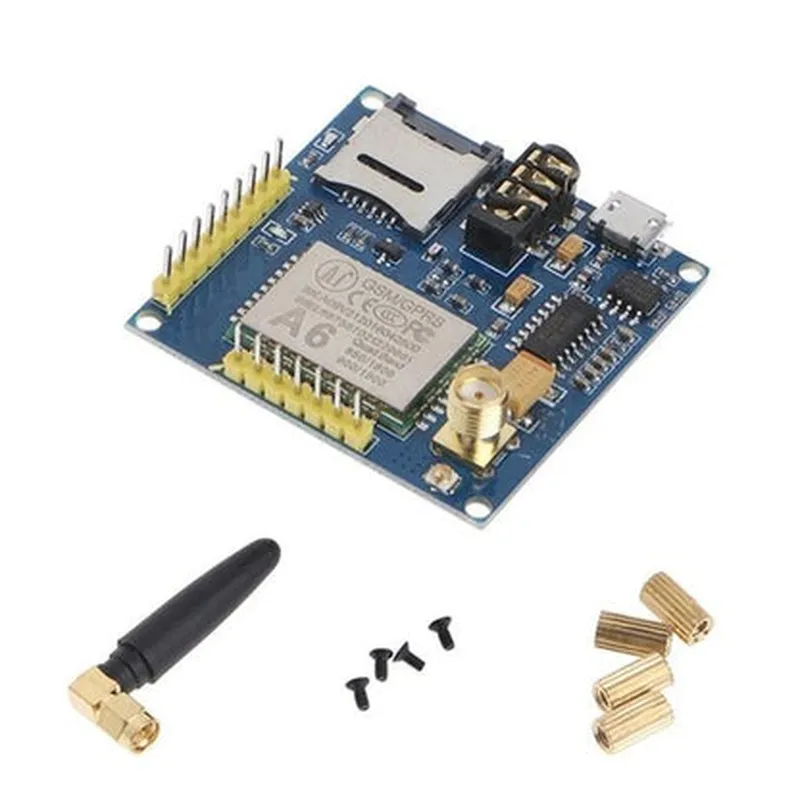
Quad-band (850/900/1800/1900 MHz)
Class 12
Up to 85.6 kbps
Supports sending and receiving SMS
Supports making and receiving voice calls
Serial (UART)
1.5W
3.5V - 4.5V
24.5 x 24.5 x 3.5 mm
-20C to +70C
Applications
| The A6 GSM Module is suitable for various applications, including |
IoT projects (e.g., remote monitoring, tracking, and control systems)
M2M applications (e.g., industrial automation, fleet management, and smart energy management)
Wireless sensors and monitoring systems
GPS tracking devices
Security systems
Conclusion
The A6 GSM Module is a reliable and efficient wireless communication solution for IoT and M2M applications. Its compact size, low power consumption, and quad-band support make it an ideal choice for device manufacturers and developers.
A6 GSM Module DocumentationOverviewThe A6 GSM Module is a compact, low-power wireless communication module that enables SMS, voice, and GPRS data transmission over a cellular network. This module is based on the A6 chipset and supports quad-band GSM frequencies, making it compatible with most cellular networks worldwide.Key FeaturesQuad-band GSM frequencies (850/900/1800/1900 MHz)
SMS, voice, and GPRS data transmission
Low power consumption ( typical 30mA in standby mode)
Compact size (24mm x 24mm x 4mm)
Operating voltage: 3.4V to 4.5V
TTL UART interface for communication with microcontrollersPinoutsThe A6 GSM Module has a 24-pin interface, with the following pinouts:| Pin # | Function |
| --- | --- |
| 1 | VBAT (Power supply) |
| 2 | GND (Ground) |
| 3 | RXD (Receive data) |
| 4 | TXD (Transmit data) |
| 5 | PWR_KEY (Power on/off) |
| 6-24 | NC (Not connected) |Example 1: Sending SMS using ArduinoIn this example, we will demonstrate how to send an SMS using the A6 GSM Module with an Arduino Uno board.Hardware RequirementsA6 GSM Module
Arduino Uno board
Breadboard and jumper wiresSoftware RequirementsArduino IDE (version 1.8.x or higher)Code
```c++
#include <SoftwareSerial.h>#define GSM_RX 2
#define GSM_TX 3
#define GSM_PWR_KEY 4SoftwareSerial gsm Serial(GSM_RX, GSM_TX);void setup() {
pinMode(GSM_PWR_KEY, OUTPUT);
digitalWrite(GSM_PWR_KEY, HIGH);
delay(1000);
digitalWrite(GSM_PWR_KEY, LOW);
delay(1000);gsm.begin(9600);
Serial.begin(9600);delay(1000);
gsm.println("AT");
delay(1000);
gsm.println("AT+CMGF=1");
delay(1000);
gsm.println("AT+CMGS=""+1234567890""");
delay(1000);
gsm.println("Hello from A6 GSM Module!");
delay(1000);
gsm.println((char)26);
delay(1000);
}void loop() {
// Nothing to do here
}
```
Example 2: Making a Voice Call using Raspberry PiIn this example, we will demonstrate how to make a voice call using the A6 GSM Module with a Raspberry Pi board.Hardware RequirementsA6 GSM Module
Raspberry Pi board
Breadboard and jumper wiresSoftware RequirementsRaspbian OS (latest version)
Python 3.xCode
```python
import serial
import timegsm_port = '/dev/ttyUSB0'
gsm_baudrate = 9600def make_call(number):
gsm = serial.Serial(gsm_port, gsm_baudrate, timeout=1)
gsm.write(b'AT
')
time.sleep(1)
gsm.write(b'ATD' + number + b';
')
time.sleep(30) # wait for 30 seconds
gsm.write(b'ATH
')number = '+1234567890'
make_call(number)
```
Example 3: GPRS Data Transmission using ESP32In this example, we will demonstrate how to transmit GPRS data using the A6 GSM Module with an ESP32 board.Hardware RequirementsA6 GSM Module
ESP32 board
Breadboard and jumper wiresSoftware RequirementsESP32 Arduino Core (version 1.0.5 or higher)Code
```c++
#include <WiFi.h>
#include <GPRS.h>#define GSM_RX 16
#define GSM_TX 17
#define GSM_PWR_KEY 4GPRS gsm(GSM_RX, GSM_TX, GSM_PWR_KEY);void setup() {
Serial.begin(115200);
gsm.begin(9600);// Initialize GPRS
gsm.sendCommand("AT+SAPBR=3,1,""CONTYPE"