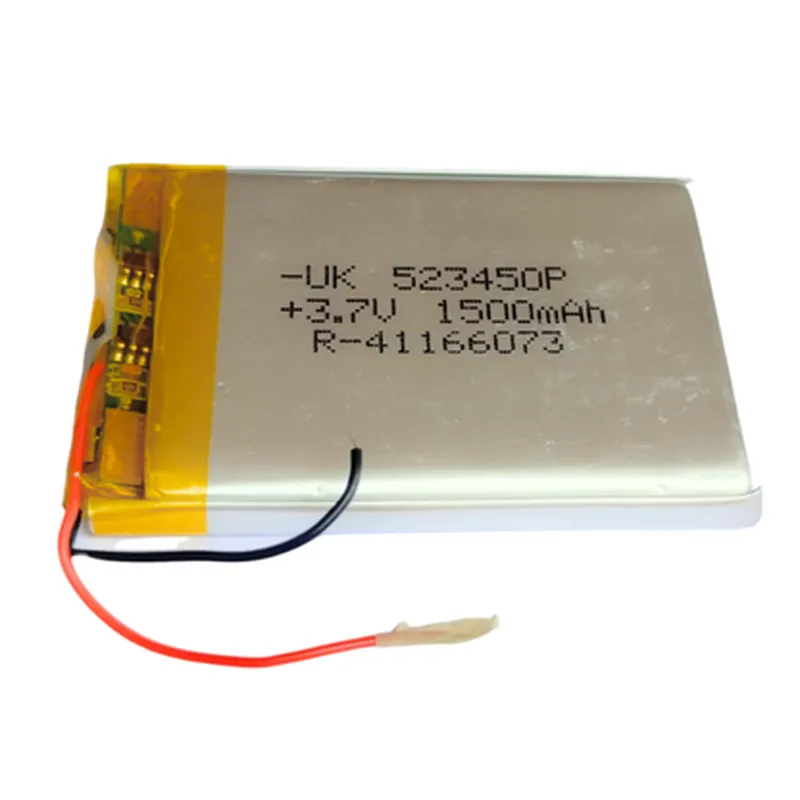
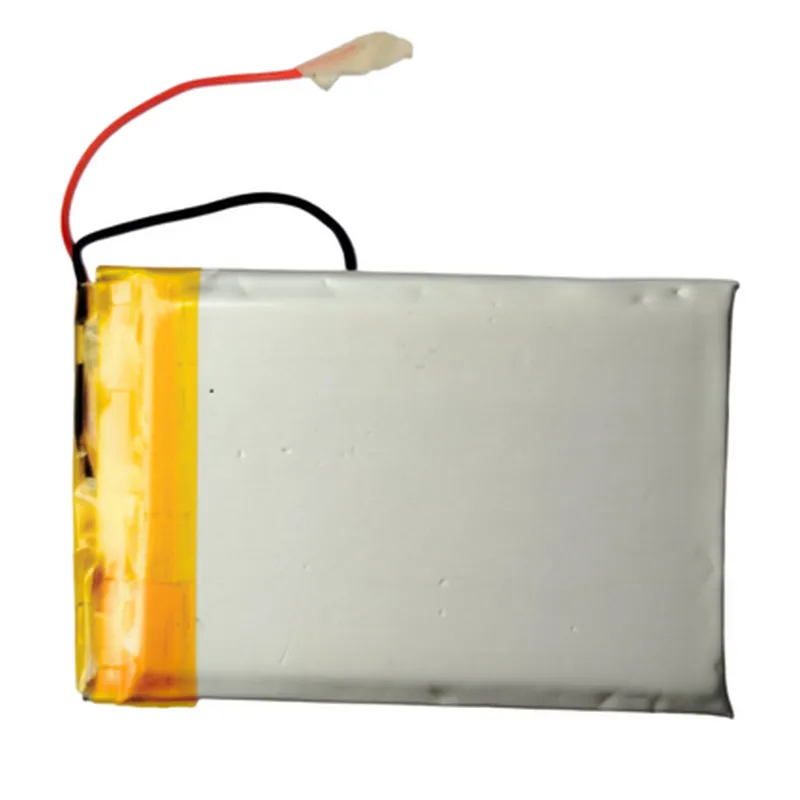
3.7V 1500mAH LiPo Rechargeable Battery Model UK-523450P
The 3.7V 1500mAH LiPo Rechargeable Battery Model UK-523450P is a compact and lightweight Lithium-Polymer battery designed for use in a variety of IoT applications. With its high capacity and moderate voltage, this battery is suitable for powering small to medium-sized devices, such as robots, drones, and other mobile systems.
Voltage: 3.7V
 Capacity: 1500mAh
  Chemistry: Lithium-Polymer (LiPo)
 Dimensions: 52mm x 34mm x 15mm
 Weight: 45g
 Cycle Life:  500 cycles
The battery has the following pinout:
Positive Terminal (VCC): Red wire
 Negative Terminal (GND): Black wire
Example 1: Powering an Arduino Board
In this example, we will use the 3.7V 1500mAH LiPo Rechargeable Battery to power an Arduino Uno board.
Arduino Uno board
 3.7V 1500mAH LiPo Rechargeable Battery Model UK-523450P
 Jumper wires
Code:
```c
const int ledPin = 13; // Pin 13 for the onboard LED
void setup() {
  pinMode(ledPin, OUTPUT);
}
void loop() {
  digitalWrite(ledPin, HIGH);
  delay(1000);
  digitalWrite(ledPin, LOW);
  delay(1000);
}
```
Connections:
Connect the positive terminal (red wire) of the battery to the VIN pin on the Arduino Uno board.
 Connect the negative terminal (black wire) of the battery to the GND pin on the Arduino Uno board.
Note: Make sure to use a suitable charger to charge the battery, and avoid overcharging or deep discharging to prolong its lifespan.
Example 2: Powering a Raspberry Pi with a Battery Monitoring System
In this example, we will use the 3.7V 1500mAH LiPo Rechargeable Battery to power a Raspberry Pi, and implement a simple battery monitoring system using a voltage sensor.
Raspberry Pi (any model)
 3.7V 1500mAH LiPo Rechargeable Battery Model UK-523450P
 Voltage sensor module (e.g., ADS1115)
 Breadboard and jumper wires
Code:
```python
import RPi.GPIO as GPIO
import time
# Define GPIO pins for voltage sensor
VOLTAGE_PIN = 17
# Set up GPIO mode
GPIO.setmode(GPIO.BCM)
# Set up voltage sensor pin as input
GPIO.setup(VOLTAGE_PIN, GPIO.IN)
while True:
    # Read voltage level from sensor
    voltage_level = GPIO.input(VOLTAGE_PIN)

    # Convert voltage level to percentage
    battery_percentage = (voltage_level / 4095)  100

    # Print battery percentage
    print("Battery level: {:.2f}%".format(battery_percentage))

    # Wait 1 second before taking the next reading
    time.sleep(1)
```
Connections:
Connect the positive terminal (red wire) of the battery to the power pin on the Raspberry Pi.
 Connect the negative terminal (black wire) of the battery to the ground pin on the Raspberry Pi.
 Connect the voltage sensor module to the Raspberry Pi's GPIO pins (e.g., GPIO 17).
Note: This code assumes the use of an ADS1115 voltage sensor module, which provides a 12-bit analog-to-digital conversion. You may need to adjust the code to match your specific voltage sensor module.