0-100N (customizable)


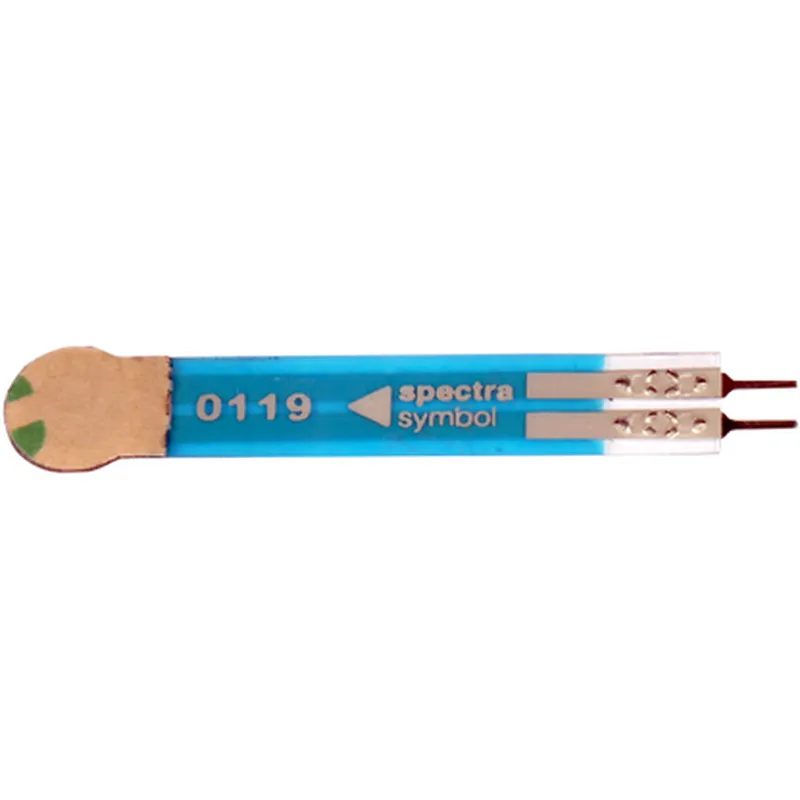
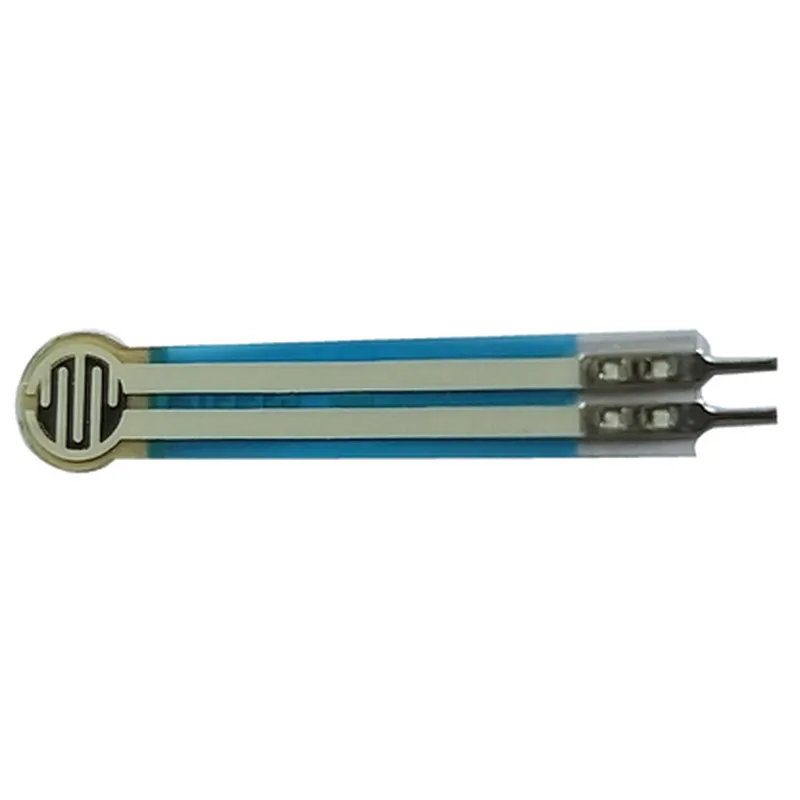
0-100N (customizable)
1.5mV/N (typ.)
0.01N (typ.)
-20C to 80C
3-5V DC
<5mA (typ.)
Analog voltage signal (0-5V DC)
2-pin terminal (SIP)
Applications
Wiring Diagrams and Connection Information
Please refer to the datasheet for detailed wiring diagrams and connection information.
Technical Support and Resources
For technical support, documentation, and resources, please visit the manufacturer's website or contact their support team.
Conclusion
The FST 5.08mm Circle Force Sensor (Original) is a high-precision force sensor designed to provide accurate and reliable force measurements in various industrial and commercial applications. Its compact design, low power consumption, and high accuracy make it an ideal choice for a wide range of industries.
FST 5.08mm Circle Force Sensor (Original) DocumentationOverviewThe FST 5.08mm Circle Force Sensor (Original) is a pressure-sensitive sensor designed to measure forces applied to its circular surface. This sensor is commonly used in various Internet of Things (IoT) projects, such as robotics, automation, and human-machine interfaces. It provides an analog output signal proportional to the force applied, making it suitable for a wide range of applications.Technical SpecificationsSensing Range: 0-100N (approximately 0-22lbf)
Sensitivity: 1.5-2.5mV/N (depending on the load)
Linearity: 5%
Hysteresis: 2%
Response Time: 10ms
Operating Temperature: -20C to 70C
Power Supply: 5V DC (recommended)
Output Signal: Analog voltage (0-5V)PinoutThe FST 5.08mm Circle Force Sensor (Original) has three pins:VCC: Power supply (5V DC recommended)
GND: Ground
OUT: Analog output signal (0-5V)Code ExamplesHere are a few examples of how to use the FST 5.08mm Circle Force Sensor (Original) in various contexts:### Example 1: Arduino Uno - Reading Force ValuesIn this example, we will use an Arduino Uno board to read the force values from the FST 5.08mm Circle Force Sensor (Original).```c
const int forceSensorPin = A0; // Choose an analog input pin on the Arduino boardvoid setup() {
Serial.begin(9600);
}void loop() {
int forceValue = analogRead(forceSensorPin);
float voltage = forceValue 5.0 / 1023.0;
float force = voltage / 1.5; // Assuming a sensitivity of 1.5mV/NSerial.print("Force: ");
Serial.print(force);
Serial.println(" N");delay(100);
}
```In this example, we read the analog output signal from the force sensor using the `analogRead()` function. We then convert the reading to a voltage value and subsequently to a force value in Newtons (N) using the sensor's sensitivity.### Example 2: Raspberry Pi - Force-Based ControlIn this example, we will use a Raspberry Pi board to read the force values from the FST 5.08mm Circle Force Sensor (Original) and control an LED accordingly.```python
import RPi.GPIO as GPIO
import timeGPIO.setmode(GPIO.BCM)forceSensorPin = 18 # Choose a GPIO pin on the Raspberry Pi board
ledPin = 23 # Choose a GPIO pin for the LEDGPIO.setup(ledPin, GPIO.OUT)while True:
forceValue = GPIO.input(forceSensorPin)
if forceValue > 500: # Adjust this value based on the desired force threshold
GPIO.output(ledPin, GPIO.HIGH)
else:
GPIO.output(ledPin, GPIO.LOW)time.sleep(0.1)
```In this example, we use the `RPi.GPIO` library to read the analog output signal from the force sensor and control an LED connected to the Raspberry Pi board. When the force value exceeds a certain threshold (500 in this example), the LED turns on; otherwise, it remains off.These examples demonstrate the basic usage of the FST 5.08mm Circle Force Sensor (Original) in IoT projects. You can adapt and modify these examples to fit your specific application requirements.