Rubber-based compound with magnetic additives


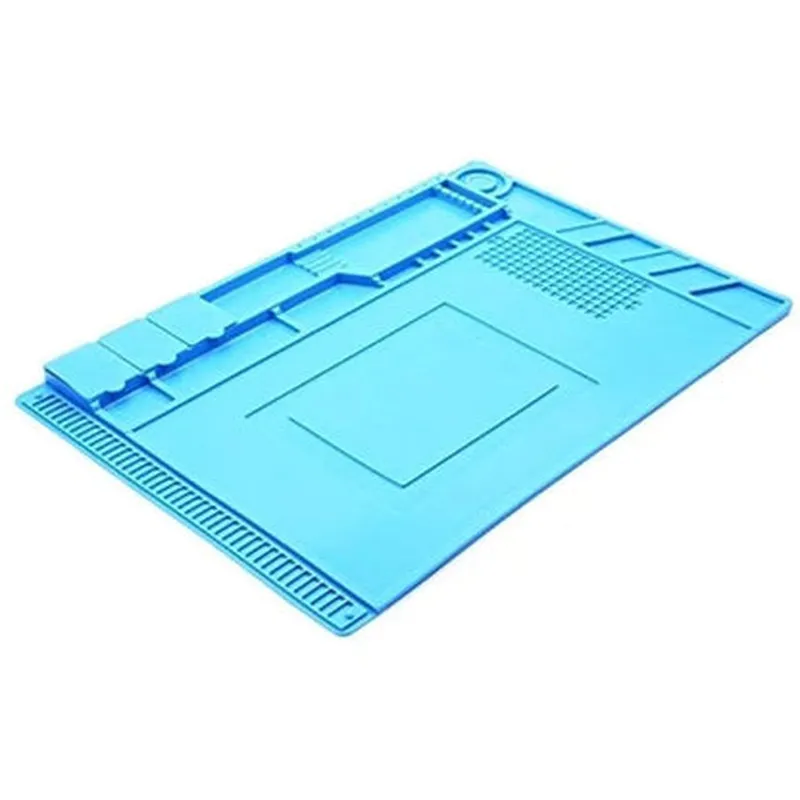
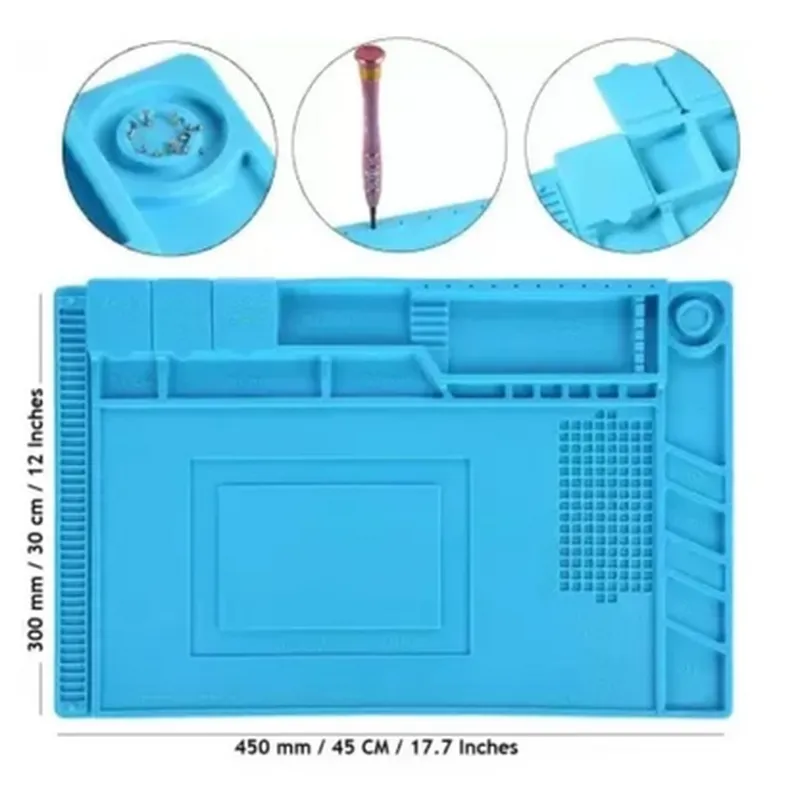
Rubber-based compound with magnetic additives
3 mm (0.12 inches)
<10^9 ohms
1 kg (2.2 lbs) holding capacity
Up to 130C (266F)
Resistant to acetone, toluene, and hexane
0C to 40C (32F to 104F)
Approximately 1.5 kg (3.3 lbs) for the 160x60 cm size
Applications
| The ESD S-160 Anti-Static Magnetic Heat Insulation Workbench Mat is ideal for various applications, including |
By providing a safe, organized, and thermally insulated workspace, the ESD S-160 mat is an essential component for anyone working with sensitive electronic components.
ESD S-160 Anti-Static Magnetic Heat Insulation Workbench Mat DocumentationOverviewThe ESD S-160 Anti-Static Magnetic Heat Insulation Workbench Mat is a versatile and essential component for various IoT and electronics projects. This mat provides a safe and efficient working surface for handling sensitive electronic components, protecting them from electrostatic discharge (ESD) and heat damage. Its magnetic heat insulation properties ensure reliable thermal management, making it an ideal accessory for IoT development, prototyping, and repair.FeaturesAnti-static surface to prevent ESD damage to electronic components
Magnetic heat insulation to prevent overheating and thermal stress
Durable and wear-resistant material for extended lifespan
Easy to clean and maintainUsage Examples### Example 1: Electrostatic-Sensitive Component HandlingWhen working with electrostatic-sensitive components, it's crucial to prevent ESD damage. The ESD S-160 mat provides a safe and controlled environment for handling these components.Scenario: You're working on a IoT project that involves handling sensitive microcontrollers and sensors.Code Example: (no code required, the mat is a passive component)Place the ESD S-160 mat on your workbench.
Ground yourself by wearing an anti-static wrist strap or touching a grounded object.
Handle the electrostatic-sensitive components on the mat, ensuring they do not come into contact with any other surfaces.### Example 2: Thermal Management in IoT ProjectsThe ESD S-160 mat's magnetic heat insulation properties make it an excellent choice for projects that require thermal management, such as IoT devices with heat-generating components.Scenario: You're building an IoT project that involves a high-power LED strip and a microcontroller.Code Example: (assuming an Arduino-based project)
```c
#include <FastLED.h>#define LED_PIN 6
#define LED_COUNT 30CRGB leds[LED_COUNT];void setup() {
FastLED.addLeds<WS2812, LED_PIN, GRB>(leds, LED_COUNT);
}void loop() {
// Animation code here
FastLED.show();
delay(50);
}
```
Place the ESD S-160 mat on your workbench.
Mount the high-power LED strip on the mat, ensuring good thermal contact.
Position the microcontroller on the mat, away from the LED strip.
Connect the power supply and other components as required.
The ESD S-160 mat will help dissipate heat generated by the LED strip, protecting the microcontroller and other components from thermal stress.These examples demonstrate the versatility of the ESD S-160 Anti-Static Magnetic Heat Insulation Workbench Mat in various IoT project contexts. By incorporating this component into your workflow, you can ensure the safety and reliability of your projects.