48.5mm (L) x 25.5mm (W) x 15.5mm (H)


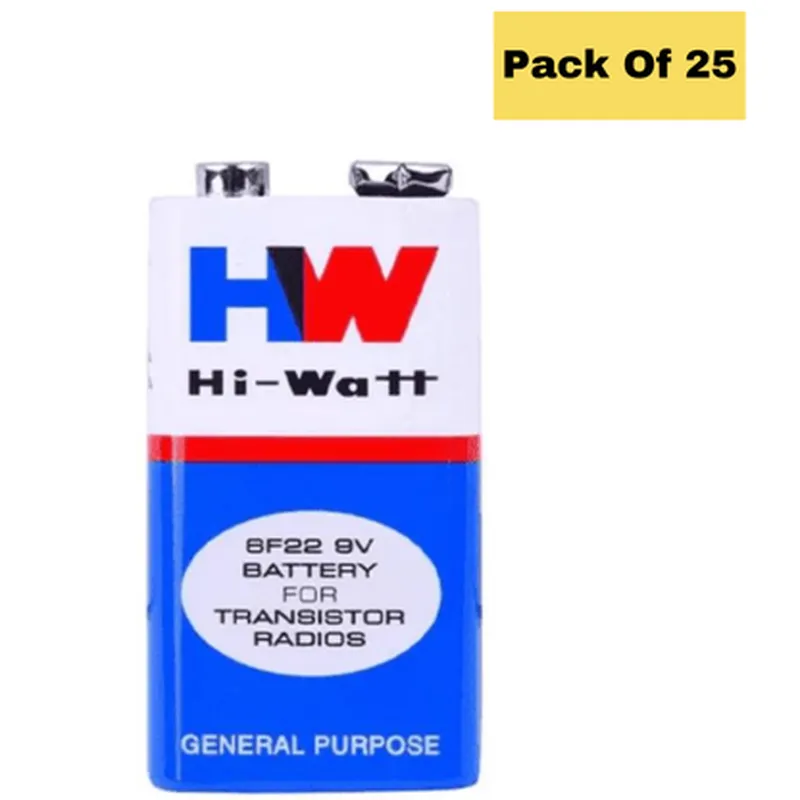
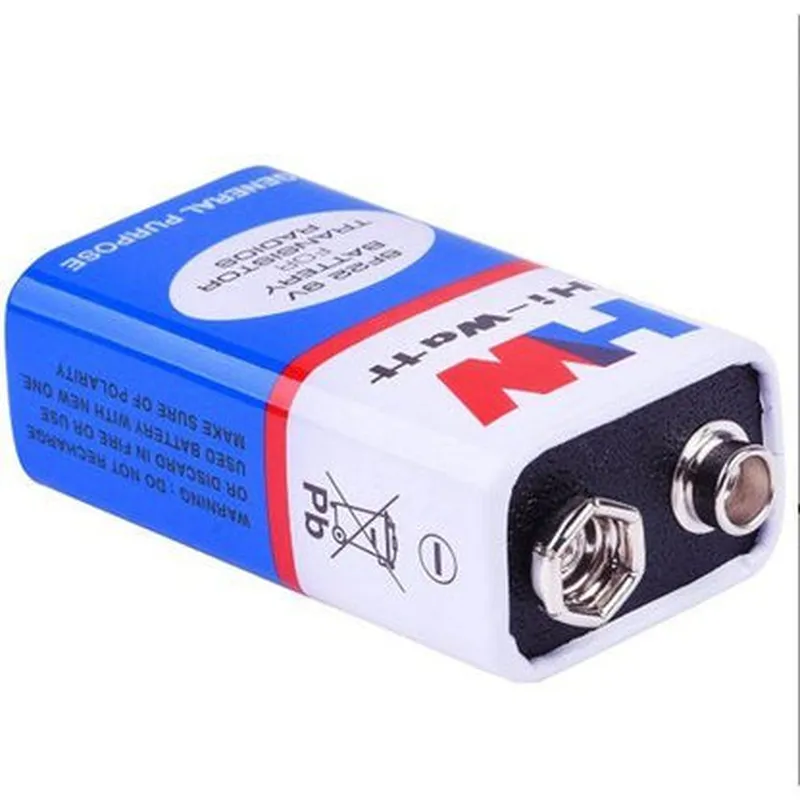
48.5mm (L) x 25.5mm (W) x 15.5mm (H)
Approximately 45g per battery
Snap connectors (std. 9V battery terminals)
Applications
| The 9V Original HW High-Quality Battery (Pack of 25) is suitable for a wide range of IoT applications, including |
Wireless sensor networks
IoT gateways and hubs
Remote monitoring systems
Smart home devices
Wearable devices
Medical devices
Industrial control systems
Conclusion
The 9V Original HW High-Quality Battery (Pack of 25) is a reliable and cost-effective power solution for various IoT devices and applications. With its high-quality cells, long lifespan, and wide operating temperature range, it is an ideal choice for designers, developers, and manufacturers seeking a trustworthy power source for their IoT projects.
9V Original HW High-Quality Battery (Pack of 25) DocumentationOverviewThe 9V Original HW High-Quality Battery is a reliable and efficient power source for various IoT projects. This battery pack consists of 25 high-quality 9V batteries, ideal for powering devices that require a stable and long-lasting power supply.SpecificationsVoltage: 9V
Capacity: High-quality alkaline batteries
Quantity: 25 batteries per pack
Dimensions: Standard 9V battery size (48mm x 25mm x 15mm)Usage Examples### Example 1: Powering an Arduino BoardIn this example, we will use the 9V battery to power an Arduino Uno board. The Arduino board is connected to a breadboard, and an LED is connected to digital pin 13.Hardware Requirements1 x Arduino Uno board
1 x Breadboard
1 x LED
1 x 9V Original HW High-Quality Battery
Jumper wiresCode
```c
const int ledPin = 13; // LED connected to digital pin 13void setup() {
pinMode(ledPin, OUTPUT);
}void loop() {
digitalWrite(ledPin, HIGH); // Turn the LED on
delay(1000); // Wait for 1 second
digitalWrite(ledPin, LOW); // Turn the LED off
delay(1000); // Wait for 1 second
}
```
Connect the 9V battery to the Arduino board's power input (VIN) using jumper wires. The Arduino board will regulate the 9V input to 5V for its internal components. The LED will blink on and off every second, demonstrating the reliable power supply from the 9V battery.### Example 2: Powering a Wireless Sensor NodeIn this example, we will use the 9V battery to power a wireless sensor node based on the ESP32 microcontroller. The sensor node will transmit temperature and humidity data to a remote server using Wi-Fi.Hardware Requirements1 x ESP32 microcontroller board
1 x DHT11 temperature and humidity sensor
1 x 9V Original HW High-Quality Battery
Jumper wires
Wi-Fi antenna (optional)Code
```c
#include <WiFi.h>
#include <DHT.h>const char ssid = "your_wifi_ssid";
const char password = "your_wifi_password";
const char serverUrl = "http://example.com/iot_data";DHT dht(DHT11, 4); // DHT11 sensor connected to digital pin 4void setup() {
Serial.begin(115200);
WiFi.begin(ssid, password);
while (WiFi.status() != WL_CONNECTED) {
delay(1000);
Serial.println("Connecting to WiFi...");
}
Serial.println("Connected to WiFi");
dht.begin();
}void loop() {
float temperature = dht.readTemperature();
float humidity = dht.readHumidity();
if (isnan(temperature) || isnan(humidity)) {
Serial.println("Failed to read from DHT11 sensor!");
} else {
WiFiClient client;
HTTPClient http;
http.begin(client, serverUrl);
http.addHeader("Content-Type", "application/json");
String payload = "{""temperature"": " + String(temperature) + ", ""humidity"": " + String(humidity) + "}";
int httpResponseCode = http.POST(payload);
http.end();
delay(10000); // Send data every 10 seconds
}
}
```
Connect the 9V battery to the ESP32 board's power input (VIN) using jumper wires. The ESP32 board will regulate the 9V input to 3.3V for its internal components. The sensor node will transmit temperature and humidity data to the remote server every 10 seconds, demonstrating the reliable power supply from the 9V battery.Note: Make sure to adjust the Wi-Fi credentials and server URL according to your specific setup.