220V AC Cooling Fan - 120mm120mm38mm


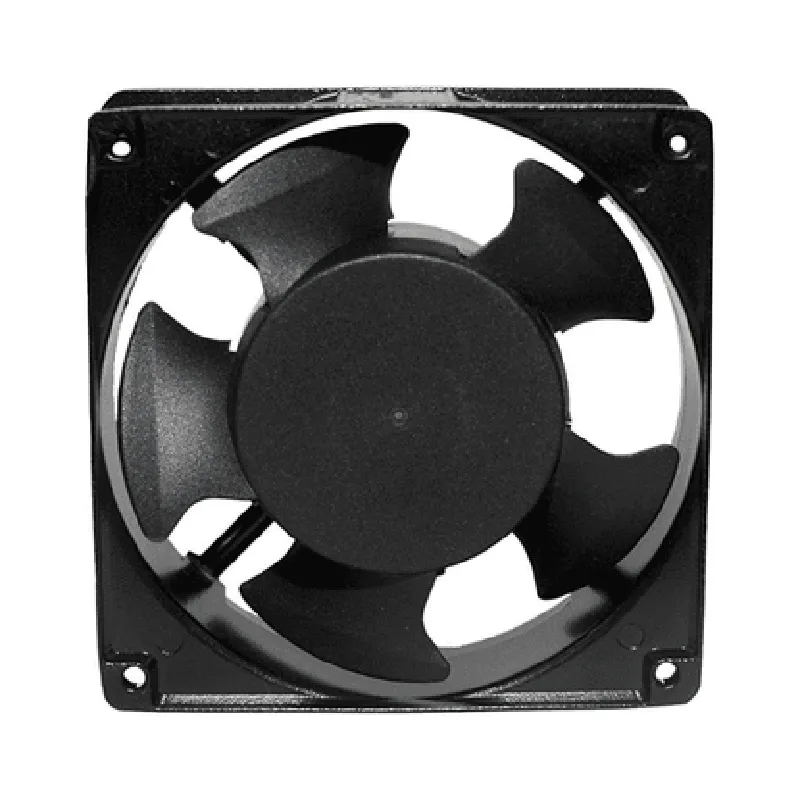
220V AC Cooling Fan - 120mm120mm38mm
Cooling and Thermal Management
The 220V AC Cooling Fan - 120mm120mm38mm is a high-quality, high-performance fan designed to provide efficient air circulation and cooling for various applications, including electronics, computers, and industrial equipment. Its primary function is to dissipate heat generated by components, ensuring optimal operating temperatures, and prolonging their lifespan.
| The 220V AC Cooling Fan - 120mm120mm38mm is suitable for a variety of applications, including |
Electronics and computer systems
Industrial control systems and equipment
Telecommunication devices and infrastructure
Medical devices and equipment
Audio and video equipment
| Specification | Value |
| --- | --- |
| Voltage | 220V AC |
| Frequency | 50-60 Hz |
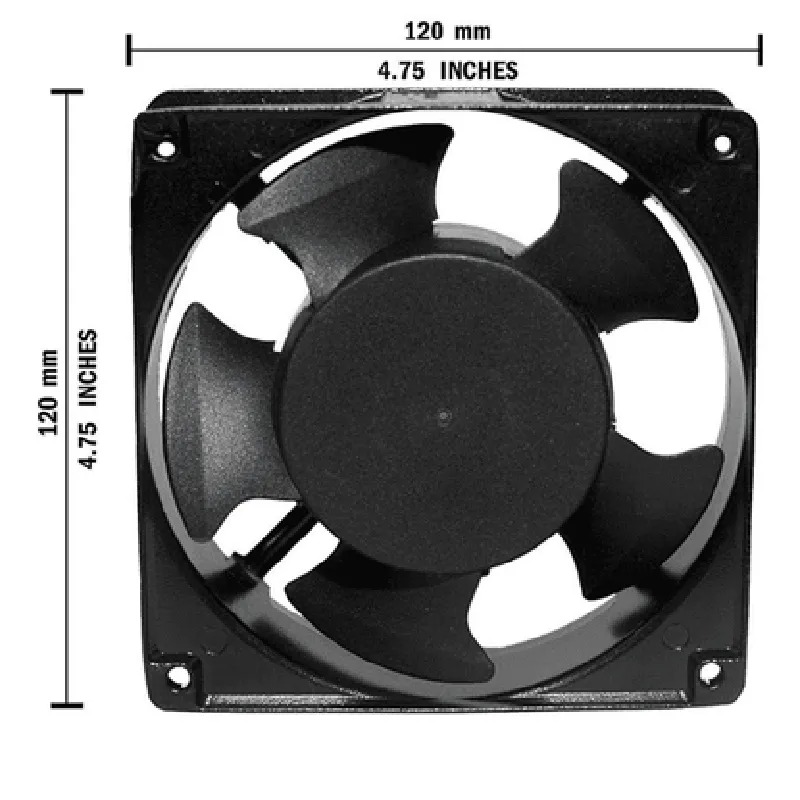
| Dimensions | 120mm x 120mm x 38mm |
| Airflow | Up to 35 CFM |
| Speed | 1500 RPM |
| Noise Level | 25 dBA |
| Bearing Type | Sleeve Bearing |
| Connector Type | 3-pin |
| MTBF | 30,000 hours |
| Certifications | UL, CE, RoHS |
| Operating Temperature | -10C to 40C |
| Operating Humidity | Up to 80% RH |
| Materials | Durable, high-quality materials |
The 220V AC Cooling Fan - 120mm120mm38mm is backed by a comprehensive warranty and dedicated customer support team, ensuring prompt assistance and resolution for any technical issues or concerns.
Component Documentation: 220V AC Cooling Fan - 120mm120mm38mmOverviewThe 220V AC Cooling Fan is a high-performance fan designed for cooling electronic devices and systems. With its compact size of 120mm120mm38mm, it is an ideal solution for applications where space is limited. This fan operates on 220V AC power and has a robust design that ensures reliable operation in demanding environments.Electrical CharacteristicsOperating Voltage: 220V AC
Power Consumption: 15W
Current: 0.68A
Frequency: 50/60Hz
Speed: 2600 RPM
Air Flow: 76 CFM
Noise Level: 35 dBAConnectors and WiringThe fan has a standard 2-pin AC power connector. The wiring diagram is as follows:Pin 1: Live Wire (Brown)
Pin 2: Neutral Wire (Blue)Code ExamplesHere are some code examples demonstrating how to use the 220V AC Cooling Fan in various contexts:Example 1: Basic On/Off Control using an Arduino BoardThis example demonstrates how to control the fan using an Arduino board. The fan is connected to a relay module, which is controlled by the Arduino.```cpp
const int relayPin = 2; // Choose a digital pin on your Arduino boardvoid setup() {
pinMode(relayPin, OUTPUT);
}void loop() {
digitalWrite(relayPin, HIGH); // Turn the fan ON
delay(5000); // Wait for 5 seconds
digitalWrite(relayPin, LOW); // Turn the fan OFF
delay(5000); // Wait for 5 seconds
}
```Example 2: Automatic Temperature Control using a Raspberry Pi and a Temperature SensorThis example demonstrates how to use the fan in conjunction with a temperature sensor and a Raspberry Pi to create an automatic temperature control system. The fan is connected to a relay module, which is controlled by the Raspberry Pi.```python
import RPi.GPIO as GPIO
import time# Set up the GPIO pin for the relay
relay_pin = 17
GPIO.setmode(GPIO.BCM)
GPIO.setup(relay_pin, GPIO.OUT)# Set up the temperature sensor
temp_sensor_pin = 18
GPIO.setup(temp_sensor_pin, GPIO.IN)while True:
# Read the temperature from the sensor
temperature = read_temperature(temp_sensor_pin)
if temperature > 30: # If the temperature exceeds 30C
GPIO.output(relay_pin, GPIO.HIGH) # Turn the fan ON
else:
GPIO.output(relay_pin, GPIO.LOW) # Turn the fan OFF
time.sleep(1) # Wait for 1 second
```Remember to replace the `read_temperature()` function with the actual implementation for your temperature sensor.Important Safety NotesEnsure the fan is installed in a well-ventilated area to prevent overheating.
Avoid touching the fan blades or electrical components while the fan is in operation.
Follow proper safety guidelines when working with 220V AC power systems.