20K 3386P Trimpot (Pack of 5)


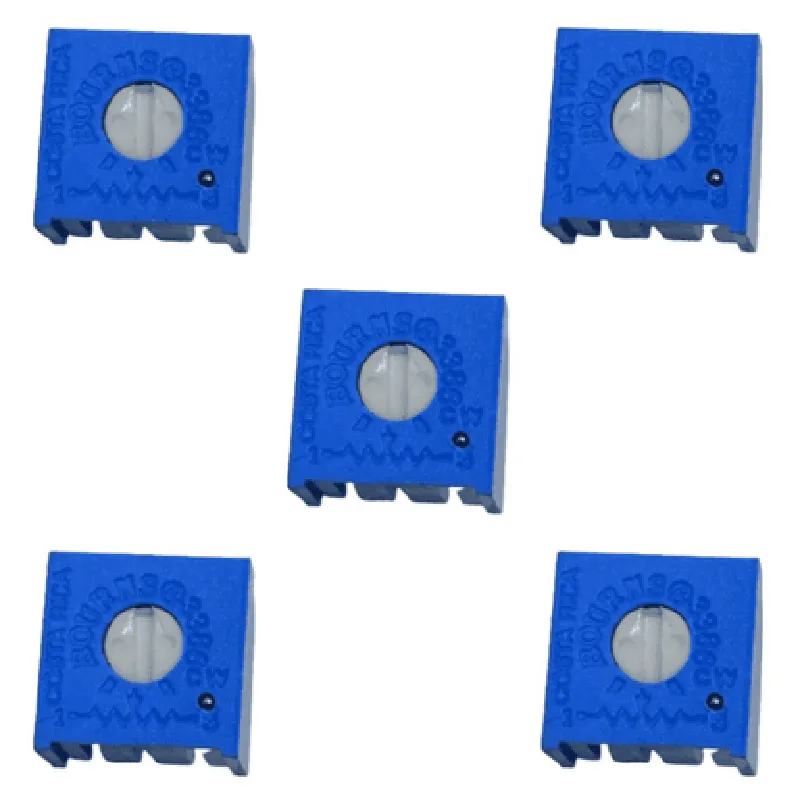
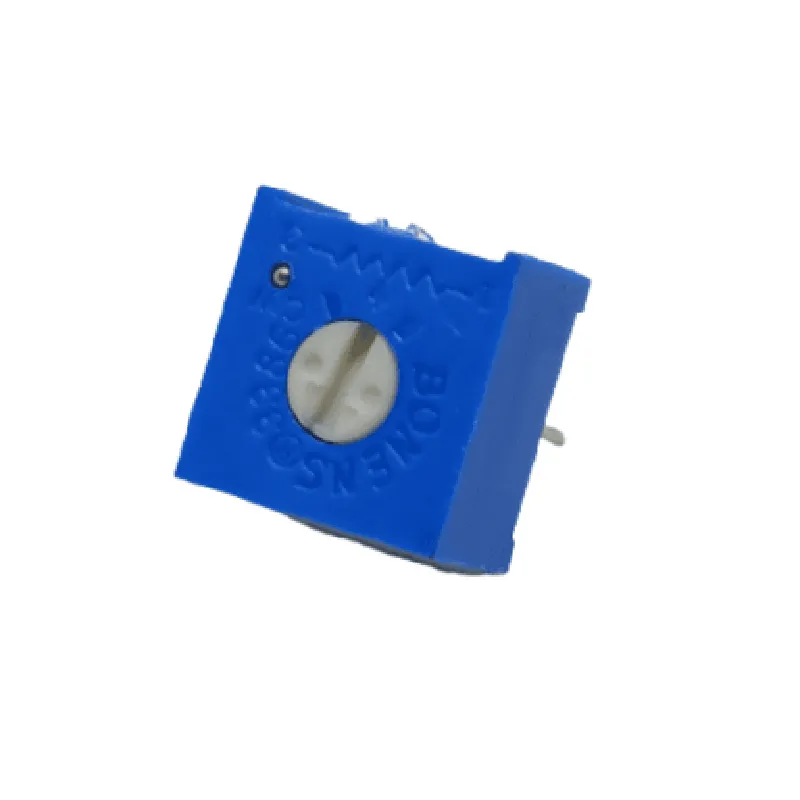
20K 3386P Trimpot (Pack of 5)
The 20K 3386P Trimpot is a type of precision potentiometer designed for adjusting electrical resistance in a wide range of electronic circuits. This component is part of the trimmer potentiometer family and is commonly used in applications requiring precise resistance adjustments.
The primary function of the 20K 3386P Trimpot is to divider a voltage signal and provide a variable output voltage that is proportional to the position of the potentiometer's mechanical shaft. The component features a three-terminal configuration, with one terminal connected to the input voltage, one terminal connected to the output voltage, and the third terminal connected to the circuit ground.
| When the shaft is rotated, the resistance between the input and output terminals changes, allowing the user to adjust the output voltage to a specific level. This functionality makes the 20K 3386P Trimpot an essential component in various applications, including |
Voltage dividers
Signal attenuators
Gain control circuits
Audio equipment
Industrial control systems
This component is supplied in a pack of 5 pieces, providing users with a convenient and cost-effective solution for their projects.
| The 20K 3386P Trimpot is suitable for a wide range of applications, including |
Industrial control systems
Audio equipment
Medical devices
Automotive systems
Aerospace applications
Consumer electronics
| When handling and using the 20K 3386P Trimpot, it is essential to follow proper safety precautions to avoid damage to the component or injury to oneself. Some key precautions include |
Handling the component by the body, not the leads
Avoiding excessive torque or force when adjusting the shaft
Keeping the component away from extreme temperatures, humidity, or mechanical stress
Following proper soldering techniques to avoid overheating or damaging the component
By following the guidelines and precautions outlined in this documentation, users can ensure safe and effective use of the 20K 3386P Trimpot in their projects.
Component Documentation: 20K 3386P Trimpot (Pack of 5)Overview
The 20K 3386P Trimpot is a popular, compact, and affordable variable resistor (trimpot) suitable for a wide range of electronic projects. This component is designed for precise adjustability and provides a compact, ergonomically designed package.Key FeaturesResistance range: 20 k
Power rating: 0.5 W
Linearity: 20%
Operating temperature: -40C to 125C
Package: Through-hole, axial lead
Dimensions: 6 mm (L) x 6 mm (W) x 15 mm (H)Code Examples### Example 1: Basic Trimpot Circuit (Analog Input)In this example, we'll use the 20K 3386P Trimpot as a variable voltage divider to adjust the input voltage of an analog-to-digital converter (ADC) on a microcontroller.Circuit Diagram
```markdown
+-----------+
| |
| Trimpot |
| 20K 3386P |
| |
+-----------+
|
|
v
+-----------+
| |
| Voltage |
| Source |
| |
+-----------+
|
|
v
+-----------+
| |
| ADC Input |
| (e.g., MCU) |
| |
+-----------+
```
Code (Arduino)
```c++
const int adcPin = A0; // ADC input pin
int trimValue = 0; // Trimpot value (0-1023)void setup() {
pinMode(adcPin, INPUT);
}void loop() {
trimValue = analogRead(adcPin); // Read ADC value (0-1023)
int voltage = map(trimValue, 0, 1023, 0, 5000); // Scale to 0-5V
Serial.print("Voltage: ");
Serial.println(voltage);
delay(500);
}
```
### Example 2: Trimpot-controlled LED Brightness (Digital Output)In this example, we'll use the 20K 3386P Trimpot to adjust the brightness of an LED connected to a digital output pin of a microcontroller.Circuit Diagram
```markdown
+-----------+
| |
| Trimpot |
| 20K 3386P |
| |
+-----------+
|
|
v
+-----------+
| |
| MCU |
| (e.g., Arduino) |
| |
+-----------+
|
|
v
+-----------+
| |
| LED |
| |
+-----------+
|
|
v
+-----------+
| |
| Resistor |
| (e.g., 220) |
| |
+-----------+
|
|
v
+-----------+
| |
| GND |
| |
+-----------+
```
Code (Arduino)
```c++
const int ledPin = 9; // Digital output pin
int trimValue = 0; // Trimpot value (0-1023)void setup() {
pinMode(ledPin, OUTPUT);
}void loop() {
trimValue = analogRead(A0); // Read Trimpot value (0-1023)
int brightness = map(trimValue, 0, 1023, 0, 255); // Scale to 0-255
analogWrite(ledPin, brightness); // Set LED brightness
delay(50);
}
```
Note: In both examples, the Trimpot is used as a variable resistor to adjust the voltage or current flowing through the circuit. The specific implementation details may vary depending on the microcontroller and other components used in the project.