Vibration Motor Documentation
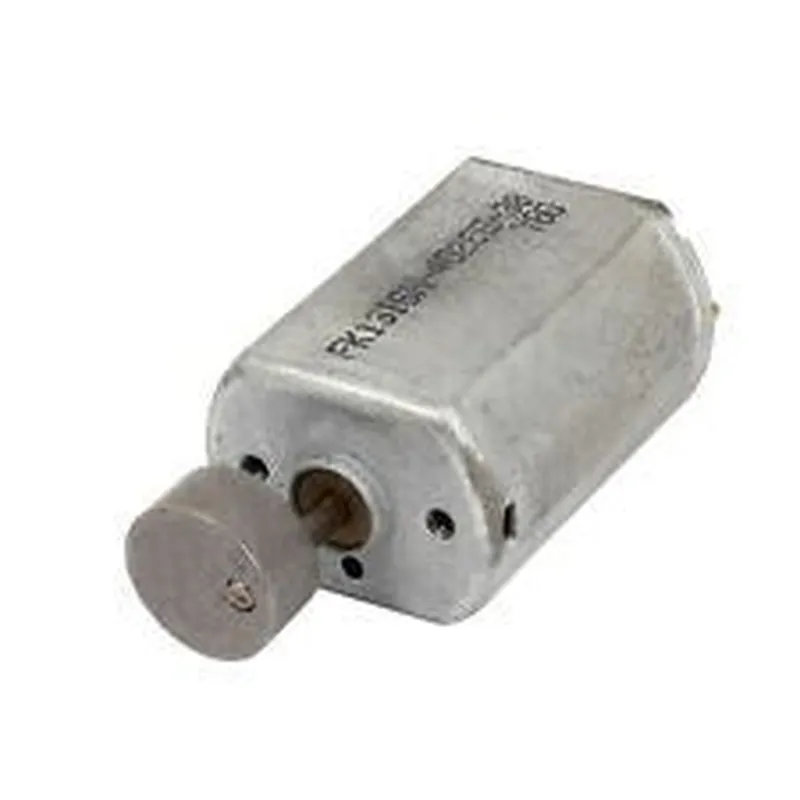
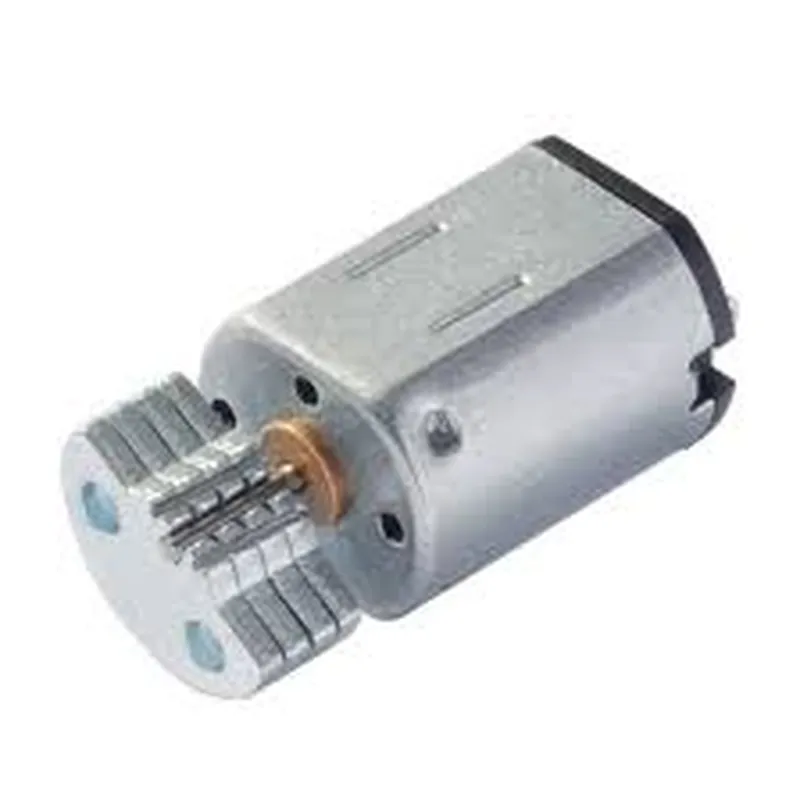
The Vibration Motor is a type of IoT component that converts electrical energy into mechanical vibrations, commonly used in haptic feedback systems, gaming controllers, and vibration-enabled devices.
Operating Voltage: 3V - 5V
 Operating Current: 20mA - 500mA
 Vibration Frequency: 100Hz - 400Hz
 Dimensions: 10mm x 10mm x 3.5mm
The Vibration Motor typically has two terminals: VCC and GND. Connect the positive terminal (VCC) to a power source, and the negative terminal (GND) to ground.
### Example 1: Basic Vibration Motor Control using Arduino
In this example, we'll demonstrate how to control a Vibration Motor using an Arduino board. We'll create a simple program that turns the motor on and off using a digital pin.
```c++
const int motorPin = 9;  // Pin 9 for motor control
void setup() {
  pinMode(motorPin, OUTPUT);
}
void loop() {
  // Turn the motor on
  digitalWrite(motorPin, HIGH);
  delay(1000); // Vibrate for 1 second
// Turn the motor off
  digitalWrite(motorPin, LOW);
  delay(1000); // Wait for 1 second
}
```
### Example 2: Vibration Pattern Generation using Raspberry Pi (Python)
In this example, we'll create a Python script that generates a vibration pattern using the RPi.GPIO library. We'll create a series of short and long vibrations to simulate a notification pattern.
```python
import RPi.GPIO as GPIO
import time
# Set up GPIO mode
GPIO.setmode(GPIO.BCM)
# Define the motor control pin
motor_pin = 17
GPIO.setup(motor_pin, GPIO.OUT)
def vibrate_SHORT():
  GPIO.output(motor_pin, GPIO.HIGH)
  time.sleep(0.1)
  GPIO.output(motor_pin, GPIO.LOW)
  time.sleep(0.1)
def vibrate_LONG():
  GPIO.output(motor_pin, GPIO.HIGH)
  time.sleep(0.5)
  GPIO.output(motor_pin, GPIO.LOW)
  time.sleep(0.5)
# Create a vibration pattern
def notification_pattern():
  vibrate_SHORT()
  vibrate_LONG()
  vibrate_SHORT()
  vibrate_LONG()
while True:
  notification_pattern()
  time.sleep(2)  # Wait for 2 seconds before repeating
```
### Example 3: Vibration Motor Control using ESP32 (MicroPython)
In this example, we'll demonstrate how to control a Vibration Motor using an ESP32 board and MicroPython. We'll create a simple program that turns the motor on and off using a digital pin.
```python
import machine
import utime
motor_pin = machine.Pin(27, machine.Pin.OUT)
while True:
  motor_pin.value(1)  # Turn the motor on
  utime.sleep(1)  # Vibrate for 1 second
motor_pin.value(0)  # Turn the motor off
  utime.sleep(1)  # Wait for 1 second
```
These code examples demonstrate the basic usage of the Vibration Motor in various contexts. Remember to adjust the pin numbers and programming logic according to your specific setup and requirements.