

Stufin
Home Quick Cart Profile

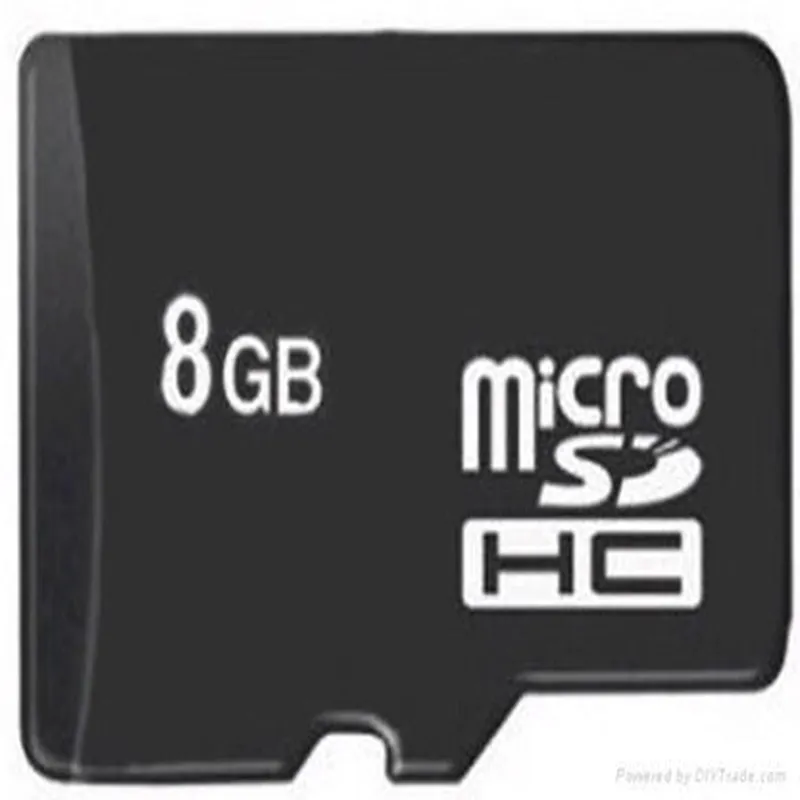
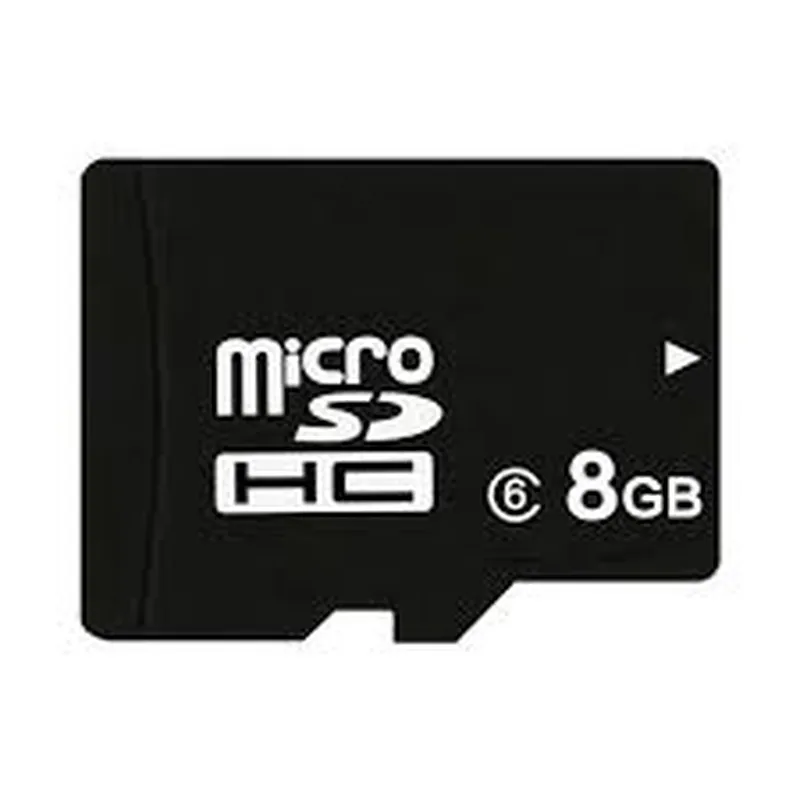
8GB Class 6 SD Card

Buy Now on Stufin

Component Name

8GB Class 6 SD Card

Description

The 8GB Class 6 SD Card is a flash memory storage device designed for use in various devices, including IoT devices, cameras, smartphones, and other electronic devices. It provides a compact and reliable means of storing and transferring data.

Functionality

The primary function of the 8GB Class 6 SD Card is to store and retrieve data, including images, videos, audio files, documents, and other digital content. It operates as a solid-state storage device, using flash memory technology to store data.

Key Features

  • Storage Capacity: 8GB (Gigabytes) of available storage space, allowing users to store a large number of files, images, and videos.
  • Class 6 Speed Rating: The SD Card has a Class 6 speed rating, indicating a minimum write speed of 6MB/s (Megabytes per second). This rating ensures that the card can handle video recording, burst mode photography, and other demanding applications.
  • Compatibility: The SD Card is compatible with a wide range of devices, including IoT devices, cameras, smartphones, and other electronic devices that support SD card slots.
  • Physical Dimensions: The SD Card has a compact size, measuring 24mm x 32mm x 2.1mm (Width x Length x Thickness), making it easy to integrate into small devices.
  • Operating Voltage: The SD Card operates at a voltage range of 2.7V to 3.6V, making it compatible with a wide range of devices.
  • Data Transfer Speed: The SD Card supports fast data transfer speeds, with a maximum read speed of up to 20MB/s and a maximum write speed of up to 15MB/s.
  • Operating Temperature: The SD Card can operate in a wide temperature range, from -25C to 85C (-13F to 185F), making it suitable for use in various environmental conditions.
  • Shock and Vibration Resistance: The SD Card is designed to withstand shock and vibration, ensuring that data remains safe in harsh environments.
  • Low Power Consumption: The SD Card has low power consumption, which helps to prolong the battery life of devices in which it is used.
  • Compatibility with SD Card Protocols: The SD Card supports various SD card protocols, including SD, SDHC, and SDXC, ensuring compatibility with a wide range of devices.

In summary, the 8GB Class 6 SD Card is a reliable and high-performance storage solution for IoT devices and other electronic devices, offering a large storage capacity, fast data transfer speeds, and wide compatibility.

Pin Configuration

  • 8GB Class 6 SD Card Pinout Guide
  • The 8GB Class 6 SD Card has a total of 9 pins, which are used to communicate with the host device and perform various functions. Here's a detailed explanation of each pin and how to connect them:
  • Pin 1: CS (Card Select)
  • Function: Card select signal, used to select the SD card as the active device on the bus.
  • Description: When the CS pin is low, the SD card is selected, and it responds to commands from the host device. When CS is high, the card is deselected, and it ignores commands from the host.
  • Connection: Connect to the host device's CS pin or a GPIO pin configured as a CS output.
  • Pin 2: VSS (Ground)
  • Function: Ground connection, used as a reference point for the card's signals.
  • Description: This pin provides a ground reference for the SD card's signals and helps to reduce noise and electromagnetic interference (EMI).
  • Connection: Connect to the host device's ground pin or a system ground.
  • Pin 3: VDD (Power Supply)
  • Function: Power supply voltage, used to power the SD card.
  • Description: The VDD pin provides the necessary power to operate the SD card. The recommended voltage range is 2.7V to 3.6V.
  • Connection: Connect to the host device's power supply pin or a regulated power source.
  • Pin 4: CLK (Clock)
  • Function: Clock signal, used to synchronize data transmission between the host device and the SD card.
  • Description: The CLK pin provides a clock signal to the SD card, which is used to synchronize data transmission. The clock frequency can be up to 25MHz.
  • Connection: Connect to the host device's clock pin or a clock signal generator.
  • Pin 5: CMD (Command)
  • Function: Command signal, used to transmit commands from the host device to the SD card.
  • Description: The CMD pin is used to transmit commands from the host device to the SD card, such as read, write, and erase operations.
  • Connection: Connect to the host device's command pin or a GPIO pin configured as a command output.
  • Pin 6: DAT0 (Data 0)
  • Function: Data signal, used to transmit data between the host device and the SD card.
  • Description: The DAT0 pin is one of the four data lines used to transmit data between the host device and the SD card.
  • Connection: Connect to the host device's data pin or a data signal line.
  • Pin 7: DAT1 (Data 1)
  • Function: Data signal, used to transmit data between the host device and the SD card.
  • Description: The DAT1 pin is one of the four data lines used to transmit data between the host device and the SD card.
  • Connection: Connect to the host device's data pin or a data signal line.
  • Pin 8: DAT2 (Data 2)
  • Function: Data signal, used to transmit data between the host device and the SD card.
  • Description: The DAT2 pin is one of the four data lines used to transmit data between the host device and the SD card.
  • Connection: Connect to the host device's data pin or a data signal line.
  • Pin 9: DAT3 (Data 3)
  • Function: Data signal, used to transmit data between the host device and the SD card.
  • Description: The DAT3 pin is one of the four data lines used to transmit data between the host device and the SD card.
  • Connection: Connect to the host device's data pin or a data signal line.
  • When connecting the SD card to a host device, ensure that the pins are properly aligned and connected to the corresponding pins on the host device. The SD card should be inserted into the socket or connector with the pins facing downwards and the label facing upwards.
  • Connection Structure:
  • Here is a sample connection structure for connecting the 8GB Class 6 SD Card to a microcontroller or a single-board computer:
  • CS (Pin 1) -> CS Pin on the microcontroller or a GPIO pin configured as a CS output
  • VSS (Pin 2) -> Ground Pin on the microcontroller or a system ground
  • VDD (Pin 3) -> Power Supply Pin on the microcontroller or a regulated power source
  • CLK (Pin 4) -> Clock Pin on the microcontroller or a clock signal generator
  • CMD (Pin 5) -> Command Pin on the microcontroller or a GPIO pin configured as a command output
  • DAT0 (Pin 6) -> Data Pin on the microcontroller or a data signal line
  • DAT1 (Pin 7) -> Data Pin on the microcontroller or a data signal line
  • DAT2 (Pin 8) -> Data Pin on the microcontroller or a data signal line
  • DAT3 (Pin 9) -> Data Pin on the microcontroller or a data signal line
  • Note: The specific connection structure may vary depending on the host device and the application. Ensure that the pins are properly connected and configured according to the host device's datasheet and the SD card's specification.

Code Examples

8GB Class 6 SD Card Documentation
Overview
The 8GB Class 6 SD Card is a high-capacity, high-speed storage device designed for use in various Internet of Things (IoT) applications. With a storage capacity of 8GB and a Class 6 speed rating, this SD card is ideal for storing and retrieving large amounts of data in IoT devices.
Technical Specifications
Storage Capacity: 8GB
 Speed Class: Class 6 (minimum write speed of 6MB/s)
 Interface: SD 2.0
 Operating Voltage: 2.7V to 3.6V
 Operating Temperature: -25C to +85C
 Dimensions: 15mm x 11mm x 1mm
Using the 8GB Class 6 SD Card in Microcontrollers
Example 1: Reading and Writing Data using Arduino
In this example, we will demonstrate how to read and write data to the 8GB Class 6 SD Card using an Arduino microcontroller.
Hardware Requirements
Arduino Board (e.g. Arduino Uno)
 8GB Class 6 SD Card
 SD Card Module (e.g. SD Card Shield)
Software Requirements
Arduino IDE (version 1.8 or later)
Code Example
```c
#include <SD.h>
const int sdCardPin = 5; // Pin for SD card module
void setup() {
  Serial.begin(9600);
  pinMode(sdCardPin, OUTPUT);
// Initialize the SD card
  if (!SD.begin(sdCardPin)) {
    Serial.println("SD card initialization failed!");
    while (1);
  }
  Serial.println("SD card initialized.");
}
void loop() {
  // Write data to the SD card
  File dataFile = SD.open("data.txt", FILE_WRITE);
  if (dataFile) {
    dataFile.println("Hello, world!");
    dataFile.close();
    Serial.println("Data written to SD card.");
  } else {
    Serial.println("Error writing to SD card.");
  }
// Read data from the SD card
  dataFile = SD.open("data.txt", FILE_READ);
  if (dataFile) {
    while (dataFile.available()) {
      Serial.write(dataFile.read());
    }
    dataFile.close();
    Serial.println("Data read from SD card.");
  } else {
    Serial.println("Error reading from SD card.");
  }
delay(1000);
}
```
Example 2: Using the 8GB Class 6 SD Card with Raspberry Pi
In this example, we will demonstrate how to read and write data to the 8GB Class 6 SD Card using a Raspberry Pi single-board computer.
Hardware Requirements
Raspberry Pi (e.g. Raspberry Pi 3 Model B)
 8GB Class 6 SD Card
 SD Card Slot (built-in on Raspberry Pi)
Software Requirements
Raspbian Operating System (version 10 or later)
Code Example
```python
import os
# Mount the SD card
os.system("sudo mount /dev/mmcblk0p1 /mnt")
# Write data to the SD card
with open("/mnt/data.txt", "w") as f:
    f.write("Hello, world!")
print("Data written to SD card.")
# Read data from the SD card
with open("/mnt/data.txt", "r") as f:
    print(f.read())
print("Data read from SD card.")
# Unmount the SD card
os.system("sudo umount /mnt")
```
These examples demonstrate how to use the 8GB Class 6 SD Card in various IoT applications, including microcontrollers and single-board computers. By following these examples, you can easily integrate the SD card into your IoT project and take advantage of its high storage capacity and speed.