Tempered Glass


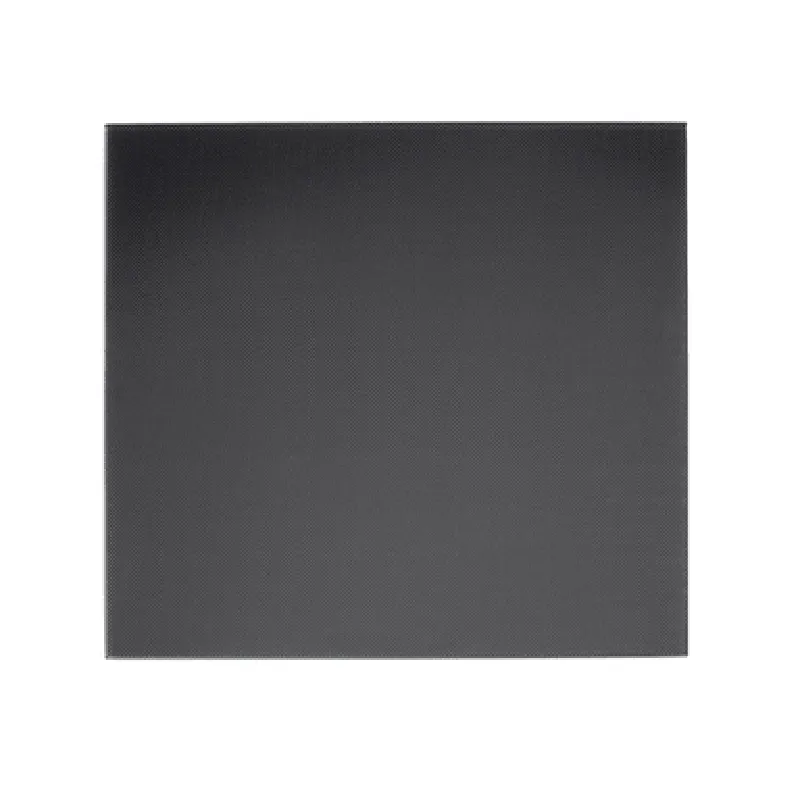
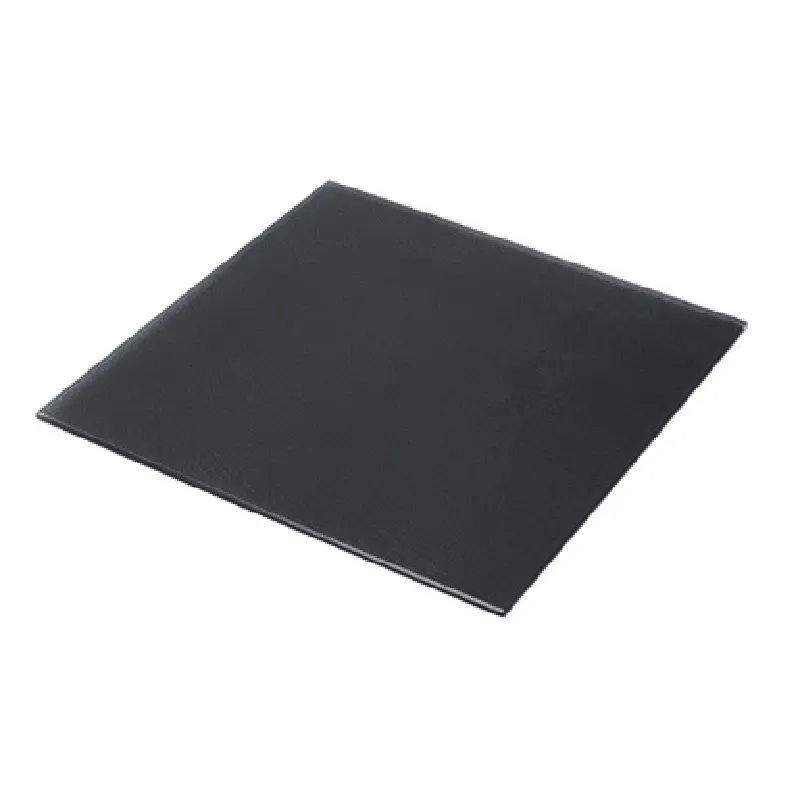
Tempered Glass
310mm x 310mm (12.2 inches x 12.2 inches)
3mm (0.12 inches)
Microporous Coating
up to 120C (248F)
FFF/FDM, SLA, and DLP 3D printers
Applications
| The Ultrabase 310310mm 3D Printer Platform Tempered Heated Bed Glass Plate with Microporous Coating is suitable for various 3D printing applications, including |
Industrial prototyping
Product design and development
Rapid prototyping
Model making
Artistic creations
Hobbyist projects
Conclusion
The Ultrabase 310310mm 3D Printer Platform Tempered Heated Bed Glass Plate with Microporous Coating is a premium component designed to provide a reliable, high-quality printing surface for 3D printing applications. Its durable construction, microporous coating, and heat-resistant design make it an excellent choice for professionals and hobbyists alike.
Ultrabase 310310mm 3D Printer Platform Tempered Heated Bed Glass Plate with Microporous CoatingOverviewThe Ultrabase 310310mm 3D Printer Platform Tempered Heated Bed Glass Plate with Microporous Coating is a high-quality printing bed designed for 3D printing applications. The tempered glass plate provides a stable and durable surface for printing, while the microporous coating ensures excellent adhesion and minimizes warping. The heated bed feature allows for precise temperature control, making it ideal for printing with a variety of materials.Technical SpecificationsSize: 310mm x 310mm
Material: Tempered glass
Coating: Microporous
Heated bed: Yes
Temperature range: 20C to 120C
Power consumption: 120W
Interface: Compatible with most 3D printer controllersCode Examples### Example 1: Marlin Firmware ConfigurationIn this example, we will demonstrate how to configure the Ultrabase heated bed using the Marlin firmware.```c++
// Ultrabase heated bed configuration
#define HEATED_BED
#define HEATED_BED_START 20 // Initial temperature
#define HEATED_BED_END 120 // Maximum temperature
#define HEATED_BED_PREHEAT 60 // Preheat temperature// Set the heated bed pin
#define HEATED_BED_PIN 13// Initialize the heated bed
void setup() {
pinMode(HEATED_BED_PIN, OUTPUT);
}// Set the heated bed temperature
void loop() {
int target_temp = 100; // Set the target temperature
analogWrite(HEATED_BED_PIN, target_temp 255 / 120);
delay(1000); // Wait for 1 second
}
```### Example 2: Python Script for Temperature Control using RPiIn this example, we will demonstrate how to control the Ultrabase heated bed temperature using a Raspberry Pi (RPi) and Python.```python
import RPi.GPIO as GPIO
import time# Set the GPIO pin for the heated bed
HEATED_BED_PIN = 17# Set the temperature range
MIN_TEMP = 20
MAX_TEMP = 120# Initialize the GPIO pin
GPIO.setmode(GPIO.BCM)
GPIO.setup(HEATED_BED_PIN, GPIO.OUT)def set_temperature(temp):
# Calculate the duty cycle based on the temperature
duty_cycle = (temp - MIN_TEMP) / (MAX_TEMP - MIN_TEMP) 100
GPIO.PWM(HEATED_BED_PIN, duty_cycle)try:
while True:
# Set the temperature to 100C
set_temperature(100)
time.sleep(1)
# Set the temperature to 80C
set_temperature(80)
time.sleep(1)
except KeyboardInterrupt:
GPIO.cleanup()
```Note: These examples are for illustrative purposes only and may require modifications to work with your specific 3D printer configuration and setup. Please consult your 3D printer's documentation and the Ultrabase heated bed datasheet for more information.