Dual-core 32-bit LX6 microprocessor


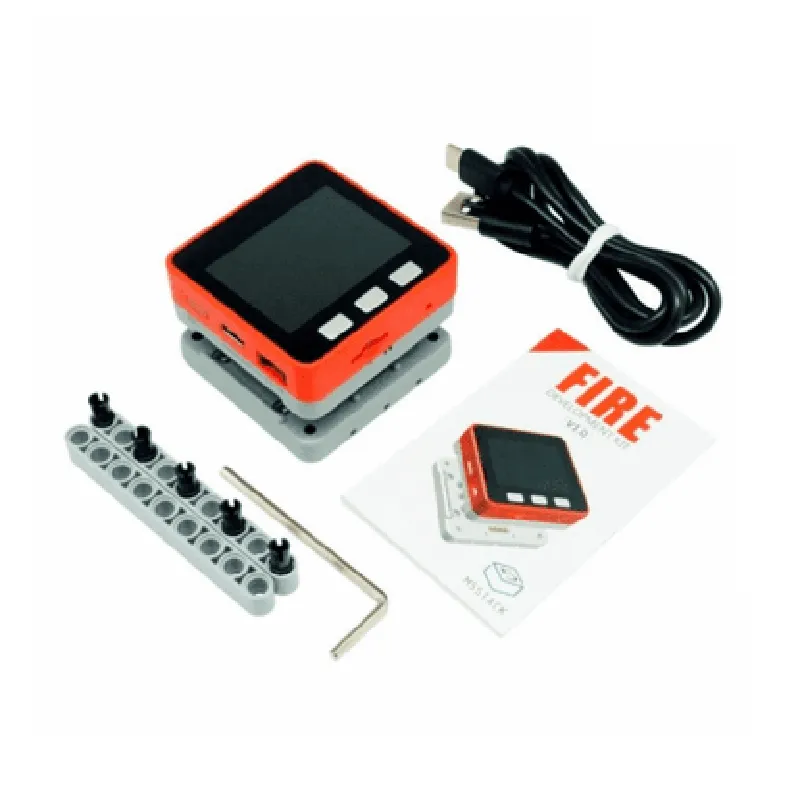
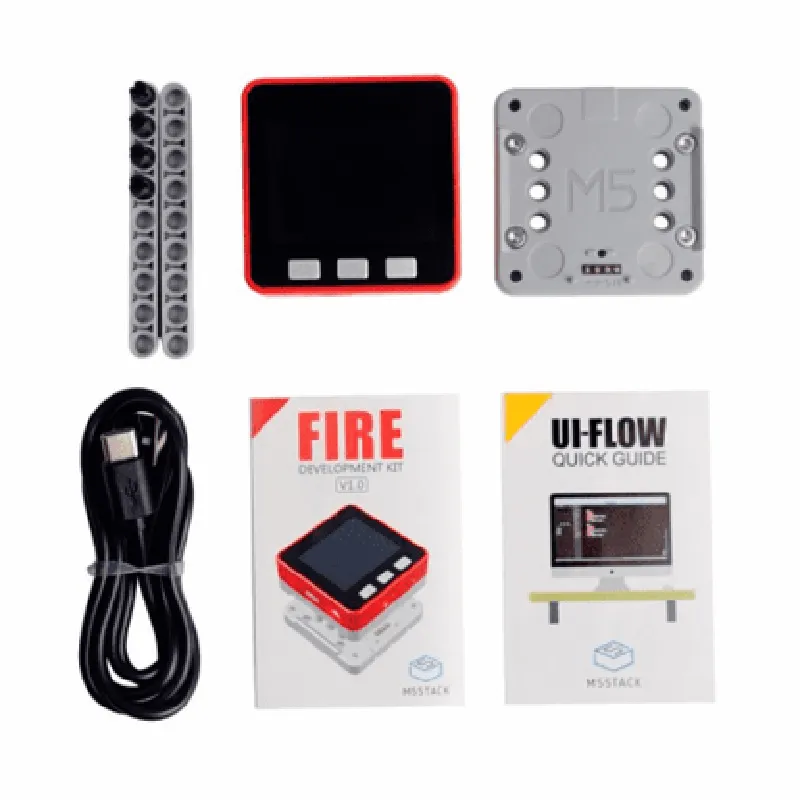
Dual-core 32-bit LX6 microprocessor
4MB flash, 520 KB SRAM, 4MB PSRAM
160 MHz
| Wi-Fi | 802.11 b/g/n |
4.2
UART, SPI, I2C, I2S, ADC, USB-C
19
Supported up to 16 GB
Supports charging and discharging of Li-Po batteries
5V @ 2A via USB-C or battery
-40C to 85C
Target Applications
| The M5Stack FIRE IoT Development Kit (PSRAM) V2.6 is suitable for a wide range of IoT applications, including |
Home automation and smart home devices
Industrial automation and control systems
Wearables and fitness trackers
Environmental monitoring and sensing applications
Robotics and automation projects
Proof-of-concept prototypes for IoT-based products and services
M5Stack FIRE IoT Development Kit (PSRAM) V2.6 DocumentationThe M5Stack FIRE IoT Development Kit (PSRAM) V2.6 is a powerful microcontroller-based development board designed for IoT applications. It is built around the ESP32 system-on-chip (SoC) and features 16MB of PSRAM, providing a robust platform for developing complex IoT projects.Hardware SpecificationsMicrocontroller: ESP32-D0WDQ6
PSRAM: 16MB
Flash Memory: 16MB
Wi-Fi: 802.11 b/g/n
Bluetooth: 4.2
UART, I2C, I2S, SPI, ADC, DAC, and other peripherals
Power Management: USB-C, battery connector, and power switch
Operating Temperature: -20C to 85CSoftware SupportThe M5Stack FIRE IoT Development Kit (PSRAM) V2.6 is compatible with various programming languages, including:MicroPython
C/C++
Lua
Arduino IDE
UIFlowCode Examples### Example 1: Wi-Fi Connection and HTTP GET Request using MicroPythonThis example demonstrates how to connect to a Wi-Fi network and send an HTTP GET request using MicroPython:
```python
import machine
import network
import urequests# Initialize Wi-Fi
wlan = network.WLAN(network.STA_IF)
wlan.active(True)
wlan.connect('your_wifi_ssid', 'your_wifi_password')while not wlan.isconnected():
machine.sleep(1)print('Connected to Wi-Fi')# Send HTTP GET request
response = urequests.get('http://example.com')
print(response.text)
```
### Example 2: Blinking LED using Arduino IDEThis example demonstrates how to blink the built-in LED on the M5Stack FIRE board using the Arduino IDE:
```c
#include <M5Stack.h>M5Stack Fires fires;void setup() {
fires.begin();
fires.Lcd.clear();
fires.Lcd.println("M5Stack FIRE IoT DevKit");
}void loop() {
fires.ledWrite(LED_BUILTIN, HIGH);
delay(500);
fires.ledWrite(LED_BUILTIN, LOW);
delay(500);
}
```
### Example 3: UART Communication using LuaThis example demonstrates how to use the UART interface to communicate with an external device using Lua:
```lua
uart.setup(0, 115200, 8, 0, 1)
uart.write("Hello, world!")
local data = uart.read(10)
print(data)
```
These examples demonstrate the versatility of the M5Stack FIRE IoT Development Kit (PSRAM) V2.6 and its potential for various IoT applications. By leveraging the board's capabilities and supported programming languages, developers can create complex and innovative projects.