Stufin
Home Quick Cart Profile

Dual 4-bit Decade Ripple Counter IC - 74HC390

Buy Now on Stufin

Pin Configuration

  • 74HC390 Dual 4-bit Decade Ripple Counter IC
  • The 74HC390 is a dual 4-bit decade ripple counter IC, a popular component in digital electronics and Internet of Things (IoT) projects. It consists of two separate 4-bit counters, each capable of counting up to 9. This documentation will guide you through the pinout and how to connect the pins.
  • Pinout:
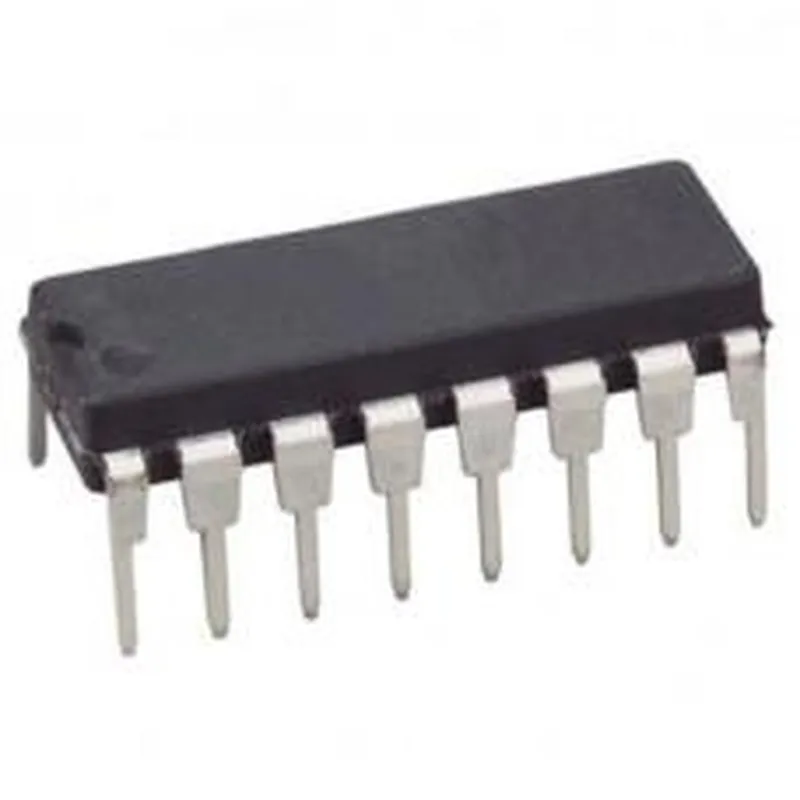
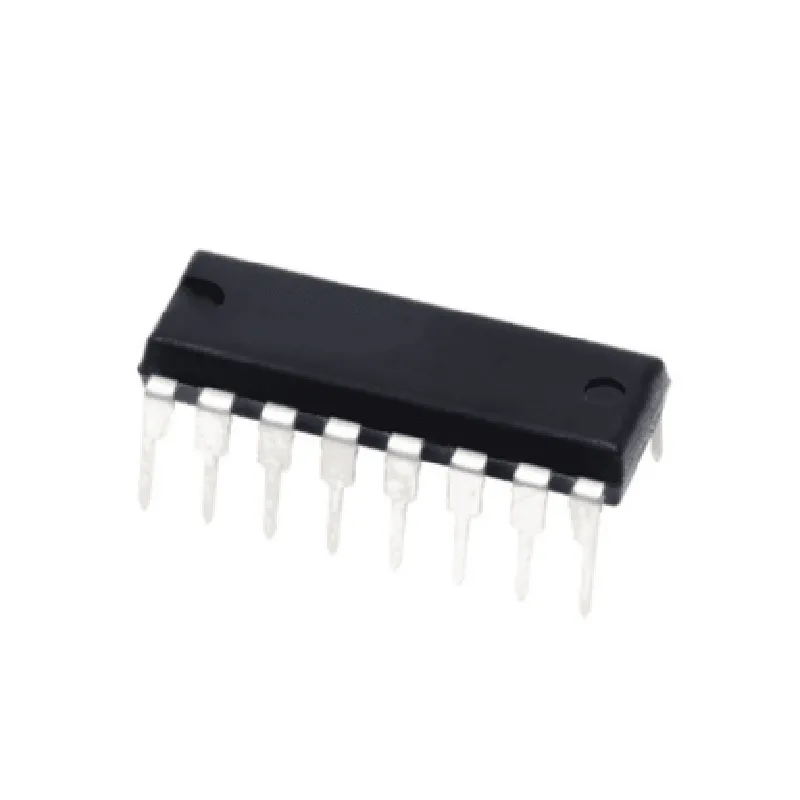
  • The 74HC390 comes in a 16-pin Dual In-Line Package (DIP). Here's a breakdown of each pin:
  • Counter 1 ( Pins 1-8):
  • 1. CLK1 (Clock Input 1): The clock input for Counter 1. This pin accepts the clock signal that triggers the counter to increment.
  • 2. RST1 (Reset Input 1): Active-low reset input for Counter 1. When this pin is low, the counter resets to 0.
  • 3. ENP1 (Enable Input 1): Active-low enable input for Counter 1. When this pin is low, the counter is enabled.
  • 4. Q0-Q3 (Output 1): The 4-bit output of Counter 1, representing the count from 0 to 9 (0000 to 1001 in binary).
  • 5. RO1 (Ripple Out 1): The ripple output of Counter 1, which can be used to cascade multiple counters.
  • 6. ENP2 (Enable Input 2): Active-low enable input for Counter 2. When this pin is low, the counter is enabled.
  • 7. RST2 (Reset Input 2): Active-low reset input for Counter 2. When this pin is low, the counter resets to 0.
  • 8. CLK2 (Clock Input 2): The clock input for Counter 2. This pin accepts the clock signal that triggers the counter to increment.
  • Counter 2 (Pins 9-16):
  • 9. Q4-Q7 (Output 2): The 4-bit output of Counter 2, representing the count from 0 to 9 (0000 to 1001 in binary).
  • 10. RO2 (Ripple Out 2): The ripple output of Counter 2, which can be used to cascade multiple counters.
  • 11. NC (No Connection): This pin has no internal connection and should be left unconnected.
  • 12. VCC (Supply Voltage): The positive power supply pin, typically connected to +5V.
  • 13. GND (Ground): The ground pin, connected to the negative power supply or system ground.
  • 14. NC (No Connection): This pin has no internal connection and should be left unconnected.
  • 15. ENP1 (Enable Input 1): Active-low enable input for Counter 1. When this pin is low, the counter is enabled. (same as pin 3)
  • 16. RST1 (Reset Input 1): Active-low reset input for Counter 1. When this pin is low, the counter resets to 0. (same as pin 2)
  • Connecting the Pins:
  • To use the 74HC390 in your IoT project, follow these steps:
  • 1. Connect the power supply:
  • VCC (pin 12) to +5V
  • GND (pin 13) to system ground or negative power supply
  • 2. Connect the clock inputs:
  • CLK1 (pin 1) to the clock signal for Counter 1
  • CLK2 (pin 8) to the clock signal for Counter 2
  • 3. Connect the reset inputs:
  • RST1 (pin 2) to the reset signal for Counter 1
  • RST2 (pin 7) to the reset signal for Counter 2
  • 4. Connect the enable inputs:
  • ENP1 (pin 3) to the enable signal for Counter 1
  • ENP2 (pin 6) to the enable signal for Counter 2
  • 5. Connect the output pins:
  • Q0-Q3 (pins 4-5) to the output of Counter 1
  • Q4-Q7 (pins 9-10) to the output of Counter 2
  • 6. Connect the ripple output pins (if cascading multiple counters):
  • RO1 (pin 5) to the clock input of the next counter
  • RO2 (pin 10) to the clock input of the next counter
  • Important Notes:
  • Unused inputs should be tied to VCC or GND, depending on the logic level required.
  • The 74HC390 can operate at a maximum clock frequency of 30 MHz.
  • The IC should be used within the recommended operating conditions to ensure reliable performance.
  • By following these steps and understanding the pinout, you can effectively integrate the 74HC390 Dual 4-bit Decade Ripple Counter IC into your IoT project.

Code Examples

Dual 4-bit Decade Ripple Counter IC - 74HC390 Documentation
Overview
The 74HC390 is a Dual 4-bit Decade Ripple Counter IC, a versatile component used for counting and frequency division applications in digital circuits. It consists of two separate 4-bit ripple counters, each with a ripple carry output and a clock input. The counters can be used independently or connected in cascade to form a larger counter.
Pinout
The 74HC390 has a 16-pin DIP package with the following pinout:
| Pin Number | Pin Name | Function |
| --- | --- | --- |
| 1 | RCO1 | Ripple Carry Output 1 |
| 2-5 | Q1-Q4 | Counter 1 Outputs |
| 6 | CP1 | Clock Input 1 |
| 7-10 | Q5-Q8 | Counter 2 Outputs |
| 11 | CP2 | Clock Input 2 |
| 12 | RCO2 | Ripple Carry Output 2 |
| 13-16 | GND, VCC | Power Supply |
Counter Operation
Each counter is a 4-bit decade counter, meaning it counts from 0 to 9 (0000 to 1001 in binary) before resetting to 0. The counters can be connected in cascade to form an 8-bit counter, a 12-bit counter, or even larger.
Code Examples
### Example 1: Basic 4-bit Counter using 74HC390 with Arduino
In this example, we'll use one counter to count pulses from a photodiode connected to a clock input. The counter output will be displayed on an LCD display.
```cpp
// Arduino Sketch
#include <LiquidCrystal.h>
LiquidCrystal_I2C lcd(0x27, 16, 2);
const int clockPin = 2;  // Connect photodiode to this pin
const int latchPin = 4; // Connect Q1-Q4 to this pin
const int lcd_RS = 7;
const int lcd_EN = 8;
const int lcd_D4 = 9;
const int lcd_D5 = 10;
const int lcd_D6 = 11;
const int lcd_D7 = 12;
void setup() {
  pinMode(clockPin, INPUT);
  pinMode(latchPin, OUTPUT);
  lcd.init();
  lcd.backlight();
}
void loop() {
  static byte count = 0;
  static byte prevCount = 0;
if (digitalRead(clockPin) == HIGH) {
    count = (count + 1) % 10; // Increment count (mod 10)
  }
if (count != prevCount) {
    prevCount = count;
    lcd.setCursor(0, 0);
    lcd.print("Count: ");
    lcd.print(count, DEC);
    delay(100);
  }
}
```
### Example 2: Cascaded 8-bit Counter using 74HC390 with Raspberry Pi (Python)
In this example, we'll connect two counters in cascade to form an 8-bit counter. The counter output will be displayed on the Raspberry Pi's console.
```python
# Python Script
import RPi.GPIO as GPIO
import time
GPIO.setmode(GPIO.BCM)
# Counter 1
CP1 = 17  # Clock input 1
Q1 = 23  # Q1 output
Q2 = 24  # Q2 output
Q3 = 25  # Q3 output
Q4 = 27  # Q4 output
# Counter 2
CP2 = 22  # Clock input 2
Q5 = 5  # Q5 output
Q6 = 6  # Q6 output
Q7 = 13  # Q7 output
Q8 = 19  # Q8 output
GPIO.setup(CP1, GPIO.IN)
GPIO.setup(Q1, GPIO.OUT)
GPIO.setup(Q2, GPIO.OUT)
GPIO.setup(Q3, GPIO.OUT)
GPIO.setup(Q4, GPIO.OUT)
GPIO.setup(CP2, GPIO.IN)
GPIO.setup(Q5, GPIO.OUT)
GPIO.setup(Q6, GPIO.OUT)
GPIO.setup(Q7, GPIO.OUT)
GPIO.setup(Q8, GPIO.OUT)
count = 0
try:
    while True:
        if GPIO.input(CP1) == GPIO.HIGH:
            count = (count + 1) % 256  # Increment count (mod 256)
            print(f'Count: {count:08b}')
            time.sleep(0.1)
except KeyboardInterrupt:
    GPIO.cleanup()
```
Note: These examples are for illustration purposes only and may require additional circuitry and modifications to work in a real-world application. Ensure you understand the 74HC390's datasheet and the specific requirements of your project before implementing these examples.