

Stufin
Home Quick Cart Profile

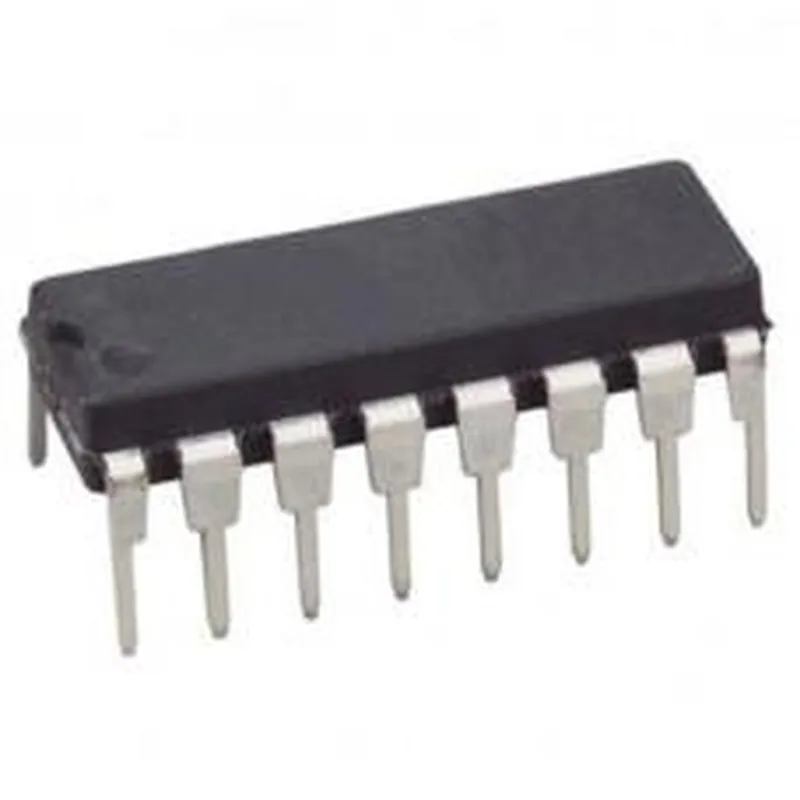
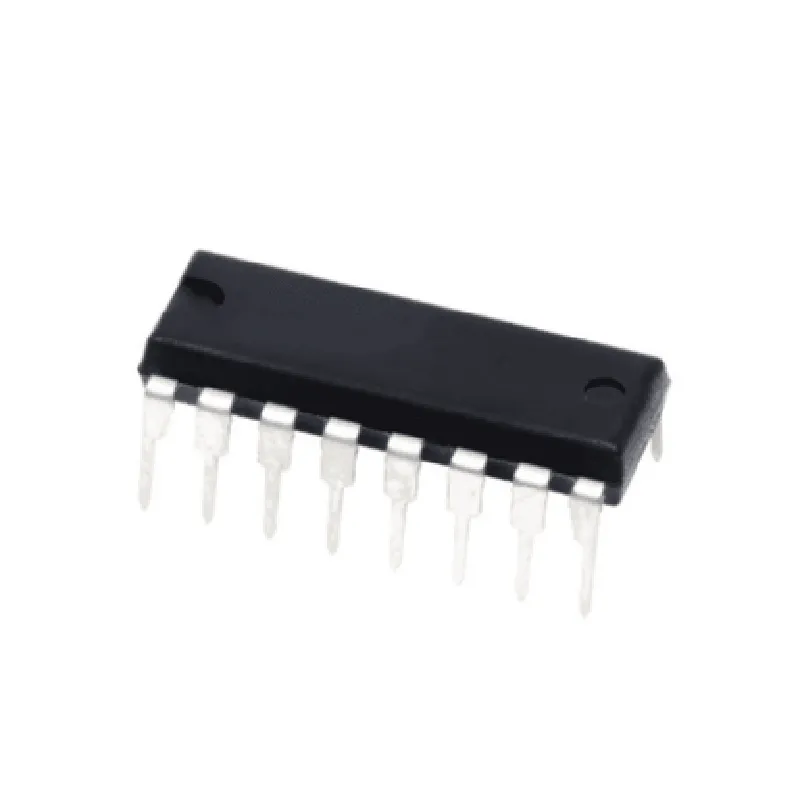
Presettable synchronous BCD decade counter IC - 74HC160

Buy Now on Stufin

Component Name

Presettable Synchronous BCD Decade Counter IC - 74HC160

Overview

The 74HC160 is a presettable synchronous BCD (Binary Coded Decimal) decade counter IC, a type of integrated circuit designed for counting and digital logic applications. It is a widely used component in digital systems, offering a flexible and reliable solution for counting and other sequential logic functions.

Functionality

The 74HC160 is a 4-bit binary counter that can count from 0 to 9 (BCD decade counter) or from 0 to 15 (binary counter). The counter can be preset to any desired count using the preset inputs. It also features a synchronous reset function, which allows the counter to be restarted from a reset state.

The 74HC160 operates in a synchronous mode, meaning that the counter output changes state on the rising edge of the clock input signal. This ensures that the counter output is always synchronized with the clock signal, providing a predictable and reliable operation.

Key Features

  • Presettable: The counter can be preset to any desired count using the preset inputs (P0-P3).
  • Synchronous Operation: The counter output changes state on the rising edge of the clock input signal.
  • BCD Decade Counter: The counter can count from 0 to 9 in BCD format.
  • Binary Counter: The counter can count from 0 to 15 in binary format.
  • Synchronous Reset: The counter can be reset to its initial state using the reset input (RST).
  • Clock Input: The counter increments/decrements on the rising edge of the clock input signal (CLK).
  • Output Enable: The output enable input (OE) allows the output to be enabled or disabled.
  • Low Power Consumption: The 74HC160 has a low power consumption, making it suitable for battery-powered devices.
  • High-Speed Operation: The component operates at high speeds, with a maximum clock frequency of 100 MHz.
  • Wide Operating Voltage Range: The 74HC160 operates with a supply voltage range of 2V to 6V, making it suitable for a variety of digital systems.

Pinout

The 74HC160 is a 16-pin package with the following pinout

| Pin Number | Pin Name | Function |

| --- | --- | --- |

| 1 | OE | Output Enable |

| 2 | RST | Reset Input |

| 3 | P0 | Preset Input 0 |

| 4 | P1 | Preset Input 1 |

| 5 | P2 | Preset Input 2 |

| 6 | P3 | Preset Input 3 |

| 7 | CLK | Clock Input |

| 8 | Q0 | Output 0 |

| 9 | Q1 | Output 1 |

| 10 | Q2 | Output 2 |

| 11 | Q3 | Output 3 |

| 12 | VCC | Positive Supply Voltage |

| 13 | GND | Ground |

| 14 | Q0 | Output 0 (Buffered) |

| 15 | Q1 | Output 1 (Buffered) |

| 16 | Q2 | Output 2 (Buffered) |

Applications

The 74HC160 is commonly used in digital systems for

Counting and timing applications

Digital clocks and frequency counters

Event counters and totalizers

Digital logic and sequential circuits

Microprocessor and microcontroller applications

Conclusion

The 74HC160 is a versatile and widely used presettable synchronous BCD decade counter IC, offering a flexible and reliable solution for counting and digital logic applications. Its features, such as synchronous operation, presettable, and low power consumption, make it an ideal component for a variety of digital systems.

Pin Configuration

  • 74HC160 Presettable Synchronous BCD Decade Counter IC Pinout and Connection Guide
  • The 74HC160 is a presettable synchronous BCD decade counter IC that belongs to the 74HC family of CMOS logic devices. It consists of four internal counters, each capable of counting up to 9. The IC has a total of 16 pins, which are explained below:
  • Pinout Diagram:
  • Here is a brief overview of the pinout diagram:
  • ```
  • +---------+
  • | 1 | 16 |
  • | 2 | 15 |
  • | 3 | 14 |
  • | 4 | 13 |
  • | 5 | 12 |
  • | 6 | 11 |
  • | 7 | 10 |
  • | 8 | 9 |
  • +---------+
  • ```
  • Pin Description:
  • 1. Vcc (Pin 16): Positive power supply voltage (typically 5V)
  • Connect to a 5V power supply or a voltage regulator output
  • 2. MR (Pin 15): Master Reset input (active LOW)
  • Connect to a logic LOW signal to reset the counter
  • Typically connected to a push-button or a microcontroller output
  • 3. P0 (Pin 14): Preset input for counter 0
  • Connect to a digital signal (logic HIGH or LOW) to preset counter 0
  • 4. P1 (Pin 13): Preset input for counter 1
  • Connect to a digital signal (logic HIGH or LOW) to preset counter 1
  • 5. P2 (Pin 12): Preset input for counter 2
  • Connect to a digital signal (logic HIGH or LOW) to preset counter 2
  • 6. P3 (Pin 11): Preset input for counter 3
  • Connect to a digital signal (logic HIGH or LOW) to preset counter 3
  • 7. CLK (Pin 10): Clock input (rising edge triggered)
  • Connect to a clock signal (typically from a crystal oscillator or a microcontroller output)
  • 8. ENP (Pin 9): Enable input (active HIGH)
  • Connect to a logic HIGH signal to enable the counter
  • Typically connected to a microcontroller output or a logic signal
  • 9. Q0 (Pin 8): Output of counter 0 (binary coded decimal, BCD)
  • Connect to a digital output device (e.g., 7-segment display)
  • 10. Q1 (Pin 7): Output of counter 1 (BCD)
  • Connect to a digital output device (e.g., 7-segment display)
  • 11. Q2 (Pin 6): Output of counter 2 (BCD)
  • Connect to a digital output device (e.g., 7-segment display)
  • 12. Q3 (Pin 5): Output of counter 3 (BCD)
  • Connect to a digital output device (e.g., 7-segment display)
  • 13. RO (Pin 4): Ripple output (active HIGH)
  • Connect to a digital output device (e.g., LED indicator)
  • 14. TC (Pin 3): Terminal Count output (active HIGH)
  • Connect to a digital output device (e.g., LED indicator)
  • 15. GND (Pin 2): Ground connection
  • Connect to a common ground point in the circuit
  • 16. Vcc (Pin 1): Positive power supply voltage (typically 5V)
  • Connect to a 5V power supply or a voltage regulator output
  • Connection Structure:
  • To connect the 74HC160 IC, follow these steps:
  • 1. Connect the power supply (Vcc) to pin 16 and pin 1.
  • 2. Connect the ground (GND) to pin 2.
  • 3. Connect the Master Reset (MR) input to a logic LOW signal or a push-button reset circuit.
  • 4. Connect the Preset inputs (P0-P3) to digital signals (logic HIGH or LOW) to preset the counters.
  • 5. Connect the Clock input (CLK) to a clock signal source (e.g., crystal oscillator or microcontroller output).
  • 6. Connect the Enable input (ENP) to a logic HIGH signal to enable the counter.
  • 7. Connect the Output pins (Q0-Q3) to digital output devices (e.g., 7-segment displays).
  • 8. Connect the Ripple output (RO) and Terminal Count output (TC) to digital output devices (e.g., LED indicators).
  • Important Notes:
  • Make sure to use a stable power supply and decouple the IC with capacitors (e.g., 10uF and 100nF) to prevent noise and oscillations.
  • Use a pull-up resistor (e.g., 10k) on the Enable input (ENP) if it is not driven by a logic signal.
  • Ensure that the Clock input (CLK) signal is within the specified frequency range (typically 1-10 MHz) and has a suitable duty cycle.
  • The 74HC160 IC is a CMOS device and is sensitive to static electricity. Handle the IC with care and use anti-static precautions during handling and assembly.

Code Examples

74HC160 Presettable Synchronous BCD Decade Counter IC Documentation
Overview
The 74HC160 is a presettable synchronous BCD decade counter IC, a widely used component in digital electronics. It is a 16-pin dual in-line package (DIP) IC that can be used to count pulses in binary coded decimal (BCD) form. The IC has four DC triggering inputs, a clock input, and four BCD output pins.
Pin Configuration
| Pin Number | Pin Name | Function |
| --- | --- | --- |
| 1 | RCO | Ripple Carry Output |
| 2-5 | Q3-Q0 | BCD Output Pins |
| 6-9 | P3-P0 | Preset Input Pins |
| 10 | CP | Clock Input |
| 11-14 | MR | Master Reset Input |
| 15 | GND | Ground |
| 16 | VCC | Power Supply |
Features
Synchronous counting
 Presettable to any BCD number (0-9)
 Four DC triggering inputs for asynchronous presetting
 Can be cascaded for higher counting ranges
 Operating voltage: 2V to 6V
 Operating temperature: -40C to 125C
Code Examples
### Example 1: Simple BCD Counter using 74HC160
This example demonstrates how to use the 74HC160 as a simple BCD counter. The counter will increment by 1 for each clock pulse.
Schematic
Connect the clock input (CP) to a clock signal source. Connect the BCD output pins (Q3-Q0) to a display device (e.g., a 7-segment display). Connect the master reset input (MR) to a reset button or a logic low signal.
Code (Verilog)
```verilog
module bcd_counter(
    input clk,
    output reg [3:0] bcd_out
);
reg [3:0] count = 0;
always @(posedge clk) begin
        count <= count + 1;
        bcd_out <= count;
    end
endmodule
```
### Example 2: Presettable BCD Counter using 74HC160
This example demonstrates how to use the 74HC160 as a presettable BCD counter. The counter will preset to a specific BCD value (e.g., 5) and then increment from there.
Schematic
Connect the clock input (CP) to a clock signal source. Connect the preset input pins (P3-P0) to a logic level shifter or a microcontroller output. Connect the BCD output pins (Q3-Q0) to a display device (e.g., a 7-segment display). Connect the master reset input (MR) to a reset button or a logic low signal.
Code (C)
```c
#include <avr/io.h>
#define PRESET_VALUE 5
int main() {
    // Initialize preset value
    PORTA = PRESET_VALUE;
while (1) {
        // Clock signal generation (e.g., using a timer or a clock source)
        clock_signal();
// Read BCD output
        uint8_t bcd_out = PORTB;
        // Process or display the BCD output
    }
}
```
Note: The code examples are simplified and may require additional logic or modifications to work in a specific application.