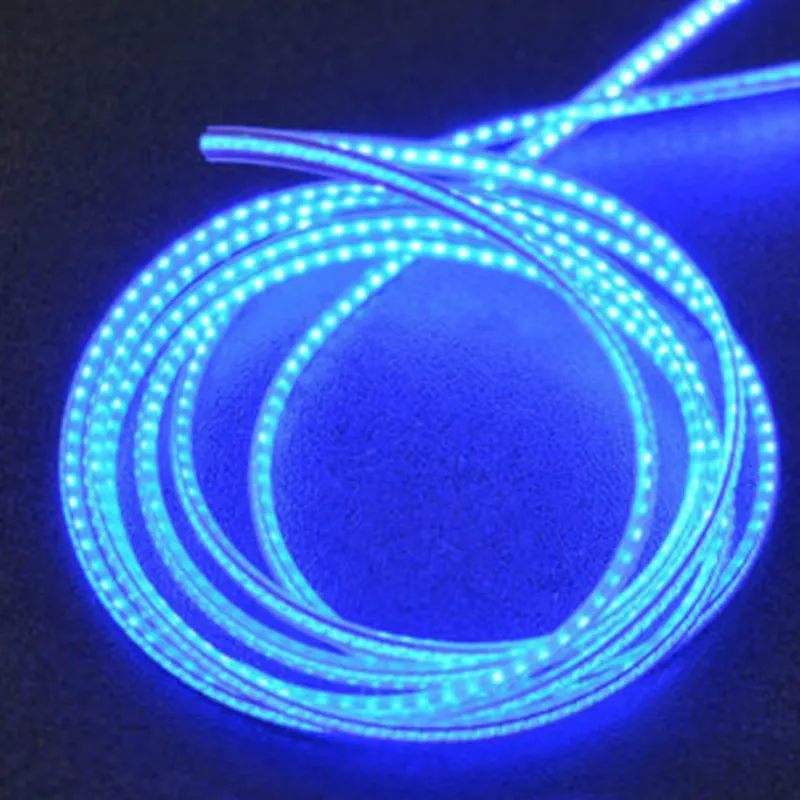
Flexible LED Filament (24V 1200mm, Blue) Documentation
The Flexible LED Filament (24V 1200mm, Blue) is a flexible, linear LED lighting solution designed for various IoT applications. This component features a 1200mm long, 24V LED filament strip with a blue light emission. Its flexibility and compact design make it ideal for use in tight spaces, curves, and irregular surfaces.
Voltage: 24V
 Length: 1200mm
 Color: Blue
 LED Type: SMD 3528
 LED Density: 120 LEDs/m
 Flexibility: Can be bent to a minimum radius of 10mm
 IP Rating: IP65 (dustproof and water-resistant)
The Flexible LED Filament has two wire connections, marked as `V+` (positive) and `GND` (ground), which can be connected to a 24V power source and a microcontroller or other control devices.
Example 1: Controlling the LED Filament with an Arduino Board
In this example, we will use an Arduino Uno board to control the Flexible LED Filament. We will connect the filament to a 24V power source and use the Arduino to toggle the LED strip on and off.
Flexible LED Filament (24V 1200mm, Blue)
 Arduino Uno board
 24V power source
 Breadboard and jumper wires
Code:
```c++
const int ledPin = 2;  // Choose any digital pin on the Arduino board
void setup() {
  pinMode(ledPin, OUTPUT);
}
void loop() {
  digitalWrite(ledPin, HIGH);  // Turn the LED strip on
  delay(1000);
  digitalWrite(ledPin, LOW);   // Turn the LED strip off
  delay(1000);
}
```
Connections:
Connect the `V+` wire of the LED filament to the 24V power source.
 Connect the `GND` wire of the LED filament to the GND pin on the Arduino board.
 Connect a digital pin (e.g., Pin 2) on the Arduino board to the `V+` wire of the LED filament using a breadboard and jumper wires.
Example 2: Dimming the LED Filament with a Raspberry Pi and PWM
In this example, we will use a Raspberry Pi to control the brightness of the Flexible LED Filament using Pulse Width Modulation (PWM).
Flexible LED Filament (24V 1200mm, Blue)
 Raspberry Pi
 24V power source
 Breadboard and jumper wires
Code:
```python
import RPi.GPIO as GPIO
import time
GPIO.setmode(GPIO.BCM)
GPIO.setup(18, GPIO.OUT)  # Choose any PWM-capable pin on the Raspberry Pi
pwm = GPIO.PWM(18, 100) # Set the PWM frequency to 100 Hz
try:
    while True:
        for dc in range(0, 101, 5):  # Dimming loop
            pwm.start(dc)
            time.sleep(0.1)
        for dc in range(100, -1, -5):  # Dimming loop
            pwm.start(dc)
            time.sleep(0.1)
except KeyboardInterrupt:
    pwm.stop()
    GPIO.cleanup()
```
Connections:
Connect the `V+` wire of the LED filament to the 24V power source.
 Connect the `GND` wire of the LED filament to the GND pin on the Raspberry Pi.
 Connect a PWM-capable pin (e.g., Pin 18) on the Raspberry Pi to the `V+` wire of the LED filament using a breadboard and jumper wires.
Remember to adjust the code and connections according to your specific use case and requirements.