| Gravity | Huskylens - An Easy-to-use AI Camera | AI Machine Vision Sensor |
Overview


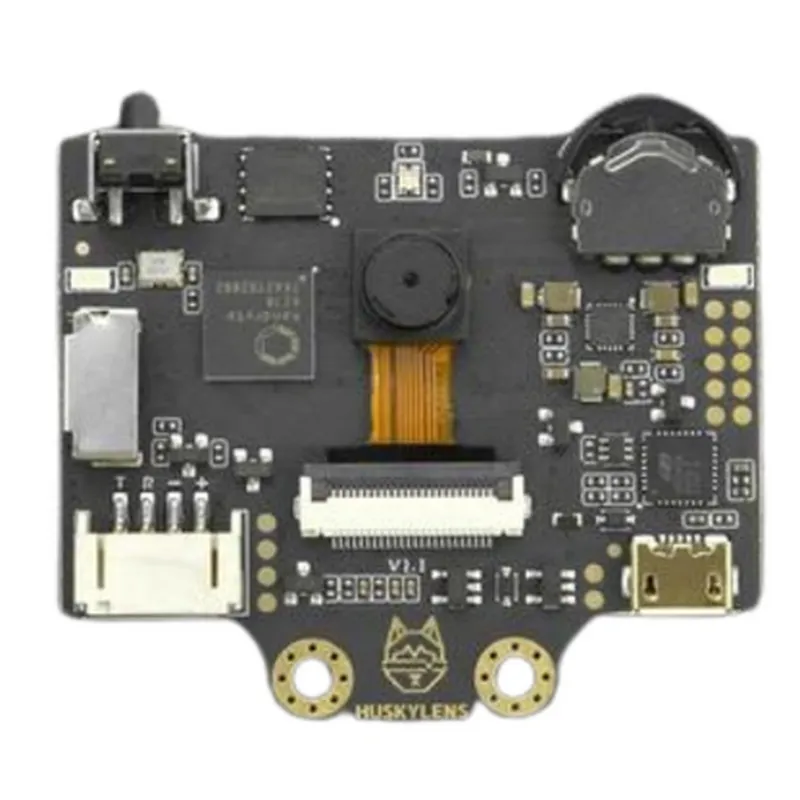
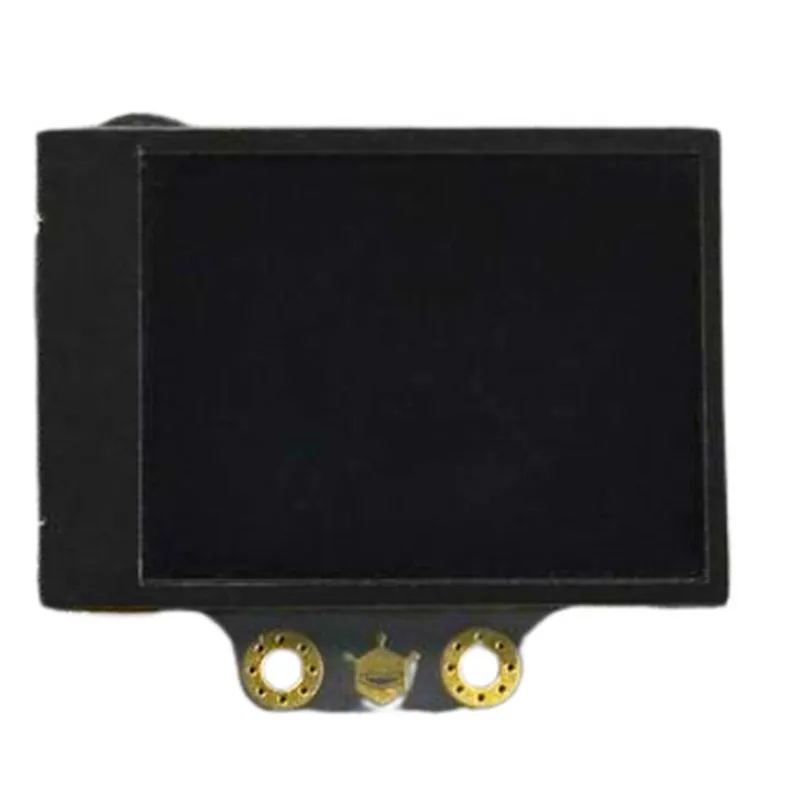
| Gravity | Huskylens - An Easy-to-use AI Camera | AI Machine Vision Sensor |
Overview
Huskylens is a powerful AI camera that simplifies the integration of machine vision and AI capabilities into IoT projects and devices. Its ease of use, compact design, and robust features make it an ideal choice for developers, engineers, and makers looking to create innovative and intelligent systems.
324x324 resolution, 120 wide angle lens, adjustable illumination
High-performance AI processor with on-device processing capabilities
UART, I2C, SPI, and USB
100mA (typical), 200mA (max)
-20C to 70C
45x25x15mm
Conclusion
Gravity: Huskylens - An Easy-to-use AI Camera | AI Machine Vision SensorOverviewThe Gravity: Huskylens is an innovative AI camera module that integrates machine vision capabilities with a user-friendly interface. This module is designed to simplify the development of AI-powered IoT projects, allowing developers to focus on building intelligent systems without requiring extensive expertise in machine learning or computer vision.Technical SpecificationsSensor: 1/4" CMOS sensor with 640x480 pixels resolution
Processor: Kendryte K210 dual-core 64-bit processor
Memory: 6MB SRAM, 2MB Flash
Interface: I2C, UART, SPI, USB
Power Supply: 3.3V-5V DC
Operating System: Kendryte OSProgramming LanguagesThe Gravity: Huskylens supports programming in various languages, including:MicroPython: A lightweight implementation of the Python language
C: For developing low-level applications
Arduino: Compatible with the Arduino IDECode ExamplesHere are a few examples to demonstrate the usage of the Gravity: Huskylens module:Example 1: Object Detection using MicroPythonIn this example, we will use the Gravity: Huskylens to detect objects in a frame using the built-in object detection model.
```python
import huskylens# Initialize the Huskylens module
hl = huskylens.Huskylens()# Set the mode to object detection
hl.set_mode(huskylens.MODE_OBJECT_DETECTION)while True:
# Capture a frame from the camera
frame = hl.capture()# Perform object detection
objects = hl.detect_objects(frame)# Print the detected objects
for obj in objects:
print("Object detected: ", obj)# Wait for 100ms before capturing the next frame
time.sleep(0.1)
```
Example 2: Image Classification using ArduinoIn this example, we will use the Gravity: Huskylens to classify images using a pre-trained model.
```arduino
#include <Huskylens.h>// Initialize the Huskylens module
Huskylens hl;void setup() {
// Initialize the serial communication
Serial.begin(115200);// Initialize the Huskylens module
hl.begin();
}void loop() {
// Capture a frame from the camera
hl.captureImage();// Classify the image using the pre-trained model
int classId = hl.classifyImage();// Print the classification result
Serial.print("Image classified as: ");
Serial.println(classId);// Wait for 1 second before capturing the next frame
delay(1000);
}
```
Example 3: Line Following using CIn this example, we will use the Gravity: Huskylens to detect lines in a frame and control a robot to follow the line.
```c
#include <kendryte/k210.h>
#include <huskylens.h>// Initialize the Huskylens module
Huskylens hl;int main() {
// Initialize the Huskylens module
hl.init();// Set the mode to line detection
hl.set_mode(HUSKY_LENS_MODE_LINE_DETECTION);while (1) {
// Capture a frame from the camera
uint16_t frame = hl.capture_frame();// Find the line in the frame
int x, y, w, h;
hl.find_line(frame, &x, &y, &w, &h);// Control the robot to follow the line
if (x > 320) {
// Turn right
printf("Turn right
");
} else if (x < 320) {
// Turn left
printf("Turn left
");
} else {
// Move forward
printf("Move forward
");
}// Wait for 50ms before capturing the next frame
delay_ms(50);
}return 0;
}
```
These examples demonstrate the capabilities of the Gravity: Huskylens module and provide a starting point for developing more complex AI-powered IoT projects.