150C to 480C (302F to 896F)


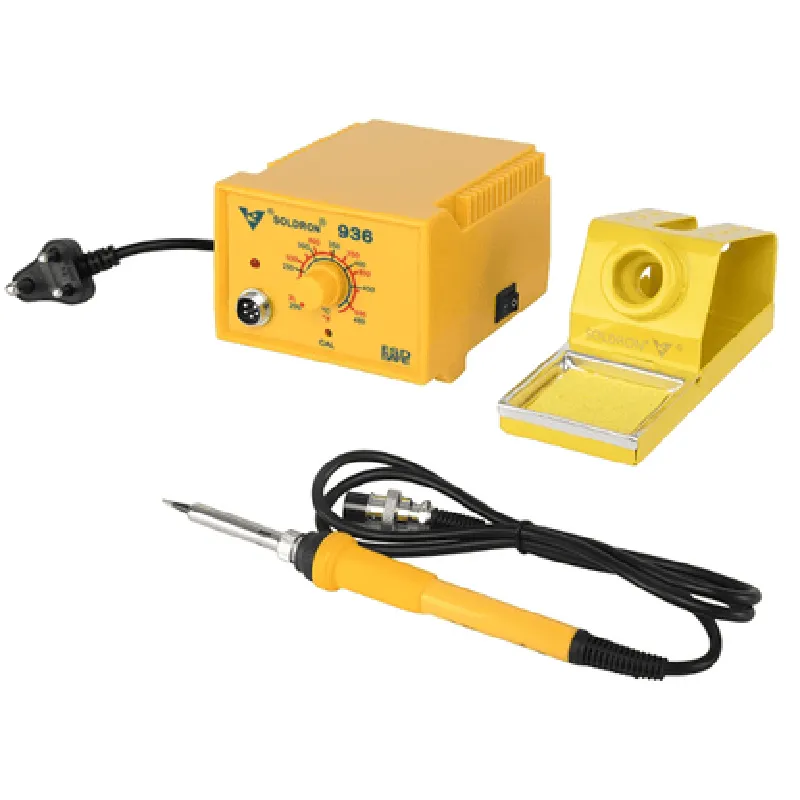
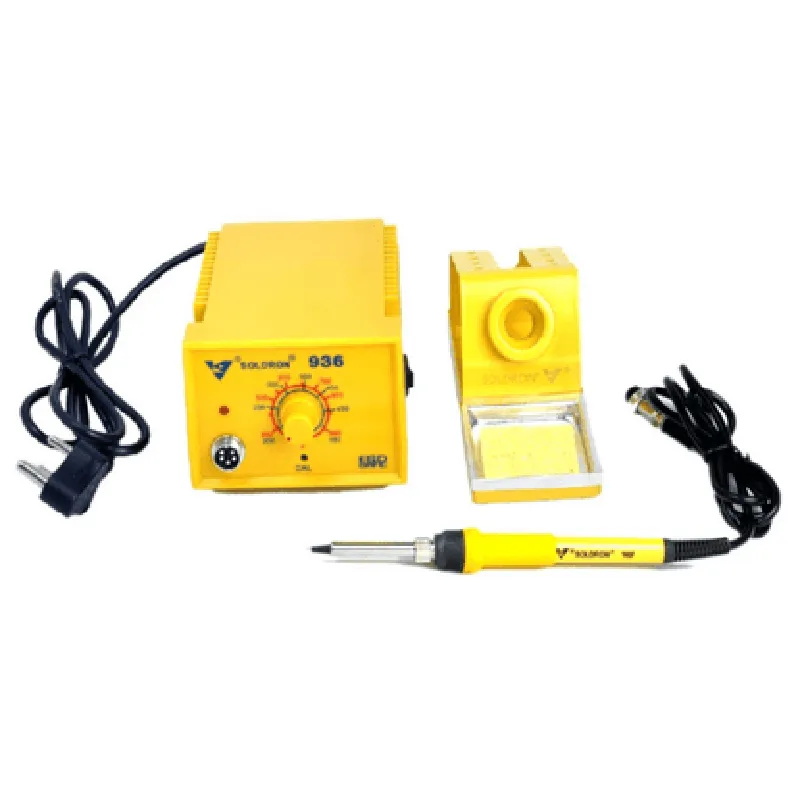
150C to 480C (302F to 896F)
1C (1.8F)
60W
120V AC, 60Hz
Analog soldering iron with heating element and thermocouple
Various types available (e.g., fine, chisel, and conical)
140mm x 90mm x 60mm (5.5in x 3.5in x 2.4in)
0.5 kg (1.1 lbs)
Applications
| The Soldron 936 Temperature Controlled Analog Soldering Station is suitable for various applications, including |
Electronics assembly and repair
Prototyping and development
PCB assembly and rework
SMT and THT component soldering
Hobbyist and DIY projects
By providing accurate temperature control, safety features, and ease of use, the Soldron 936 soldering station is an excellent choice for professionals, hobbyists, and electronics enthusiasts seeking a reliable and efficient soldering solution.
Soldron 936 Temperature Controlled Analog Soldering Station DocumentationOverviewThe Soldron 936 Temperature Controlled Analog Soldering Station is a high-precision soldering station designed for various applications, including electronics prototyping, repair, and manufacturing. This station features analog temperature control, allowing for precise adjustment of the soldering iron temperature between 150C to 450C.Technical SpecificationsTemperature Control Range: 150C to 450C
Temperature Accuracy: 1C
Heating Element: High-quality ceramic heating element
Power Consumption: 60W
Dimensions: 120mm x 80mm x 60mmPinoutThe Soldron 936 has a simple 3-pin interface:Pin 1: VCC (12V)
Pin 2: Temperature Control (0-5V analog input)
Pin 3: GNDExample 1: Arduino-Based Temperature ControlIn this example, we will demonstrate how to control the Soldron 936 using an Arduino board.Hardware RequirementsArduino Board (e.g., Arduino Uno or Arduino Nano)
Soldron 936 Temperature Controlled Analog Soldering Station
Breadboard and jumper wiresCode
```c
const int tempPin = A0; // Analog input pin for temperature control
const int desiredTemp = 350; // Desired temperature in Celsiusvoid setup() {
pinMode(tempPin, OUTPUT);
}void loop() {
int tempValue = map(desiredTemp, 150, 450, 0, 1023);
analogWrite(tempPin, tempValue);
delay(100);
}
```
In this example, we use the `analogWrite()` function to output an analog voltage (0-5V) to the temperature control pin of the Soldron 936, which corresponds to the desired temperature (350C). The `map()` function is used to scale the desired temperature to a digital value between 0 and 1023, which is then output as an analog signal.Example 2: Python-Based Temperature Control using Raspberry PiIn this example, we will demonstrate how to control the Soldron 936 using a Raspberry Pi and Python.Hardware RequirementsRaspberry Pi (any model)
Soldron 936 Temperature Controlled Analog Soldering Station
Breadboard and jumper wires
RPi.GPIO library installed on the Raspberry PiCode
```python
import RPi.GPIO as GPIO
import timeGPIO.setmode(GPIO.BCM)
GPIO.setup(18, GPIO.OUT) # Set GPIO 18 as an output for temperature controldesired_temp = 350 # Desired temperature in Celsiuswhile True:
temp_value = int((desired_temp - 150) / 300 1023)
GPIO.output(18, GPIO.HIGH)
time.sleep(0.01 temp_value)
GPIO.output(18, GPIO.LOW)
time.sleep(0.01 (1023 - temp_value))
```
In this example, we use the RPi.GPIO library to output a PWM signal to the temperature control pin of the Soldron 936. The PWM signal is generated using the `GPIO.output()` function, where the duty cycle is calculated based on the desired temperature. The `time.sleep()` function is used to create the PWM waveform.Example 3: Standalone Temperature Control using a PotentiometerIn this example, we will demonstrate how to control the Soldron 936 using a standalone potentiometer.Hardware RequirementsSoldron 936 Temperature Controlled Analog Soldering Station
10k Potentiometer
Breadboard and jumper wiresCircuit DiagramConnect the potentiometer to the temperature control pin of the Soldron 936, with the wiper connected to the middle pin of the potentiometer.ExplanationBy rotating the potentiometer, the output voltage of the potentiometer changes, which in turn controls the temperature of the soldering iron. The output voltage of the potentiometer is directly proportional to the temperature of the soldering iron.Note: The above examples are for illustration purposes only and may require modifications to suit specific use cases. Ensure proper safety precautions when working with high-temperature soldering stations.