M5 Stack Solid State Relay Unit (BT136S)


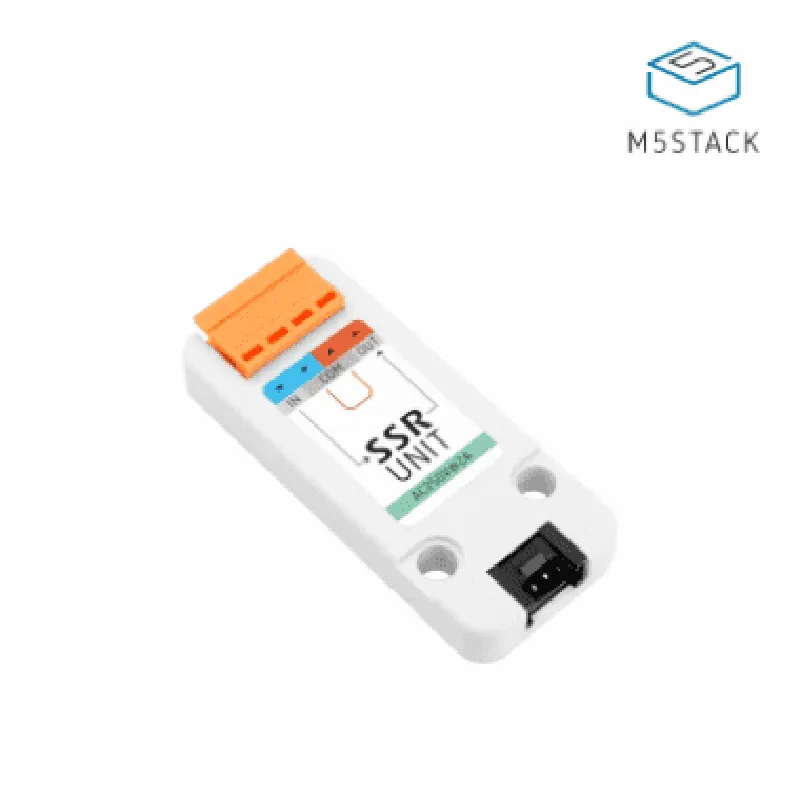
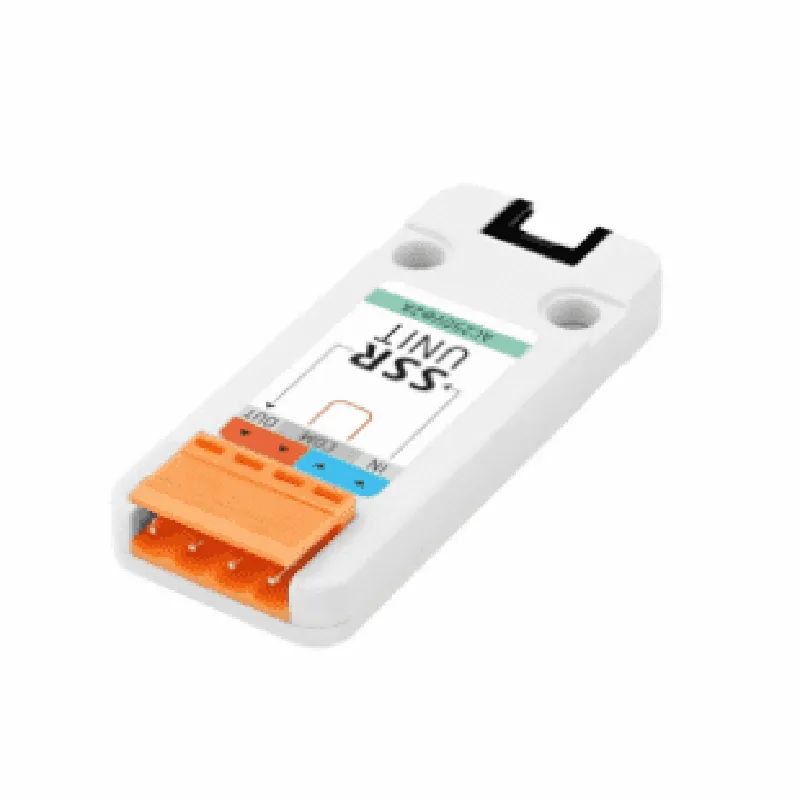
M5 Stack Solid State Relay Unit (BT136S)
The M5 Stack Solid State Relay Unit (BT136S) is a compact and versatile IoT component designed for high-power switching applications. This relay module is part of the M5 Stack series, a popular platform for IoT development, and is based on the BT136S triac, a high-performance solid-state relay. The module provides a convenient and efficient way to control high-current devices, making it an ideal choice for various IoT projects and industrial automation applications.
The M5 Stack Solid State Relay Unit (BT136S) is designed to switch high-power devices, such as motors, lamps, and other inductive loads, using a low-power signal from a microcontroller or other control device. The module uses the BT136S triac, which provides high power handling capabilities and fast switching times. The relay unit can be controlled using a digital signal from an M5 Stack core module or other compatible microcontrollers.
| The M5 Stack Solid State Relay Unit (BT136S) has a simple pinout that includes |
Power supply input (typically 5V)
Ground connection
Digital control signal input
Normally Closed relay contact
Normally Open relay contact
Common relay contact
| The M5 Stack Solid State Relay Unit (BT136S) is suitable for a wide range of applications, including |
Home automation systems
Industrial automation systems
Motor control systems
LED lighting control systems
HVAC control systems
Security systems
The M5 Stack Solid State Relay Unit (BT136S) is a compact and versatile IoT component that provides reliable and efficient high-power switching capabilities. Its fast switching times, low power consumption, and compact design make it an ideal choice for various IoT projects and industrial automation applications.
M5 Stack Solid State Relay Unit (BT136S) DocumentationOverviewThe M5 Stack Solid State Relay Unit (BT136S) is a compact and versatile relay module designed for use with the M5 Stack series of microcontrollers. This module features a single-channel solid-state relay (SSR) that can be controlled digitally, making it ideal for a wide range of IoT and automation applications.SpecificationsRelay Type: Single-channel solid-state relay (SSR)
Rated Capacity: 2A/250VAC
Operating Voltage: 3.3V/5V
Control Signal: Digital (High/Low)
Dimensions: 24.2 x 22.2 x 12.8 mmPinoutThe M5 Stack Solid State Relay Unit (BT136S) has a simple and intuitive pinout:| Pin | Function |
| --- | --- |
| VCC | Power supply (3.3V/5V) |
| GND | Ground |
| SIG | Control signal (digital input) |Code Examples### Example 1: Basic Relay Control using M5 Stack Arduino CoreIn this example, we'll demonstrate how to control the relay using the M5 Stack Arduino core.```cpp
#include <M5Stack.h>#define RELAY_PIN 22 // Replace with the digital pin connected to the relayvoid setup() {
M5.begin(); // Initialize the M5 Stack
pinMode(RELAY_PIN, OUTPUT); // Set the relay control pin as an output
}void loop() {
digitalWrite(RELAY_PIN, HIGH); // Turn the relay ON
delay(1000); // Wait for 1 second
digitalWrite(RELAY_PIN, LOW); // Turn the relay OFF
delay(1000); // Wait for 1 second
}
```### Example 2: Home Automation using M5 Stack and Wi-FiIn this example, we'll create a simple home automation system using the M5 Stack, Wi-Fi, and the relay module.```cpp
#include <M5Stack.h>
#include <WiFi.h>#define RELAY_PIN 22 // Replace with the digital pin connected to the relay
#define WIFI_SSID "your_wifi_ssid"
#define WIFI_PASSWORD "your_wifi_password"WiFiServer server(80); // Create a Wi-Fi servervoid setup() {
M5.begin(); // Initialize the M5 Stack
pinMode(RELAY_PIN, OUTPUT); // Set the relay control pin as an output
WiFi.begin(WIFI_SSID, WIFI_PASSWORD); // Connect to Wi-Fi
while (WiFi.status() != WL_CONNECTED) {
delay(1000);
Serial.println("Connecting to Wi-Fi...");
}
Serial.println("Connected to Wi-Fi");
server.begin(); // Start the Wi-Fi server
}void loop() {
WiFiClient client = server.available(); // Check for incoming client requests
if (client) {
String request = client.readStringUntil('
');
if (request.indexOf("relay:on") != -1) {
digitalWrite(RELAY_PIN, HIGH); // Turn the relay ON
client.println("HTTP/1.1 200 OK");
client.println("Content-Type: text/html");
client.println("");
client.println("Relay is ON");
} else if (request.indexOf("relay:off") != -1) {
digitalWrite(RELAY_PIN, LOW); // Turn the relay OFF
client.println("HTTP/1.1 200 OK");
client.println("Content-Type: text/html");
client.println("");
client.println("Relay is OFF");
}
}
}
```Note: These examples are meant to serve as starting points for your projects. Make sure to modify the code to suit your specific requirements and handle any necessary error checking and safety measures.