2.8V to 3.5V


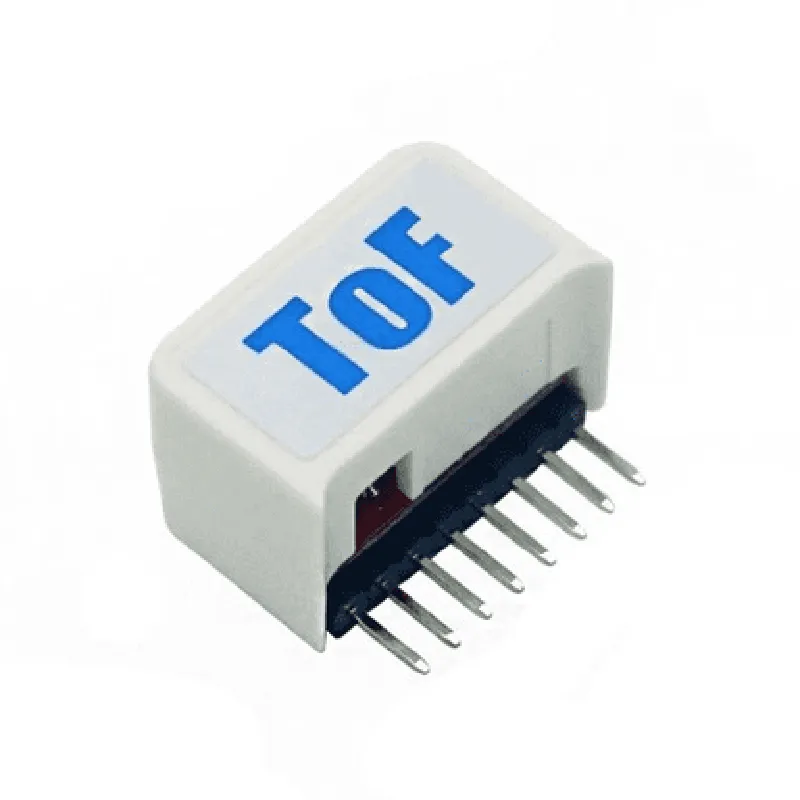
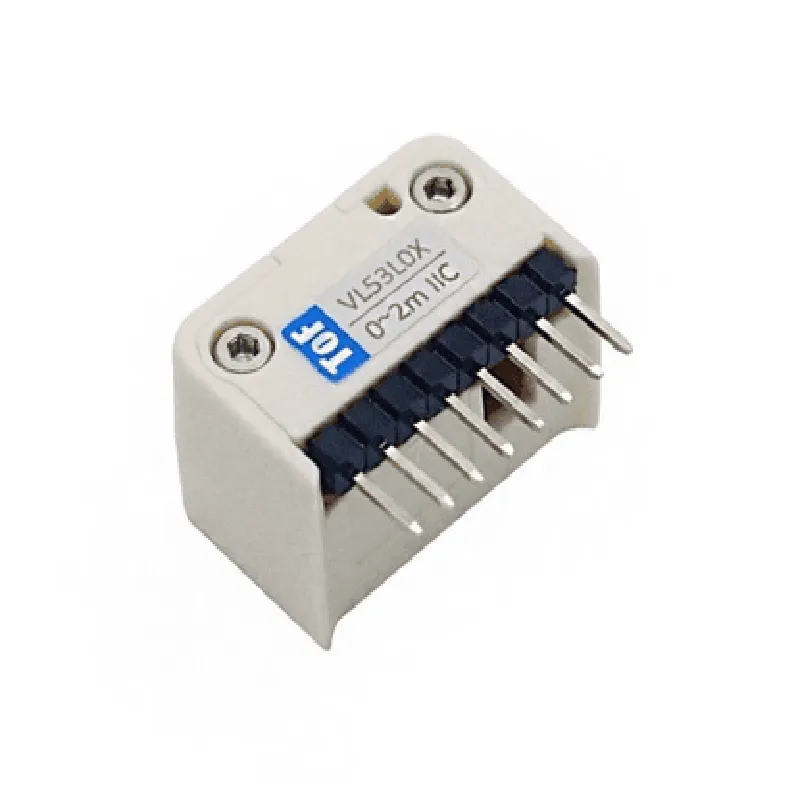
2.8V to 3.5V
I2C
Up to 2 meters
1% at 2 meters
Up to 50 Hz
-40C to 85C
-40C to 125C
25mm x 25mm x 10mm (1.0in x 1.0in x 0.4in)
Applications
Conclusion
The M5 StickC ToF HAT (VL53L0X) is a highly accurate and versatile distance measurement module that is suitable for a wide range of IoT and robotics applications. Its compact design, low power consumption, and high-accuracy distance measurement capabilities make it an ideal choice for developers and manufacturers looking to integrate ToF technology into their designs.
M5 StickC ToF HAT (VL53L0X) DocumentationOverviewThe M5 StickC ToF HAT (VL53L0X) is a Time-of-Flight (ToF) sensor module designed for distance measurement applications. It is based on the STMicroelectronics VL53L0X ToF sensor and is compatible with the M5StickC microcontroller. This module provides accurate distance measurements up to 2 meters with high speed and accuracy.Technical SpecificationsVL53L0X ToF Sensor
+ Distance measurement range: up to 2 meters
+ Measurement frequency: up to 50 Hz
+ Accuracy: 1% at 1 meter
M5StickC Compatibility
+ I2C interface
+ Operating voltage: 3.3V - 5V
+ Dimensions: 30.5 x 17.5 mmSoftware Libraries and ExamplesThe M5 StickC ToF HAT (VL53L0X) can be programmed using the Arduino IDE and the following libraries:VL53L0X Library (by STMicroelectronics)
M5StickC Library (by M5Stack)Example 1: Distance MeasurementThis example demonstrates how to use the M5 StickC ToF HAT (VL53L0X) to measure the distance to an object.
```cpp
#include <M5StickC.h>
#include <VL53L0X.h>VL53L0X sensor; // Create a VL53L0X objectvoid setup() {
M5.begin(); // Initialize M5StickC
sensor.init(); // Initialize VL53L0X sensor
sensor.setMode(VL53L0X::Mode::Continuous); // Set measurement mode to continuous
}void loop() {
int distance = sensor.readRangeContinuousMillimeters(); // Read distance in millimeters
M5.Lcd.println("Distance: " + String(distance) + " mm"); // Print distance to M5StickC LCD
delay(50); // Wait 50 ms before next measurement
}
```
Example 2: Gesture RecognitionThis example demonstrates how to use the M5 StickC ToF HAT (VL53L0X) to recognize hand gestures (e.g., up, down, left, right).
```cpp
#include <M5StickC.h>
#include <VL53L0X.h>VL53L0X sensor; // Create a VL53L0X object
int gesture = -1; // Initialize gesture variablevoid setup() {
M5.begin(); // Initialize M5StickC
sensor.init(); // Initialize VL53L0X sensor
sensor.setMode(VL53L0X::Mode::Continuous); // Set measurement mode to continuous
}void loop() {
int distance = sensor.readRangeContinuousMillimeters(); // Read distance in millimeters
if (distance < 200 && distance > 150) { // Check if distance is within gesture range
if (sensor.getOutOfRange() == 0) { // Check if sensor is not out of range
int speed = sensor.getSpeed(); // Get speed of gesture
if (speed > 100) { // Check if speed is above threshold
if (distance > 175) {
gesture = 0; // Recognize up gesture
} else if (distance < 175) {
gesture = 1; // Recognize down gesture
}
} else {
gesture = -1; // Reset gesture
}
}
}
M5.Lcd.println("Gesture: " + String(gesture)); // Print gesture to M5StickC LCD
delay(50); // Wait 50 ms before next measurement
}
```
Example 3: Obstacle DetectionThis example demonstrates how to use the M5 StickC ToF HAT (VL53L0X) to detect obstacles within a certain range.
```cpp
#include <M5StickC.h>
#include <VL53L0X.h>VL53L0X sensor; // Create a VL53L0X object
const int obstacleThreshold = 300; // Set obstacle detection threshold in millimetersvoid setup() {
M5.begin(); // Initialize M5StickC
sensor.init(); // Initialize VL53L0X sensor
sensor.setMode(VL53L0X::Mode::Continuous); // Set measurement mode to continuous
}void loop() {
int distance = sensor.readRangeContinuousMillimeters(); // Read distance in millimeters
if (distance < obstacleThreshold) { // Check if distance is below obstacle detection threshold
M5.Lcd.println("Obstacle detected!"); // Print obstacle detection message to M5StickC LCD
} else {
M5.Lcd.println("No obstacle detected"); // Print no obstacle detection message to M5StickC LCD
}
delay(50); // Wait 50 ms before next measurement
}
```
These examples demonstrate the basic usage of the M5 StickC ToF HAT (VL53L0X) for distance measurement, gesture recognition, and obstacle detection. You can modify and expand upon these examples to suit your specific project requirements.