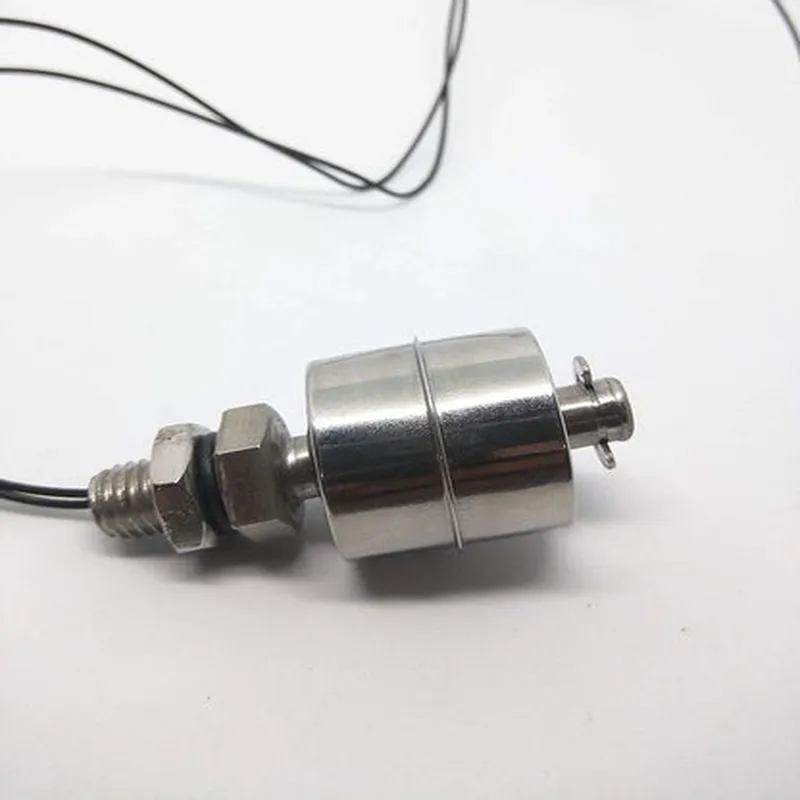
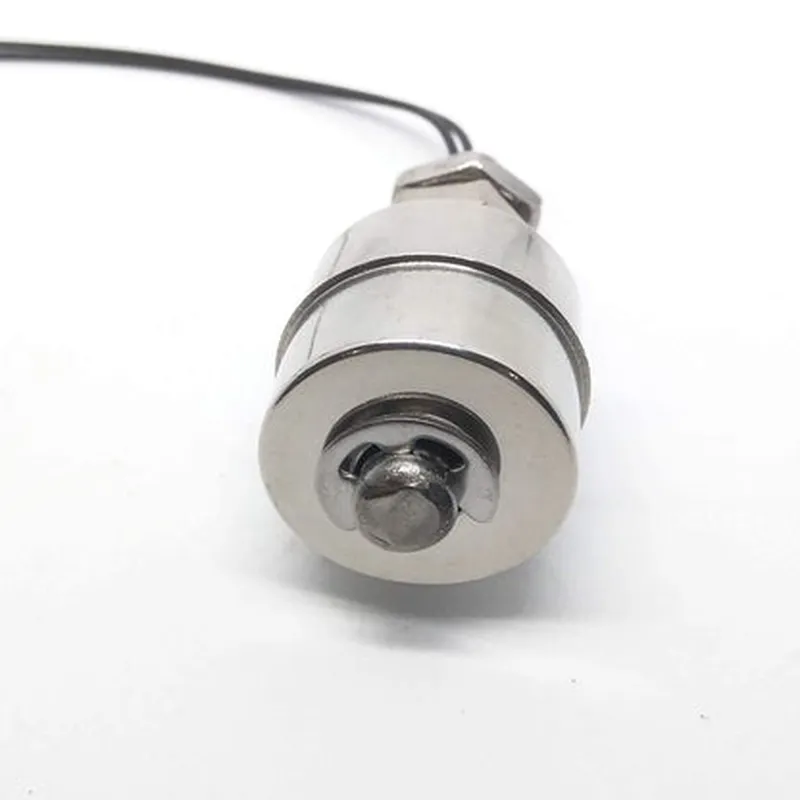
Steel Float Switch Documentation
The Steel Float Switch is a type of sensor used to detect the level of liquids in a tank or container. It consists of a steel rod and a float that rises or falls with the liquid level, triggering a switch when a certain level is reached. The switch is typically normally open (NO) or normally closed (NC), depending on the application.
The Steel Float Switch typically has three pins:
VCC (power supply, usually 5V or 12V)
 GND (ground)
 OUT (output signal, typically a digital signal)
### Example 1: Basic Liquid Level Detection using Arduino
In this example, we'll use the Steel Float Switch to detect the liquid level in a tank and turn on an LED when the level reaches a certain point.
Steel Float Switch
 Arduino Board (e.g., Arduino Uno)
 LED
 Resistor (1 k)
 Breadboard and jumper wires
Code:
```c++
const int floatSwitchPin = 2;  // Output pin of the Steel Float Switch
const int ledPin = 13;       // Pin for the LED
void setup() {
  pinMode(floatSwitchPin, INPUT);
  pinMode(ledPin, OUTPUT);
}
void loop() {
  int switchState = digitalRead(floatSwitchPin);
  if (switchState == HIGH) {
    digitalWrite(ledPin, HIGH);  // Turn on the LED when the liquid level is high
  } else {
    digitalWrite(ledPin, LOW);  // Turn off the LED when the liquid level is low
  }
  delay(50);
}
```
### Example 2: Tank Level Monitoring using Raspberry Pi and Python
In this example, we'll use the Steel Float Switch to monitor the tank level and send notifications when the level reaches a certain point.
Steel Float Switch
 Raspberry Pi Board
 Breadboard and jumper wires
Code:
```python
import RPi.GPIO as GPIO
import time
float_switch_pin = 17 # Output pin of the Steel Float Switch
GPIO.setup(float_switch_pin, GPIO.IN, pull_up_down=GPIO.PUD_UP)
while True:
    if GPIO.input(float_switch_pin):
        print("Liquid level is high!")
        # Send notification using email or SMS API
    else:
        print("Liquid level is low!")
    time.sleep(1)
```
### Example 3: Industrial Automation using PLC and Ladder Logic
In this example, we'll use the Steel Float Switch to control a pump in an industrial automation system.
Steel Float Switch
 Programmable Logic Controller (PLC)
 Pump
```
  +---------------+
  |               |
  |  Steel Float   |
  |  Switch (NC)  |
  +---------------+
           |
           |
           v
  +---------------+
  |               |
  |  Pump          |
  |  (Start/Stop)  |
  +---------------+
           |
           |
           v
  +---------------+
  |               |
  |  Timer (TON)   |
  |  (Delay 10s)  |
  +---------------+
           |
           |
           v
  +---------------+
  |               |
  |  Pump          |
  |  (Start)       |
  +---------------+
```
In this example, the Steel Float Switch is connected to the PLC input, and the pump is connected to the PLC output. When the liquid level reaches a certain point, the switch triggers the pump to start. The timer is used to introduce a delay of 10 seconds before the pump starts.
Note: The above diagram is a simplified representation of the ladder logic diagram and may vary depending on the specific PLC model and programming software used.