1-channel analog comparator with optional interrupt generation
- Power Management:


1-channel analog comparator with optional interrupt generation
Supports multiple power-saving modes, including idle, ADC noise reduction, and power-down modes
| Brown-out Detector (BOD) | Monitors the power supply voltage and generates a reset if it falls below a programmable threshold |
| JTAG (Joint Test Action Group) Interface | Supports on-chip debugging and programming |
Optional timer that resets the microcontroller if it fails to respond within a programmable time period
Supports 26 interrupts, including 12 external interrupts and 14 internal interrupts
Physical Characteristics
40-pin DIP (Dual In-Line Package) or 32-pin QFN (Quad Flat No-Lead) package
-40C to +85C
2.7 V to 5.5 V
Applications
| The ATmega162 is suitable for a wide range of applications, including |
IoT devices (e.g., sensors, actuators, and gateways)
Embedded systems (e.g., industrial control, medical devices, and automotive systems)
Robotics and automation
Home appliances and consumer electronics
Educational and hobbyist projects
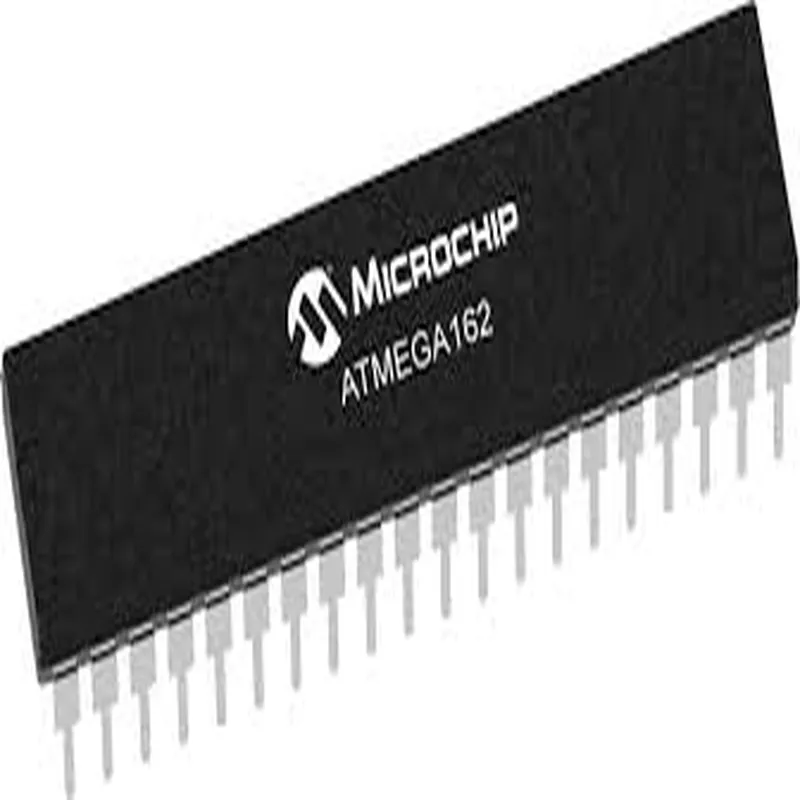
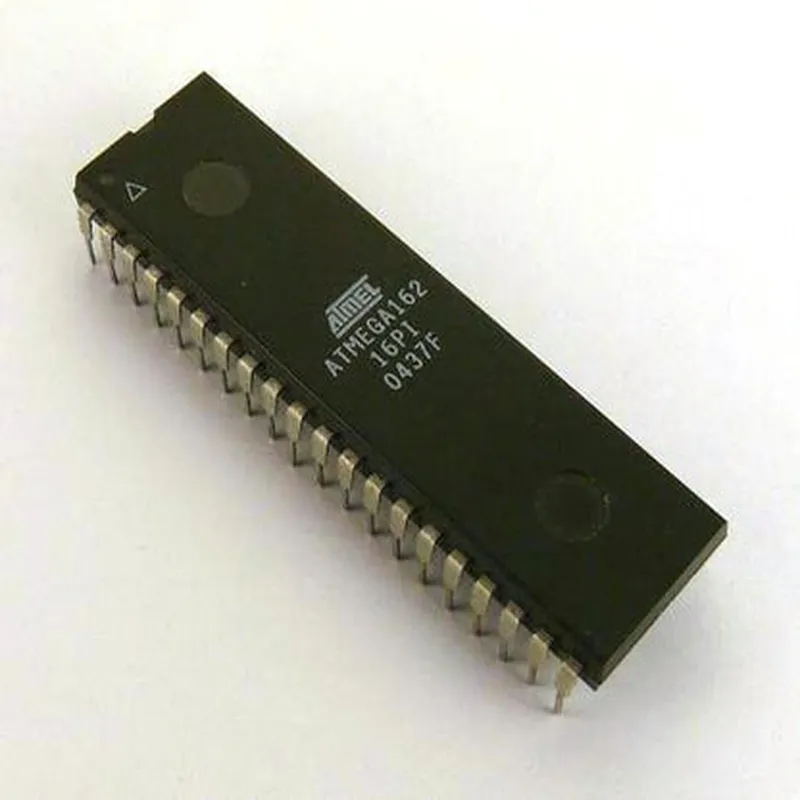
ATmega162 Microcontroller DocumentationOverviewThe ATmega162 is a low-power, 8-bit AVR microcontroller (MCU) from Atmel (now part of Microchip). It features 16 KB of flash memory, 1 KB of SRAM, and 512 bytes of EEPROM. The device is ideal for various applications, including IoT projects, robotics, and embedded systems.Pinout and FeaturesThe ATmega162 has 40 pins, with the following features:16 KB of flash memory
1 KB of SRAM
512 bytes of EEPROM
8-bit AVR processor core
10-bit ADC with 8 channels
1x USART, 1x SPI, and 1x TWI (I2C) interfaces
16 general-purpose I/O pins
8-channel, 10-bit ADC
Power-saving sleep modesCode Examples### Example 1: Blinking an LED using the ATmega162This example demonstrates how to use the ATmega162 to blink an LED connected to pin 13.Hardware Requirements:ATmega162 microcontroller
LED
1 k resistor
Breadboard and jumper wiresSoftware Requirements:Atmel Studio 7 (or equivalent IDE)
AVR-GCC compilerCode:
```c
#include <avr/io.h>
#include <util/delay.h>#define LED_PIN (1 << PB5) // Pin 13 on the ATmega162int main(void) {
DDRB |= LED_PIN; // Set pin 13 as output
while (1) {
PORTB |= LED_PIN; // Turn on the LED
_delay_ms(500);
PORTB &= ~(LED_PIN); // Turn off the LED
_delay_ms(500);
}
return 0;
}
```
Explanation:This code sets pin 13 as an output and uses a simple delay loop to toggle the LED on and off.### Example 2: Reading Analog Input using the ATmega162's ADCThis example demonstrates how to use the ATmega162's ADC to read an analog input from a potentiometer connected to pin A0.Hardware Requirements:ATmega162 microcontroller
Potentiometer
Breadboard and jumper wiresSoftware Requirements:Atmel Studio 7 (or equivalent IDE)
AVR-GCC compilerCode:
```c
#include <avr/io.h>
#include <avr/interrupt.h>
#include <avr/sleep.h>#define ADC_PIN (1 << PC0) // Pin A0 on the ATmega162int main(void) {
ADMUX = (1 << REFS0); // Set ADC reference to AVcc
ADCSRA = (1 << ADEN); // Enable ADC
while (1) {
ADCSRA |= (1 << ADSC); // Start ADC conversion
while (!(ADCSRA & (1 << ADIF))); // Wait for conversion to complete
uint16_t adc_value = ADC;
// Process the ADC value here
_delay_ms(10); // Take another reading after 10 ms
}
return 0;
}
```
Explanation:This code configures the ADC to read an analog input from pin A0, starts a conversion, and waits for the conversion to complete. The ADC value is then stored in the `adc_value` variable.These examples demonstrate the basic functionality of the ATmega162 microcontroller. For more complex projects, you can utilize the device's various peripherals, such as the USART, SPI, and TWI interfaces, to interact with other components and devices.