Advanced Electronics Kit for Grade 10 | Ekya School, CMR


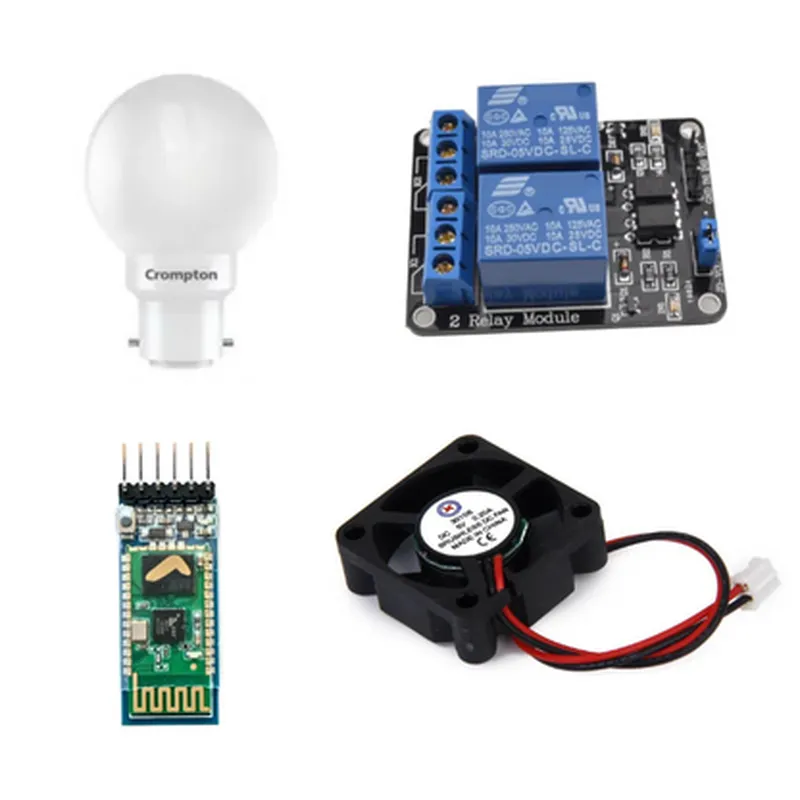
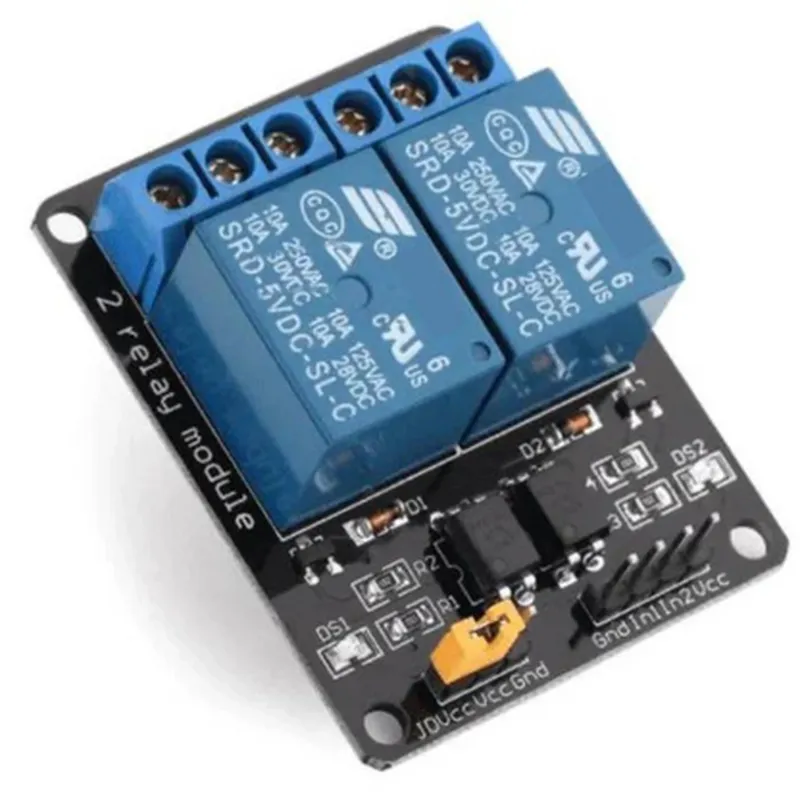
Advanced Electronics Kit for Grade 10 | Ekya School, CMR
The Advanced Electronics Kit for Grade 10 | Ekya School, CMR is a comprehensive educational kit designed specifically for students of Grade 10. It is an innovative tool that enables students to learn and experiment with advanced electronics concepts, bridging the gap between theoretical knowledge and practical application. This kit is carefully crafted to provide a hands-on learning experience, fostering a deep understanding of electronics and its real-world implications.
| The Advanced Electronics Kit is designed to facilitate a comprehensive learning experience, covering a wide range of topics in electronics, including |
Depending on the kit configuration
Standard 830-pin breadboard
20 AWG, 20cm length, 10 pieces
| + Temperature Sensor | DS18B20 |
| + Photodiode | BPW34 |
| + LED | Standard 5mm LED |
| + DC Motor | 3V, 100RPM |
5V, 2A, USB-powered
Wire strippers, pliers, screwdriver, and other miscellaneous tools
| The Advanced Electronics Kit for Grade 10 | Ekya School, CMR is designed specifically for students of Grade 10, providing a comprehensive and engaging learning experience in electronics. This kit is suitable for |
Students of Grade 10 studying electronics or related subjects
Informed hobbyists and enthusiasts interested in electronics and IoT
Educators and instructors seeking a hands-on learning tool for their students
By providing a well-structured and comprehensive learning experience, the Advanced Electronics Kit for Grade 10 | Ekya School, CMR is an ideal tool for students to develop a deep understanding of electronics and its applications in the rapidly evolving field of IoT.
Advanced Electronics Kit for Grade 10 | Ekya School, CMROverviewThe Advanced Electronics Kit for Grade 10, designed by Ekya School, CMR, is a comprehensive toolkit that enables students to explore and learn advanced electronics concepts. This kit is specifically tailored for Grade 10 students, providing a hands-on learning experience in electronics and programming. The kit includes a variety of components, such as microcontrollers, sensors, actuators, and Breadboard-friendly modules, which can be used to build innovative projects and prototypes.ComponentsThe Advanced Electronics Kit for Grade 10 includes:Arduino Board (e.g., Arduino Uno or Arduino Nano)
Breadboard
Various sensors (e.g., Temperature, Light, Ultrasonic, Infrared)
Actuators (e.g., DC Motor, Servo Motor, Buzzer)
Power Supply Module
Jumper Wires
LED Diodes
Resistors
Capacitors
Breadboard-friendly modules (e.g., LCD Display, Joystick)Code ExamplesHere are three code examples that demonstrate how to use the Advanced Electronics Kit for Grade 10 in various contexts:Example 1: Temperature Monitoring using Arduino and Temperature SensorIn this example, we will use the Arduino Board and Temperature Sensor to monitor the ambient temperature.Code:
```c
const int tempPin = A0; // Temperature sensor pin
int temperature = 0;void setup() {
Serial.begin(9600);
}void loop() {
temperature = analogRead(tempPin);
temperature = (temperature 5.0 / 1023) - 50; // Convert analog value to temperature in Celsius
Serial.print("Temperature: ");
Serial.print(temperature);
Serial.println("C");
delay(1000);
}
```
Example 2: Obstacle Avoidance using Ultrasonic Sensor and DC MotorIn this example, we will use the Ultrasonic Sensor and DC Motor to create an obstacle avoidance system.Code:
```c
const int trigPin = 2; // Ultrasonic sensor trigger pin
const int echoPin = 3; // Ultrasonic sensor echo pin
const int motorPin = 9; // DC Motor pinvoid setup() {
pinMode(trigPin, OUTPUT);
pinMode(echoPin, INPUT);
pinMode(motorPin, OUTPUT);
}void loop() {
int distance = measureDistance();
if (distance < 20) { // If obstacle is within 20 cm, stop the motor
digitalWrite(motorPin, LOW);
} else {
digitalWrite(motorPin, HIGH);
}
delay(50);
}int measureDistance() {
digitalWrite(trigPin, LOW);
delayMicroseconds(2);
digitalWrite(trigPin, HIGH);
delayMicroseconds(10);
digitalWrite(trigPin, LOW);
int duration = pulseIn(echoPin, HIGH);
int distance = duration 0.034 / 2;
return distance;
}
```
Example 3: Traffic Light Simulator using Arduino and LED DiodesIn this example, we will use the Arduino Board and LED Diodes to create a traffic light simulator.Code:
```c
const int redPin = 10; // Red LED pin
const int yellowPin = 11; // Yellow LED pin
const int greenPin = 12; // Green LED pinvoid setup() {
pinMode(redPin, OUTPUT);
pinMode(yellowPin, OUTPUT);
pinMode(greenPin, OUTPUT);
}void loop() {
// Red light (2 seconds)
digitalWrite(redPin, HIGH);
delay(2000);
digitalWrite(redPin, LOW);// Yellow light (1 second)
digitalWrite(yellowPin, HIGH);
delay(1000);
digitalWrite(yellowPin, LOW);// Green light (3 seconds)
digitalWrite(greenPin, HIGH);
delay(3000);
digitalWrite(greenPin, LOW);
}
```
These code examples demonstrate how to use the Advanced Electronics Kit for Grade 10 to build innovative projects and prototypes. By combining various components and sensors with Arduino programming, students can explore advanced electronics concepts and develop problem-solving skills.