-20C to 50C


-20C to 50C
20% to 80% RH
3.3V to 5V
I2C, UART
<10 seconds
0-10 ppm
0.01 ppm
10% of reading
-40C to 80C
Applications
Air quality monitoring
Industrial process control
Indoor air pollution detection
Environmental monitoring
Medical and healthcare applications
HVAC (heating, ventilation, and air conditioning) systems
Package and Dimensions
QFN-12
3.0 mm x 3.0 mm x 0.95 mm
Certifications and Compliance
CE certified
RoHS compliant
REACH compliant
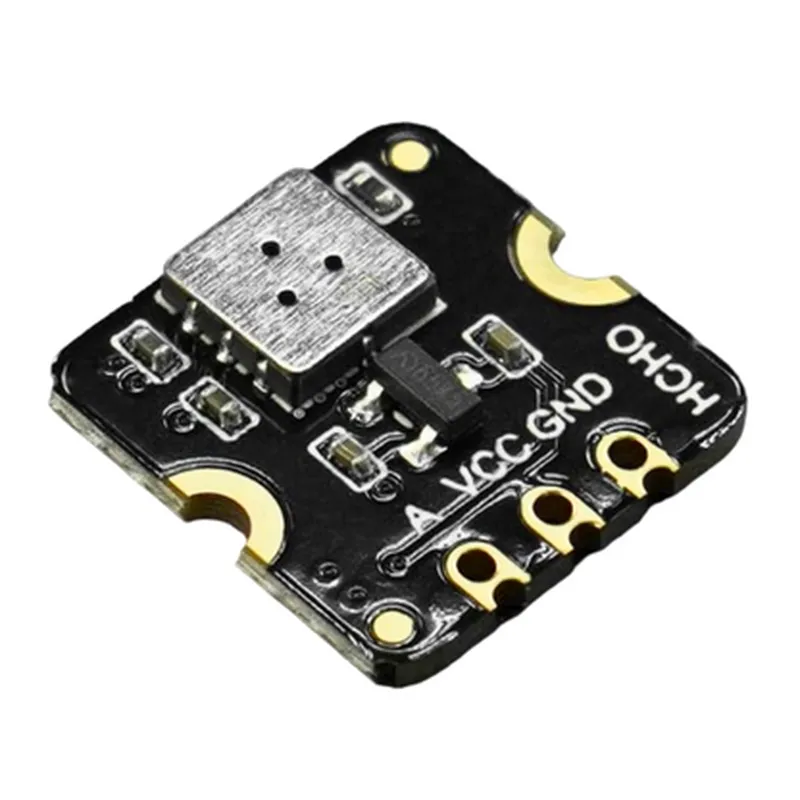
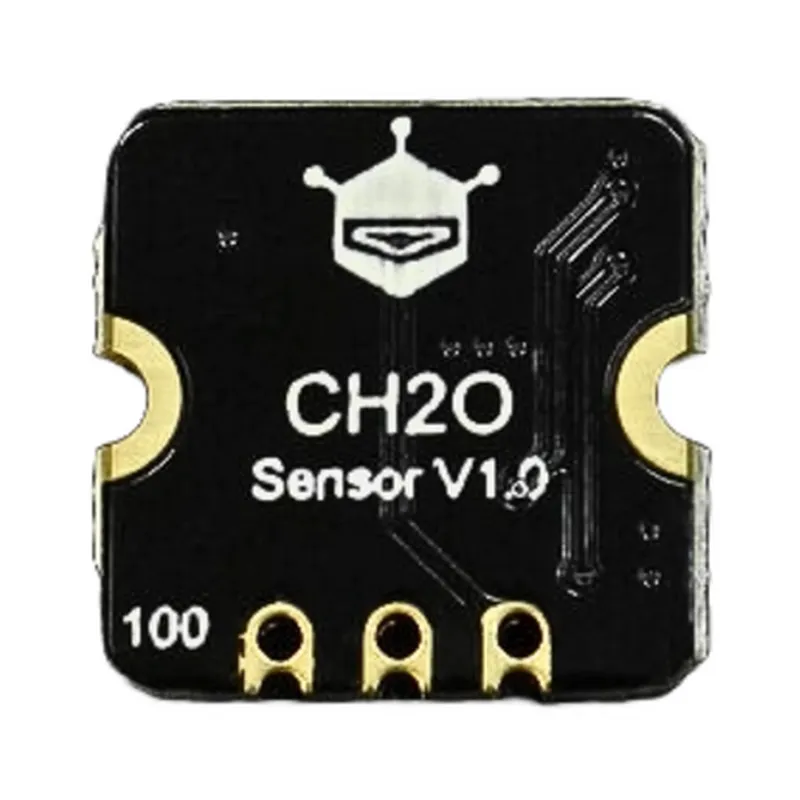
The Fermion MEMS Formaldehyde HCHO Gas Detection Sensor is a highly sensitive, fast-responding, and low-power gas detection solution ideal for a wide range of applications. Its compact design, digital output, and calibration-free operation make it an attractive option for developers and manufacturers of IoT devices and systems.
Fermion MEMS Formaldehyde HCHO Gas Detection Sensor DocumentationOverviewThe Fermion MEMS Formaldehyde HCHO Gas Detection Sensor is a high-precision, low-power gas sensor designed to detect formaldehyde (HCHO) in the air. This sensor uses Micro-Electro-Mechanical Systems (MEMS) technology to provide accurate and reliable measurements of formaldehyde concentrations. It is ideal for use in various IoT applications, including air quality monitoring, industrial safety, and smart home devices.PinoutThe Fermion MEMS Formaldehyde HCHO Gas Detection Sensor has a standard 6-pin interface:VCC: 3.3V power supply
GND: Ground
SCL: I2C clock pin
SDA: I2C data pin
INT: Interrupt pin (optional)
ADDR: Address pin (optional)Communication ProtocolThe sensor uses the I2C protocol for communication. It supports standard I2C bus speeds up to 400 kHz.Code ExamplesExample 1: Basic Gas Concentration Measurement using ArduinoThis example demonstrates how to use the Fermion MEMS Formaldehyde HCHO Gas Detection Sensor with an Arduino board to measure the gas concentration in parts per billion (ppb).```cpp
#include <Wire.h>#define HCHO_SENSOR_ADDRESS 0x48void setup() {
Serial.begin(9600);
Wire.begin();
}void loop() {
int sensorData = readSensorData();
float hchoConcentration = calculateHCHOConcentration(sensorData);
Serial.print("HCHO Concentration: ");
Serial.print(hchoConcentration);
Serial.println(" ppb");
delay(1000);
}int readSensorData() {
Wire.beginTransmission(HCHO_SENSOR_ADDRESS);
Wire.write(0x00); // Register address for HCHO concentration data
Wire.endTransmission();
Wire.requestFrom(HCHO_SENSOR_ADDRESS, 2);
int sensorData = Wire.read() << 8;
sensorData |= Wire.read();
return sensorData;
}float calculateHCHOConcentration(int sensorData) {
// Calibration formula provided by the manufacturer
return (sensorData 0.01) - 10.0;
}
```Example 2: Using the Sensor with Raspberry Pi and PythonThis example demonstrates how to use the Fermion MEMS Formaldehyde HCHO Gas Detection Sensor with a Raspberry Pi and Python to measure the gas concentration in parts per million (ppm).```python
import smbus
import timeHCHO_SENSOR_ADDRESS = 0x48
bus = smbus.SMBus(1)def read_sensor_data():
bus.write_byte(HCHO_SENSOR_ADDRESS, 0x00) # Register address for HCHO concentration data
time.sleep(0.1) # Wait for the sensor to respond
sensor_data = bus.read_word(HCHO_SENSOR_ADDRESS)
return sensor_datadef calculate_hcho_concentration(sensor_data):
# Calibration formula provided by the manufacturer
return (sensor_data 0.01) - 10.0while True:
sensor_data = read_sensor_data()
hcho_concentration = calculate_hcho_concentration(sensor_data)
print(f"HCHO Concentration: {hcho_concentration:.2f} ppm")
time.sleep(1)
```Note: The calibration formulas used in the examples are placeholders and may need to be adjusted based on the specific sensor module and environmental conditions. Please consult the manufacturer's documentation for accurate calibration information.