Component Documentation: Elecrow CrowPi2 - All-in-One Raspberry Pi STEM Laptop
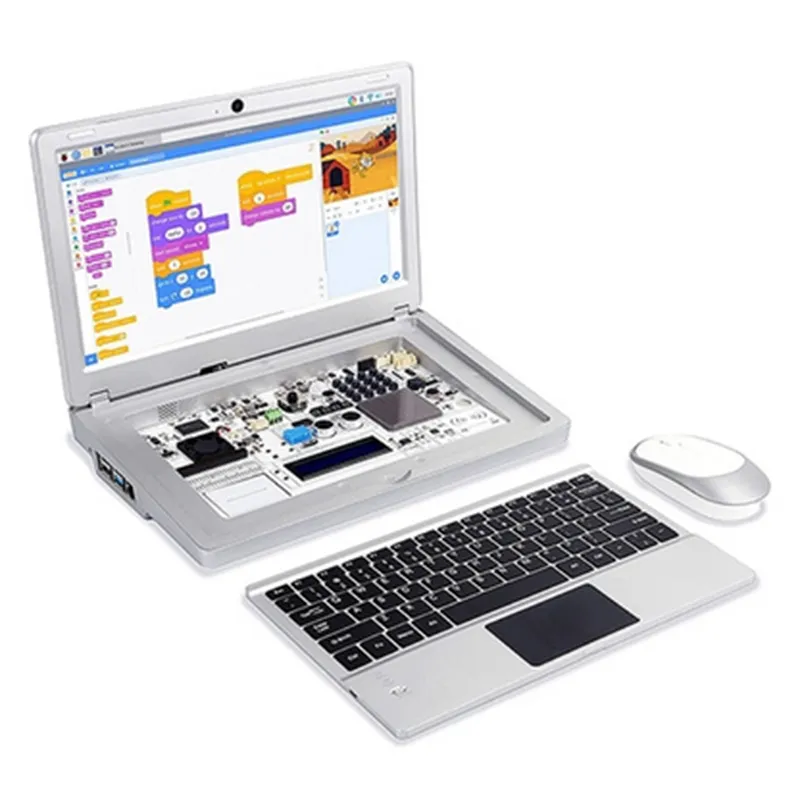
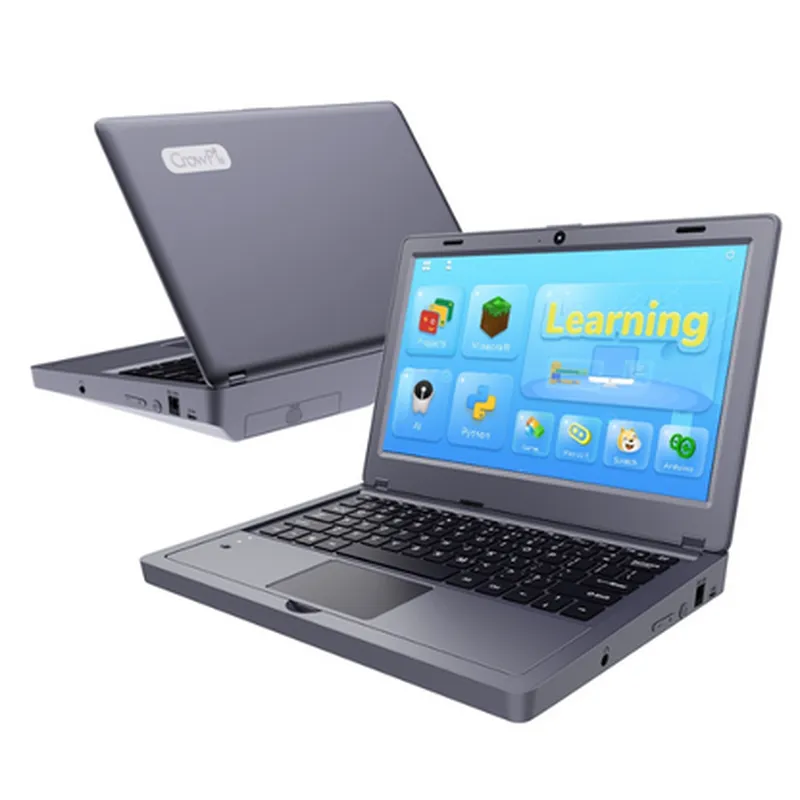
The Elecrow CrowPi2 is an innovative, all-in-one Raspberry Pi STEM laptop designed for educational and hobbyist projects. This comprehensive kit includes a space grey laptop casing, English keyboard, and EU plug, but does not include a Raspberry Pi board. The CrowPi2 is FCC and CE certified, ensuring compliance with regulatory standards.
Compatible with Raspberry Pi 4, 3, and 2 models
 11.6-inch HD IPS display with 1366x768 resolution
 Built-in keyboard and touchpad
 Supports Wi-Fi, Bluetooth, and HDMI connectivity
 Includes a range of interfaces, such as USB 3.0, USB 2.0, and RJ45
 Space grey laptop casing with a compact design
Raspberry Pi OS (recommended) or other compatible Linux distributions
The CrowPi2 features a range of interfaces, including:
1 x HDMI port
 2 x USB 3.0 ports
 1 x USB 2.0 port
 1 x RJ45 Ethernet port
 1 x 3.5mm audio jack
 1 x DC power jack (for Raspberry Pi power supply)
 1 x MicroSD card slot (for Raspberry Pi storage)
The following examples demonstrate how to use the Elecrow CrowPi2 with Raspberry Pi 4 in various contexts:
Example 1: Basic Keyboard and Display Usage
This example showcases the use of the CrowPi2's keyboard and display with a Raspberry Pi 4.
Code:
```python
import tkinter as tk
# Initialize the tkinter GUI
root = tk.Tk()
# Create a simple label and button
label = tk.Label(root, text="Hello, World!")
label.pack()
button = tk.Button(root, text="Click me!", command=lambda: print("Button clicked!"))
button.pack()
# Start the GUI event loop
root.mainloop()
```
Explanation:
This code creates a simple GUI using the tkinter library, which is bundled with the Raspberry Pi OS. The GUI includes a label and a button. When the button is clicked, a message is printed to the console. This example demonstrates the use of the CrowPi2's keyboard and display with a Raspberry Pi 4.
Example 2: IoT Project with Wi-Fi Connectivity
This example demonstrates the use of the CrowPi2's Wi-Fi connectivity feature with a Raspberry Pi 4 to create a simple IoT project.
Code:
```python
import socket
import wifi
# Connect to a Wi-Fi network
wifi.connect('your_wifi_ssid', 'your_wifi_password')
# Create a socket object
sock = socket.socket(socket.AF_INET, socket.SOCK_STREAM)
# Bind the socket to a address and port
server_address = ('0.0.0.0', 8080)
sock.bind(server_address)
# Listen for incoming connections
sock.listen(1)
print("Server started. Waiting for connections...")
while True:
    # Accept incoming connections
    connection, address = sock.accept()
    print("Connected by", address)
# Receive and send data
    data = connection.recv(1024)
    if data:
        print("Received data:", data.decode())
        connection.sendall(data)
    else:
        print("No data received")
        break
# Close the connection
    connection.close()
```
Explanation:
This code creates a simple Wi-Fi server using the socket library, which allows the Raspberry Pi 4 to connect to a Wi-Fi network and listen for incoming connections. When a connection is established, the server receives and sends data to the client. This example demonstrates the use of the CrowPi2's Wi-Fi connectivity feature with a Raspberry Pi 4 in an IoT project.
Troubleshooting and Resources
For troubleshooting and additional resources, please refer to the Elecrow CrowPi2 documentation and the Raspberry Pi official documentation.