

Stufin
Home Quick Cart Profile

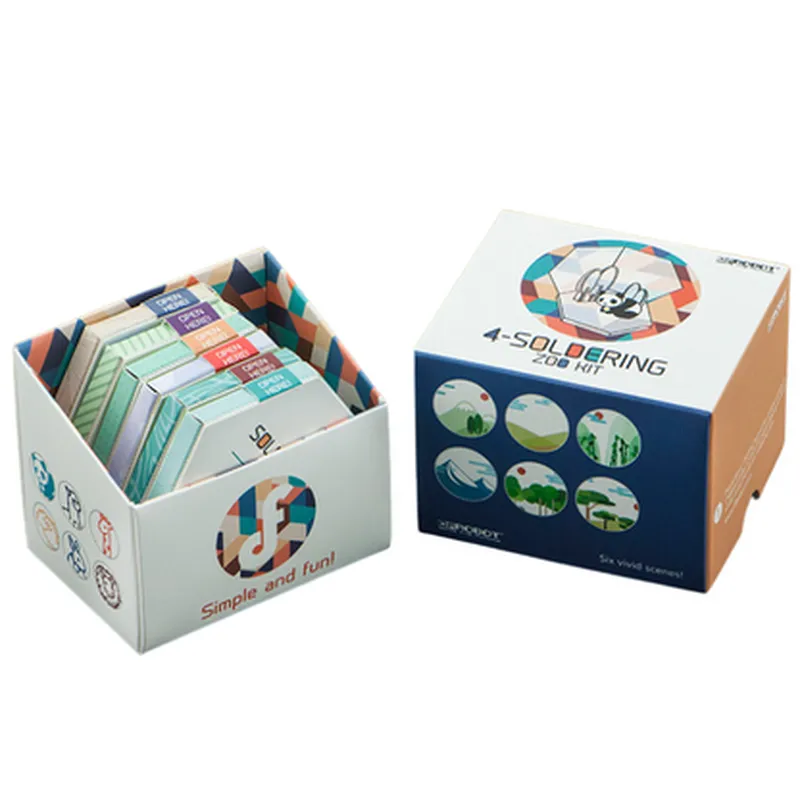
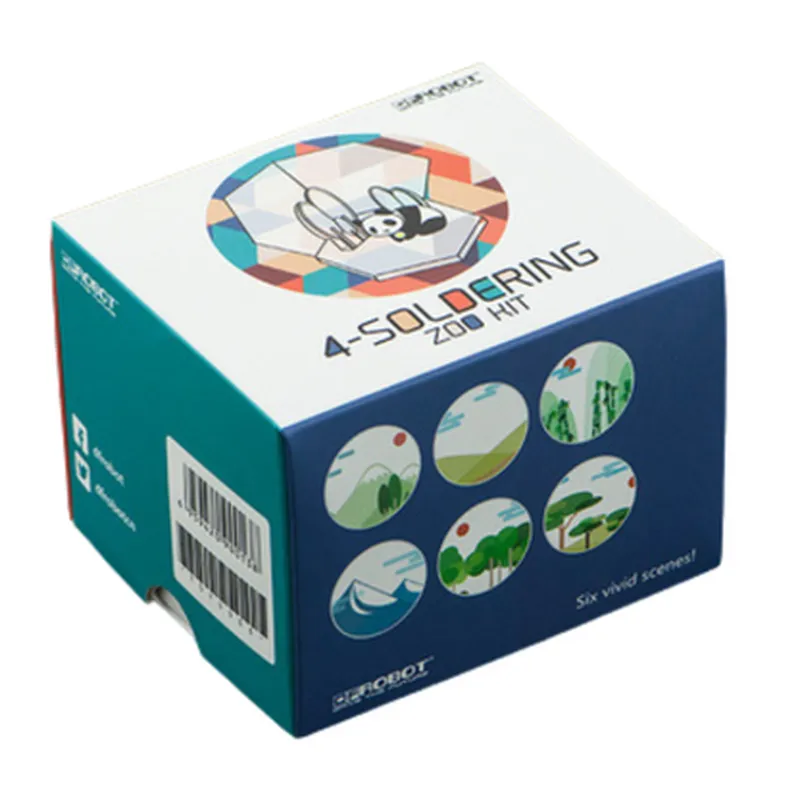
4-Soldering Zoo Animal Kit

Buy Now on Stufin

Component Name

4-Soldering Zoo Animal Kit

Overview

The 4-Soldering Zoo Animal Kit is an interactive and educational DIY electronics kit designed for beginners and hobbyists. It consists of four adorable zoo animal-shaped printed circuit boards (PCBs) that can be assembled and soldered to create a fun and functional electronic project. This kit is an excellent introduction to the world of electronics and soldering, perfect for those looking to develop their skills in a engaging and entertaining way.

Functionality

Each of the four zoo animal PCBs in the kit is equipped with LEDs, resistors, and a capacitor, which, when assembled and soldered correctly, will light up and create a visually appealing effect. The kit is designed to teach the basics of electronics and soldering, allowing users to develop their hand-eye coordination, fine motor skills, and problem-solving abilities.

Key Features

  • Easy to Assemble: The kit includes pre-drilled holes, making it easy to assemble and solder the components onto the PCBs.
  • Color-Coded Components: The components are color-coded to match the PCB's silk screen, making it easy to identify and place the correct components.
  • LED Indicators: Each animal has LEDs that light up when the circuit is complete, providing a sense of accomplishment and visual feedback.
  • Educational Value: The kit includes a comprehensive manual that covers the basics of electronics, soldering, and circuit analysis, making it an ideal learning tool for students and beginners.
  • Reusability: The kit's components are reusable, allowing users to experiment with different circuit configurations and projects.
  • Compact and Portable: The kit's compact size makes it easy to store and transport, perfect for classrooms, workshops, or personal projects.
  • Compatible with Breadboards: The PCBs are compatible with standard breadboards, enabling users to integrate their creations into larger projects.

Kit Contents

4 x Zoo Animal-shaped Printed Circuit Boards (PCBs)

1 x Set of Color-Coded Components (LEDs, Resistors, Capacitors)

1 x Soldering Instructions and Educational Manual

1 x Set of Soldering Tools (Soldering Iron, Wire Strippers, etc.)

Specifications

Operating Voltage

5V

Operating Current

20mA (max)

Component Count

10-15 per PCB

PCB Dimensions

50mm x 70mm (each)

Target Audience

Electronics Enthusiasts

Hobbyists

Students (Middle School to College Level)

Educators and Instructors

Makers and DIY Enthusiasts

Safety Precautions

Adult supervision recommended for children under 12 years old.

Use protective eyewear and avoid touching hot soldering irons.

Follow proper soldering techniques and safety guidelines to avoid electrical shock or burns.

By combining fun and education, the 4-Soldering Zoo Animal Kit is an excellent starting point for anyone looking to explore the world of electronics and soldering.

Pin Configuration

  • 4-Soldering Zoo Animal Kit Documentation
  • Overview
  • The 4-Soldering Zoo Animal Kit is a fun and interactive IoT component designed for educational and hobbyist projects. The kit includes four adorable animal-shaped PCBs with built-in LEDs, resistors, and capacitors. Each animal has a specific function, and they can be connected together to create a more complex circuit. This documentation will guide you through the pinout and connection process for each animal.
  • Animal 1: Lion
  • Pin 1: VCC (Power Supply) - Connect to a 3V-5V power source.
  • Pin 2: GND (Ground) - Connect to the ground of your circuit or power source.
  • Pin 3: LED_ANODE (LED Anode) - Connect to the positive leg of an LED.
  • Pin 4: LED_CATHODE (LED Cathode) - Connect to the negative leg of an LED.
  • Animal 2: Giraffe
  • Pin 1: VCC (Power Supply) - Connect to a 3V-5V power source.
  • Pin 2: GND (Ground) - Connect to the ground of your circuit or power source.
  • Pin 3: SIGNAL (Signal Input) - Connect to a digital signal output from a microcontroller or other device.
  • Pin 4: NC (No Connection) - Leave unconnected.
  • Animal 3: Monkey
  • Pin 1: VCC (Power Supply) - Connect to a 3V-5V power source.
  • Pin 2: GND (Ground) - Connect to the ground of your circuit or power source.
  • Pin 3: BUTTON (Button Input) - Connect to a normally open (NO) push-button switch.
  • Pin 4: NC (No Connection) - Leave unconnected.
  • Animal 4: Zebra
  • Pin 1: VCC (Power Supply) - Connect to a 3V-5V power source.
  • Pin 2: GND (Ground) - Connect to the ground of your circuit or power source.
  • Pin 3: PHOTORES (Photodiode) - Connect to a photodiode or light sensor.
  • Pin 4: NC (No Connection) - Leave unconnected.
  • Connecting the Animals
  • To create a more complex circuit, you can connect the animals together using the following structure:
  • 1. Power Connection: Connect the VCC pins of all animals to a common power source (3V-5V).
  • 2. Ground Connection: Connect the GND pins of all animals to a common ground.
  • 3. Signal Connection: Connect the SIGNAL pin of the Giraffe to the output of a microcontroller or other device.
  • 4. Button Connection: Connect the BUTTON pin of the Monkey to a normally open (NO) push-button switch.
  • 5. Photodiode Connection: Connect the PHOTORES pin of the Zebra to a photodiode or light sensor.
  • 6. LED Connection: Connect the LED_ANODE pin of the Lion to the positive leg of an LED, and the LED_CATHODE pin to the negative leg of the same LED.
  • Example Circuit
  • Here's an example circuit that connects all four animals:
  • Power source (3V-5V) VCC pins of all animals
  • Ground GND pins of all animals
  • Microcontroller output SIGNAL pin of Giraffe
  • Push-button switch BUTTON pin of Monkey
  • Photodiode PHOTORES pin of Zebra
  • LED LED_ANODE and LED_CATHODE pins of Lion
  • Note: Make sure to follow proper soldering techniques and safety precautions when working with electronics. Additionally, ensure that the power source and components are compatible with each other to avoid damage or electrical shock.

Code Examples

4-Soldering Zoo Animal Kit Documentation
Overview
The 4-Soldering Zoo Animal Kit is a fun and interactive electronic component designed for educational and hobbyist projects. It consists of four zoo animal-shaped PCBs (Printed Circuit Boards) featuring LEDs, resistors, and connectors. Each animal has a unique LED pattern, allowing users to create engaging and interactive projects.
Hardware Components
4 x Zoo Animal PCBs (Giraffe, Monkey, Zebra, and Lion)
 12 x LEDs (3 per animal)
 4 x Resistors (1 per animal)
 4 x Connectors (1 per animal)
Specifications
Operating Voltage: 3V - 5V
 Current Rating: 20mA per LED
 Connector Type: 2-pin JST
Code Examples
### Example 1: Basic LED Animation using Arduino
In this example, we'll create a simple LED animation using an Arduino board and the Monkey zoo animal PCB.
Hardware Requirements
Arduino Board (e.g., Arduino Uno)
 Monkey Zoo Animal PCB
 Breadboard and jumper wires
Code
```c++
const int ledPins[] = {2, 4, 6}; // LED pins on the Monkey PCB
const int animationTime = 100; // Animation time in milliseconds
void setup() {
  for (int i = 0; i < 3; i++) {
    pinMode(ledPins[i], OUTPUT);
  }
}
void loop() {
  for (int i = 0; i < 3; i++) {
    digitalWrite(ledPins[i], HIGH);
    delay(animationTime);
    digitalWrite(ledPins[i], LOW);
    delay(animationTime);
  }
}
```
This code will create a simple blinking animation on the Monkey's LEDs.
### Example 2: Interactive Zoo using Raspberry Pi and Python
In this example, we'll create an interactive zoo using a Raspberry Pi and all four zoo animal PCBs.
Hardware Requirements
Raspberry Pi (e.g., Raspberry Pi 4)
 4 x Zoo Animal PCBs (Giraffe, Monkey, Zebra, and Lion)
 Breadboard and jumper wires
Code
```python
import RPi.GPIO as GPIO
import time
# Set up GPIO mode
GPIO.setmode(GPIO.BCM)
# Define LED pins for each animal
giraffe_leds = [17, 23, 24]
monkey_leds = [25, 8, 7]
zebra_leds = [12, 16, 20]
lion_leds = [21, 5, 6]
# Set up LED pins as outputs
for leds in [giraffe_leds, monkey_leds, zebra_leds, lion_leds]:
    for led in leds:
        GPIO.setup(led, GPIO.OUT)
while True:
    # Read input from user (e.g., keyboard or sensor)
    user_input = input("Enter an animal (G, M, Z, or L): ")
if user_input.upper() == "G":
        # Light up Giraffe's LEDs
        for led in giraffe_leds:
            GPIO.output(led, GPIO.HIGH)
        time.sleep(1)
        for led in giraffe_leds:
            GPIO.output(led, GPIO.LOW)
    elif user_input.upper() == "M":
        # Light up Monkey's LEDs
        for led in monkey_leds:
            GPIO.output(led, GPIO.HIGH)
        time.sleep(1)
        for led in monkey_leds:
            GPIO.output(led, GPIO.LOW)
    # ... similar code for Zebra and Lion
time.sleep(0.5)  # Delay between animal selections
```
This code allows the user to interact with the zoo animals using a Raspberry Pi and Python. When a user inputs an animal's letter (G, M, Z, or L), the corresponding animal's LEDs will light up briefly.
Remember to adjust the pin numbers and code according to your specific setup and requirements.