3.3V to 5V


3.3V to 5V
10mA (typical)
10k (typical)
10-bit (1024 steps)
0 to 100 (adjustable)
-20C to 70C
20mm x 20mm x 15mm (L x W x H)
Applications
| The Joystick Module is suitable for a wide range of IoT projects and applications, including |
Robotics and robotic arms
Gaming controllers and consoles
Industrial control systems
Medical devices and equipment
Home automation and smart home systems
Prototyping and proof-of-concept projects
Ordering Information
JOYSTICK-25PK
25 pieces
Anti-static bag or tray, depending on the quantity
Warranty and Support
The Joystick Module is covered by a 1-year limited warranty. Technical support is available through our website, including datasheets, application notes, and FAQs. For additional support or assistance, please contact our technical support team.
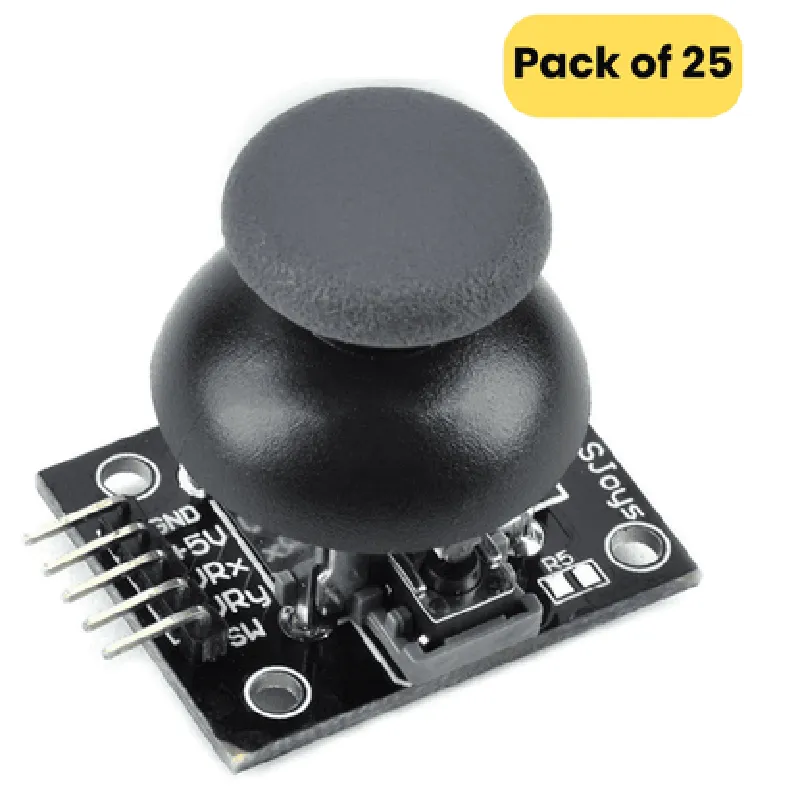
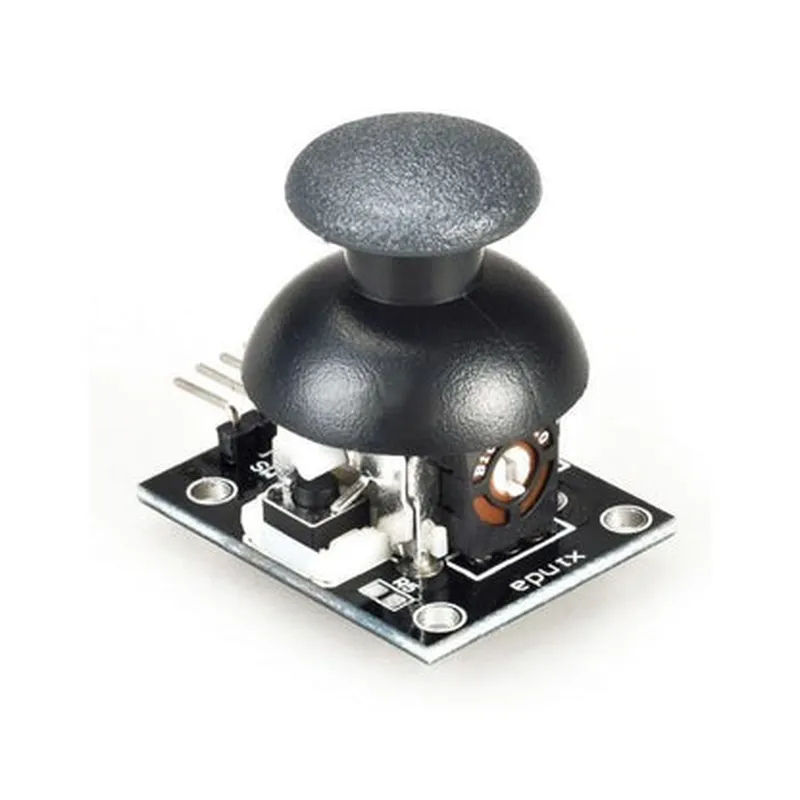
Joystick Module (Pack of 25) DocumentationOverviewThe Joystick Module is a compact, high-precision analog joystick module designed for a range of applications, from robotics and gaming to automation and interactive projects. This pack of 25 modules is perfect for prototyping, development, and production.Technical SpecificationsAnalog output
2-axis joystick (x-axis and y-axis)
5-pin interface (VCC, GND, X, Y, Z)
Operating voltage: 3.3V to 5V
Dimensions: 15mm x 15mm x 20mmPinout| Pin | Function |
| --- | --- |
| VCC | Power supply (3.3V to 5V) |
| GND | Ground |
| X | X-axis analog output |
| Y | Y-axis analog output |
| Z |Switch output ( presses the joystick) |Code Examples### Example 1: Basic Joystick Reading with ArduinoThis example demonstrates how to read the joystick's x-axis and y-axis values using an Arduino board.```c++
const int xPin = A0; // x-axis pin
const int yPin = A1; // y-axis pinvoid setup() {
Serial.begin(9600);
}void loop() {
int xValue = analogRead(xPin);
int yValue = analogRead(yPin);Serial.print("X-axis: ");
Serial.print(xValue);
Serial.print(" | Y-axis: ");
Serial.println(yValue);delay(50);
}
```### Example 2: Joystick-Controlled Robot with Raspberry PiThis example shows how to use the joystick module to control a robot's movement using a Raspberry Pi.```python
import RPi.GPIO as GPIO
import timeGPIO.setmode(GPIO.BCM)# Joystick pin connections
xPin = 17
yPin = 23
zPin = 24GPIO.setup(xPin, GPIO.IN)
GPIO.setup(yPin, GPIO.IN)
GPIO.setup(zPin, GPIO.IN, pull_up_down=GPIO.PUD_UP)while True:
xValue = GPIO.input(xPin)
yValue = GPIO.input(yPin)if xValue > 500:
print("Moving right")
elif xValue < 200:
print("Moving left")
else:
print("Stationary")if yValue > 500:
print("Moving forward")
elif yValue < 200:
print("Moving backward")
else:
print("Stationary")time.sleep(0.1)
```### Example 3: Joystick-Operated LED Matrix with ESP32This example demonstrates how to use the joystick module to control an LED matrix using an ESP32 board.```c++
#include <WiFi.h>
#include <Adafruit_GFX.h>
#include <Adafruit_LEDBackpack.h>Adafruit_8x8matrix matrix = Adafruit_8x8matrix();const int xPin = 32; // x-axis pin
const int yPin = 33; // y-axis pinvoid setup() {
Serial.begin(115200);
matrix.begin(0x70); // Initialize LED matrix
}void loop() {
int xValue = analogRead(xPin);
int yValue = analogRead(yPin);if (xValue > 500) {
matrix.fillScreen(LED_RED);
matrix.writeDisplay();
} else if (xValue < 200) {
matrix.fillScreen(LED_GREEN);
matrix.writeDisplay();
} else {
matrix.fillScreen(LED_OFF);
matrix.writeDisplay();
}if (yValue > 500) {
matrix.setTextWrap(false);
matrix.setTextColor(LEDYELLOW);
matrix.setCursor(0, 0);
matrix.print("UP");
matrix.writeDisplay();
} else if (yValue < 200) {
matrix.setTextWrap(false);
matrix.setTextColor(LEDYELLOW);
matrix.setCursor(0, 0);
matrix.print("DOWN");
matrix.writeDisplay();
} else {
matrix.fillScreen(LED_OFF);
matrix.writeDisplay();
}delay(50);
}
```These examples demonstrate the versatility of the Joystick Module and its potential applications in various IoT projects.