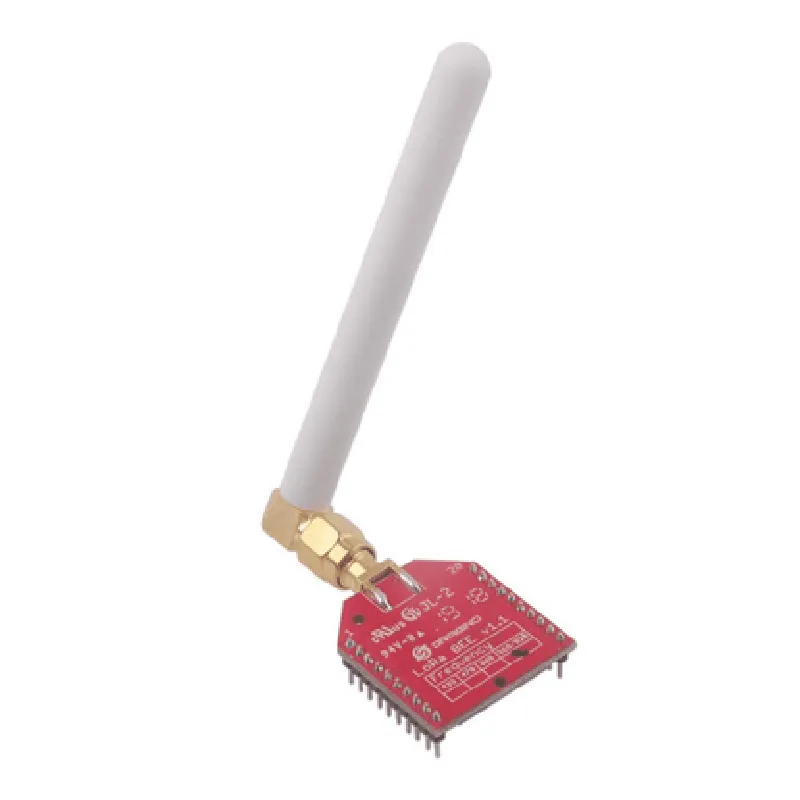
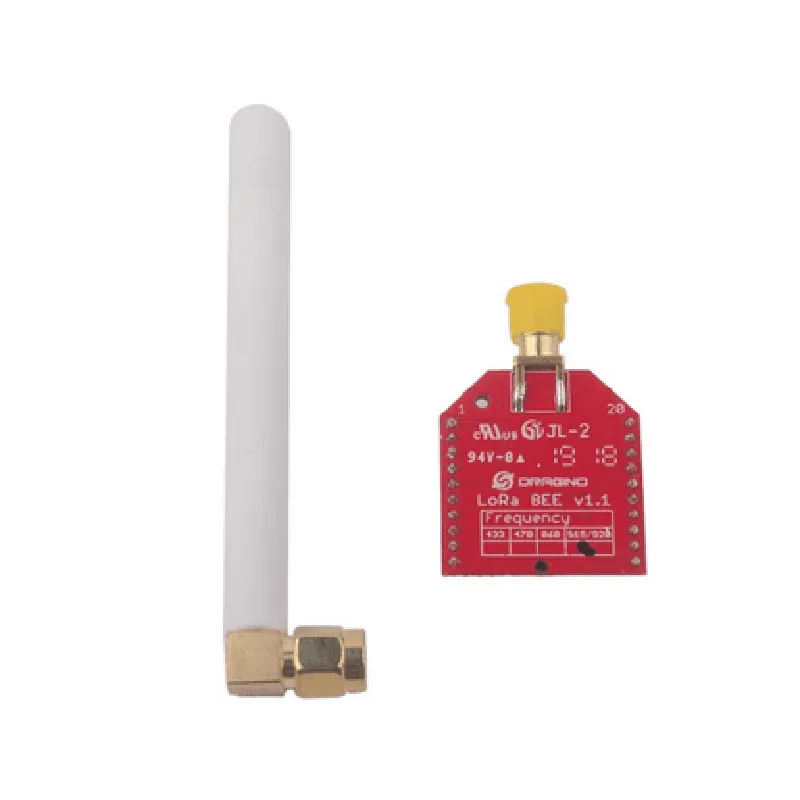
DRAGINO LORA BEE V1.1 + HOPERF RFM95-98(W) Documentation
The DRAGINO LORA BEE V1.1 is a loRaWAN module that integrates the HOPERF RFM95-98(W) radio frequency transceiver, allowing developers to create low-power, long-range wireless communication systems. This module is designed for IoT applications, such as smart cities, industrial automation, and sensor networks.
Frequency Range: 868/915 MHz (European/Asian version) or 902/928 MHz (American version)
 Spreading Factor: 7-12
 Bandwidth: 125 kHz, 250 kHz, or 500 kHz
 Data Rate: up to 50 kbps
 Range: up to 10 km (line of sight)
 Power Consumption: 10 mA (transmit), 5 mA (receive), 1 A (sleep)
The DRAGINO LORA BEE V1.1 module has a 2x10-pin header that can be connected to a microcontroller or development board. The module's pinout is as follows:
| Pin | Function |
| --- | --- |
| 1 | VCC (3.3V) |
| 2 | GND |
| 3 | Reset (active low) |
| 4 | DIO0 (interrupt) |
| 5 | DIO1 (interrupt) |
| 6 | DIO2 (interrupt) |
| 7 | DIO3 (interrupt) |
| 8 | NSS (chip select) |
| 9 | SCK (clock) |
| 10 | MOSI (data in) |
| 11 | MISO (data out) |
| 12 | RST (reset) |
| 13 | GPIO0 (general-purpose input/output) |
| 14 | GPIO1 (general-purpose input/output) |
| 15 | GPIO2 (general-purpose input/output) |
| 16 | GPIO3 (general-purpose input/output) |
| 17 | GPIO4 (general-purpose input/output) |
| 18 | GPIO5 (general-purpose input/output) |
| 19 | 3.3V (power output) |
| 20 | GND (ground) |
The DRAGINO LORA BEE V1.1 is compatible with various microcontrollers and development boards, including Arduino, Raspberry Pi, and ESP32. The module uses a simple serial communication protocol to exchange data with the host microcontroller.
Example 1: Arduino LoRaWAN Node
This example demonstrates how to use the DRAGINO LORA BEE V1.1 module as a LoRaWAN node with an Arduino Uno board.
```cpp
#include <RHReliableDatagram.h>
#include <RH_RF95.h>
#define RFM95_CS 10
#define RFM95_INT 2
RH_RF95 rf95(RFM95_CS, RFM95_INT);
RHReliableDatagram manager(rf95, CLIENT_ADDRESS);
void setup() {
  Serial.begin(9600);
  while (!rf95.init()) {
    Serial.println("LoRa radio init failed");
    delay(1000);
  }
  Serial.println("LoRa radio init OK!");
}
void loop() {
  char data[] = "Hello, LoRa!";
  manager.sendtoWait(data, sizeof(data), SERVER_ADDRESS);
  delay(1000);
}
```
Example 2: Raspberry Pi LoRaWAN Gateway
This example demonstrates how to use the DRAGINO LORA BEE V1.1 module as a LoRaWAN gateway with a Raspberry Pi board.
```python
import RPi.GPIO as GPIO
import time
import LoRa
# Define LoRa pins
LORA_CS = 17
LORA_INT = 23
LORA_RST = 24
# Initialize LoRa module
lora = LoRa.LoRa(LORA_CS, LORA_INT, LORA_RST)
# Set LoRa frequency and spreading factor
lora.set_freq(LORA_FREQUENCY)
lora.set_sf(LORA_SF)
while True:
  # Receive LoRa packet
  packet = lora.recv_packet()
  if packet:
    print("Received packet: ", packet)
  time.sleep(1)
```
Note: These examples are simplified and you may need to add error handling, checksum verification, and other features depending on your specific use case.