High-quality steel alloy


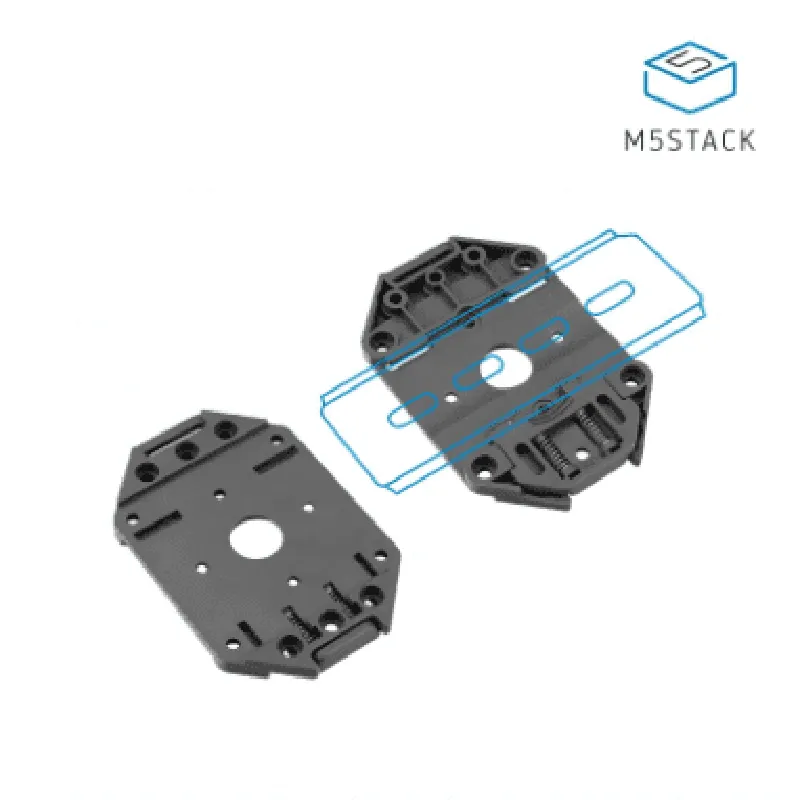
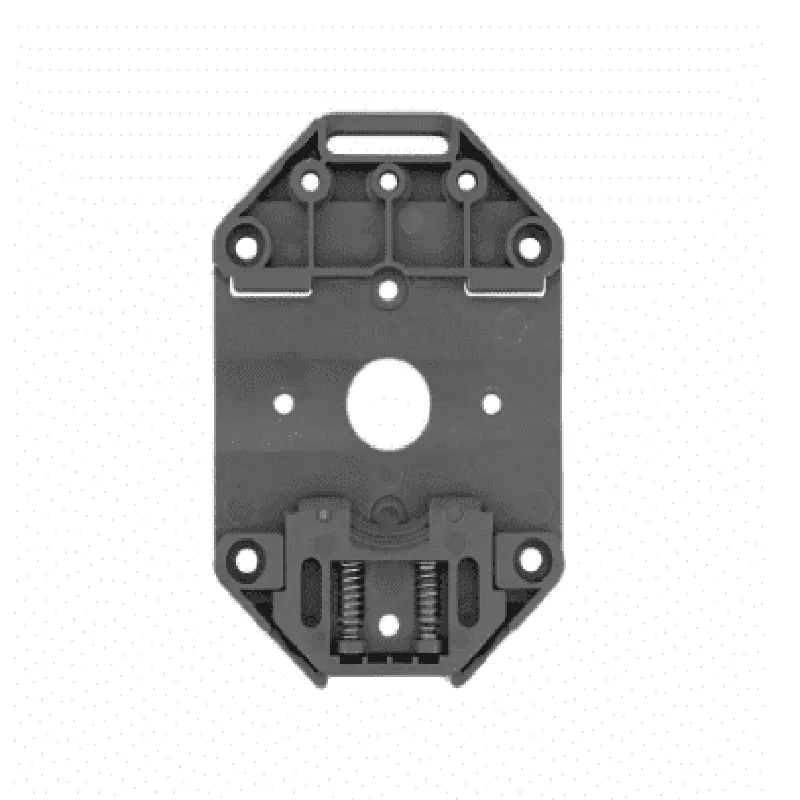
High-quality steel alloy
Corrosion-resistant coating
300mm (custom lengths available upon request)
20mm
10mm
| M5 Mounting Pattern | Yes |
Yes
0.1
-20C to 80C
Applications
| The Guide Rail for M5 Base is suitable for a wide range of IoT applications, including |
Robotics and automation
CNC machines and precision engineering
Medical and healthcare devices
Aerospace and defense systems
Industrial automation and control systems
Conclusion
The Guide Rail for M5 Base is a high-quality, precision-crafted component designed to provide smooth and accurate linear motion for a wide range of IoT applications. Its robust construction, corrosion-resistant coating, and adjustable tension system make it an ideal solution for demanding applications where reliability and precision are paramount.
Guide Rail for M5 Base DocumentationOverviewThe Guide Rail for M5 Base is a versatile component designed to provide a stable and precise linear movement for various IoT projects. It features a durable and compact design, making it ideal for applications where space is limited. This guide rail is compatible with M5-based systems and can be used in conjunction with other M5 components to create a wide range of IoT projects.Technical SpecificationsMaterial: Aluminum alloy
Length: 100mm, 200mm, 300mm (custom lengths available upon request)
Width: 15mm
Height: 10mm
M5 screw hole spacing: 20mm
Weight: 50g (100mm length)Code Examples### Example 1: Basic Linear Movement Using ArduinoIn this example, we will use the Guide Rail for M5 Base to create a simple linear movement system using an Arduino board.Hardware RequirementsGuide Rail for M5 Base (100mm length)
M5 Stepper Motor (e.g., NEMA17)
Arduino Board (e.g., Arduino Uno)
Breadboard and jumper wiresSoftware RequirementsArduino IDE (version 1.8.x or later)Code
```c
const int stepperPin = 2; // Pin for stepper motor control
const int dirPin = 3; // Pin for direction control
const int stepsPerRev = 200; // Steps per revolution for M5 Stepper Motorvoid setup() {
pinMode(stepperPin, OUTPUT);
pinMode(dirPin, OUTPUT);
}void loop() {
// Move the guide rail 50 steps forward
digitalWrite(dirPin, HIGH);
for (int i = 0; i < 50; i++) {
digitalWrite(stepperPin, HIGH);
delay(1);
digitalWrite(stepperPin, LOW);
delay(1);
}// Move the guide rail 50 steps backward
digitalWrite(dirPin, LOW);
for (int i = 0; i < 50; i++) {
digitalWrite(stepperPin, HIGH);
delay(1);
digitalWrite(stepperPin, LOW);
delay(1);
}
}
```
### Example 2: Automated Linear Actuator Using ESP32 and Servo MotorIn this example, we will use the Guide Rail for M5 Base to create an automated linear actuator system using an ESP32 board and a servo motor.Hardware RequirementsGuide Rail for M5 Base (200mm length)
M5 Servo Motor (e.g., SG90)
ESP32 Board (e.g., ESP32 DevKitC)
Breadboard and jumper wiresSoftware RequirementsESP32 Arduino Core (version 1.0.6 or later)Code
```c
#include <Servo.h>const int servoPin = 15; // Pin for servo motor control
const int GuideRailLength = 200; // Length of the guide rail in mmServo myServo; // Create a servo objectvoid setup() {
myServo.attach(servoPin);
}void loop() {
// Move the guide rail to the starting position
myServo.write(0);
delay(1000);// Move the guide rail to the end position
myServo.write(180);
delay(1000);// Move the guide rail back to the starting position
myServo.write(0);
delay(1000);
}
```
Note: In this example, the servo motor is used to control the linear movement of the guide rail. The servo motor's angular position is mapped to the linear movement of the guide rail.These examples demonstrate the versatility and ease of use of the Guide Rail for M5 Base in various IoT projects. By combining this component with other M5 components and microcontrollers, you can create complex and innovative IoT systems.