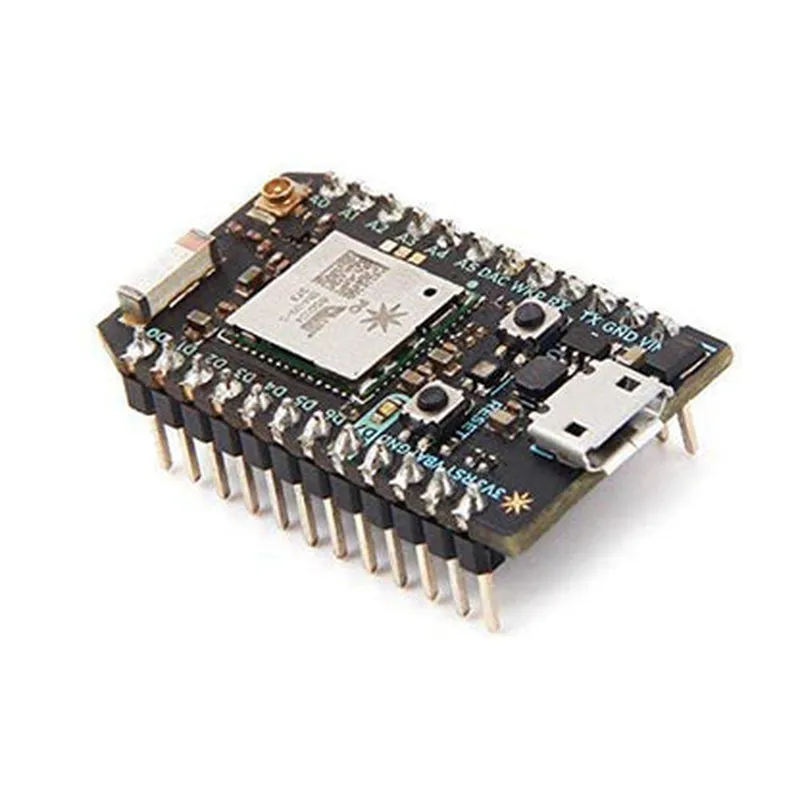
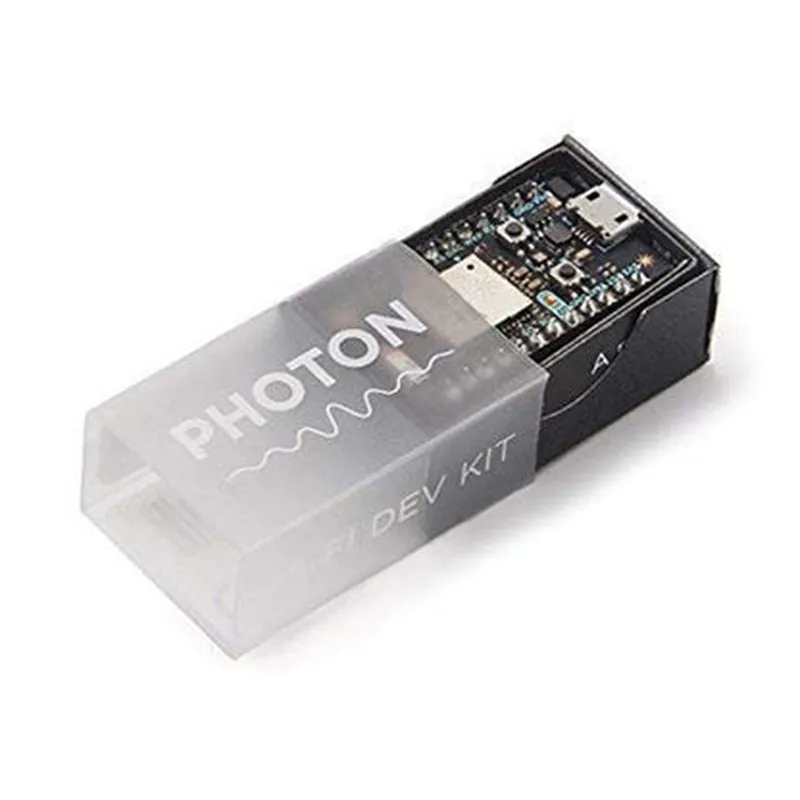
Particle Photon Development Board Documentation
The Particle Photon is a Wi-Fi development board that allows users to create connected devices and IoT projects with ease. This documentation provides an overview of the board's features, specifications, and code examples to get you started.
Features and Specifications
Microcontroller: Broadcom BCM43362 Wi-Fi system-on-chip
 Flash Memory: 1MB
 RAM: 128KB
 Wi-Fi: 802.11 b/g/n
 Operating System: Particle OS
 Programming Language: C/C++, Particle API
 Interfaces: Wi-Fi, USB, JTAG, UART, I2C, SPI, GPIO
 Power: USB-powered, 3.3V or 5V input
### Example 1: Blinking an LED using Particle API
This example demonstrates how to use the Particle Photon to control an LED connected to digital pin 2.
```c
// Import the Particle API library
#include <Particle.h>
// Define the LED pin
const int ledPin = D2;
void setup() {
  // Initialize the LED pin as an output
  pinMode(ledPin, OUTPUT);
}
void loop() {
  // Blink the LED
  digitalWrite(ledPin, HIGH);
  delay(1000);
  digitalWrite(ledPin, LOW);
  delay(1000);
}
```
### Example 2: Connecting to Wi-Fi and sending data to the cloud
This example demonstrates how to connect to a Wi-Fi network and send data to the Particle Cloud using the Particle API.
```c
// Import the Particle API library
#include <Particle.h>
// Set your Wi-Fi credentials
const char wifiSSID = "your_wifi_ssid";
const char wifiPassword = "your_wifi_password";
// Set your Particle device ID and access token
const char deviceId = "your_device_id";
const char accessToken = "your_access_token";
void setup() {
  // Connect to Wi-Fi
  WiFi.connect(wifiSSID, wifiPassword);
  while (!WiFi.ready()) {
    delay(1000);
    Serial.println("Connecting to Wi-Fi...");
  }
  Serial.println("Connected to Wi-Fi");
// Connect to the Particle Cloud
  Particle.connect();
  while (!Particle.connected()) {
    delay(1000);
    Serial.println("Connecting to Particle Cloud...");
  }
  Serial.println("Connected to Particle Cloud");
}
void loop() {
  // Send data to the Particle Cloud
  Particle.publish("temperature", "25.0", PRIVATE);
  delay(10000); // Send data every 10 seconds
}
```
### Example 3: Reading data from a sensor using I2C
This example demonstrates how to use the Particle Photon to read data from a temperature sensor (e.g., TMP102) connected via I2C.
```c
// Import the Wire library for I2C communication
#include <Wire.h>
// Define the I2C address of the TMP102 sensor
const int tmp102Address = 0x48;
void setup() {
  // Initialize the I2C interface
  Wire.begin();
}
void loop() {
  // Read temperature data from the TMP102 sensor
  Wire.beginTransmission(tmp102Address);
  Wire.write(0x00); // Read temperature register
  Wire.endTransmission();
  Wire.requestFrom(tmp102Address, 2);
  int tempData = Wire.read() << 8 | Wire.read();
// Convert temperature data to Celsius
  float temperature = tempData  0.0625;
// Print the temperature value
  Serial.print("Temperature: ");
  Serial.print(temperature);
  Serial.println(" C");
delay(1000); // Read temperature every 1 second
}
```
These examples demonstrate the versatility of the Particle Photon and its ability to connect to the internet, interact with sensors and actuators, and send data to the cloud.