ABS


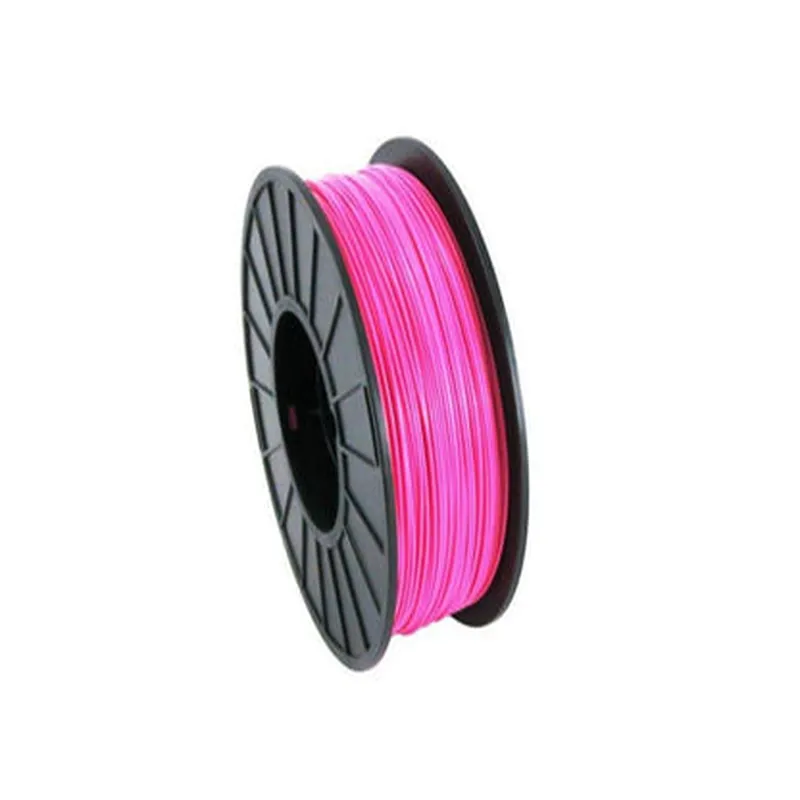
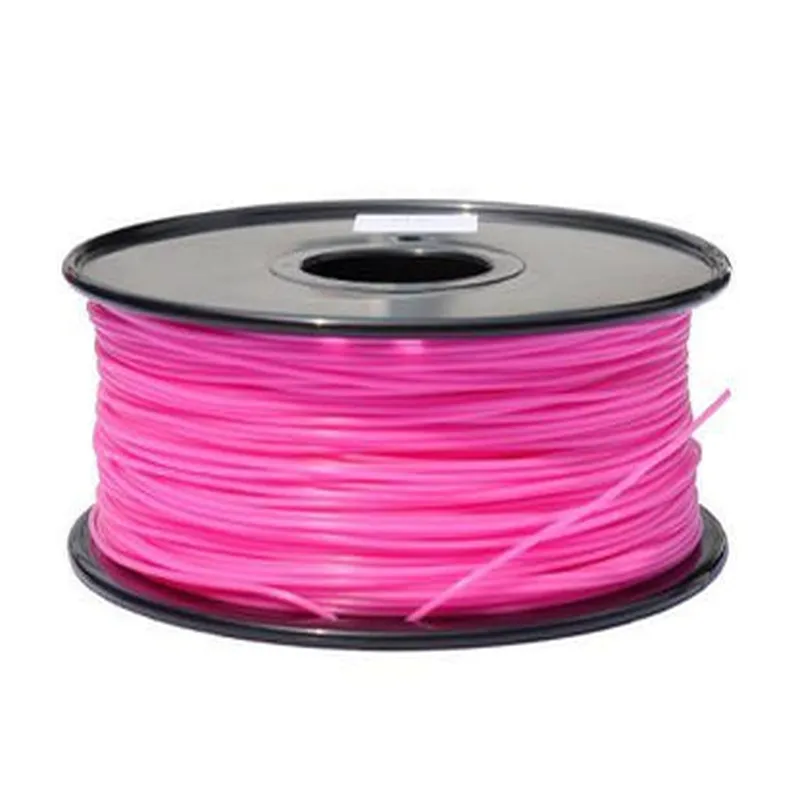
ABS
1.75mm
Pink
1 kg (2.2 pounds)
220C - 240C (428F - 464F)
210C (410F)
1.04 g/cm
40-50 MPa (5800-7250 psi)
Applications
| The 1.75mm Pink ABS Filament is suitable for a wide range of applications, including |
Prototyping
Model making
Architectural modeling
Product design
Artistic creations
Hobbyist projects
Safety Precautions
| When working with the 1.75mm Pink ABS Filament, it is essential to follow proper safety precautions, including |
Wearing protective gloves and eyewear
Working in a well-ventilated area
Avoiding inhalation of fumes generated during printing
Keeping the filament away from children and pets
Storing the filament in a cool, dry place
By following these guidelines and precautions, users can ensure safe and successful 3D printing with the 1.75mm Pink ABS Filament.
Component Documentation: 1.75mm Pink ABS Filament - 1KgOverviewThe 1.75mm Pink ABS Filament - 1Kg is a thermoplastic filament designed for 3D printing applications. It is a high-quality, affordable, and versatile material suitable for a wide range of printing projects. This filament is compatible with most FFF/FDM 3D printers and is ideal for prototyping, model making, and artistic creations.PropertiesMaterial: Acrylonitrile Butadiene Styrene (ABS)
Diameter: 1.75mm
Weight: 1Kg (1000g)
Color: Pink
Temperature Range: 230C - 250C
Density: 1.04 g/cm
Tensile Strength: 40-50 MPa
Flexural Strength: 60-70 MPa
Impact Resistance: 10-15 kJ/mUsage Examples### Example 1: Printing a Custom Phone Case with Marlin FirmwareIn this example, we will demonstrate how to use the 1.75mm Pink ABS Filament - 1Kg to print a custom phone case using a 3D printer with Marlin firmware.G-Code Example
```gcode
; Print settings
M107 ; Fan on
M104 S220 ; Set extruder temperature to 220C
M109 S220 ; Wait for extruder temperature to reach 220C; Layer height: 0.2mm, Infill density: 20%
G28 ; Home all axes
G29 ; Auto bed leveling
G1 Z0.2 F3000 ; Move to layer height
G1 F1500 ; Set feed rate; Print object
G1 X10 Y10 E0 F1500 ; Move to start position
G1 X10 Y20 E0.4 F1500 ; Print first layer
...
```
Note: This G-Code example is a simplified demonstration of the printing process. You may need to adjust the print settings and object coordinates according to your specific printer and design.### Example 2: Printing a Prototype Part with Slic3r and ArduinoIn this example, we will demonstrate how to use the 1.75mm Pink ABS Filament - 1Kg to print a prototype part using Slic3r software and an Arduino-based 3D printer.Slic3r ConfigurationNozzle size: 0.4mm
Layer height: 0.2mm
Infill density: 20%
Support material: None
Print speed: 30mm/sArduino Code (simplified)
```c++
#include <Arduino.h>const int heaterPin = 2; // Heater pin
const int fanPin = 3; // Fan pinvoid setup() {
pinMode(heaterPin, OUTPUT);
pinMode(fanPin, OUTPUT);
digitalWrite(heaterPin, HIGH); // Set heater to 220C
digitalWrite(fanPin, HIGH); // Turn on fan
delay(2000); // Wait for temperature to stabilize
}void loop() {
// Print object using Slic3r-generated G-Code
// ...
}
```
Note: This Arduino code snippet is a simplified demonstration of the printing process. You may need to adjust the pin configurations, temperature settings, and print logic according to your specific printer and design.Remember to always follow proper safety precautions when working with 3D printing and electronics. Ensure your printer is properly calibrated and ventilated to avoid potential hazards.Troubleshooting TipsWarping issues: Ensure the print bed is level, and the ambient temperature is within the recommended range.
Clogging issues: Regularly clean the extruder nozzle and check for filament moisture.
Layer shifting issues: Adjust the print speed and acceleration settings to prevent layer shifting.By following these guidelines and examples, you should be able to successfully print with the 1.75mm Pink ABS Filament - 1Kg. Happy printing!