1.75mm Peak Green ABS Filament - 1Kg


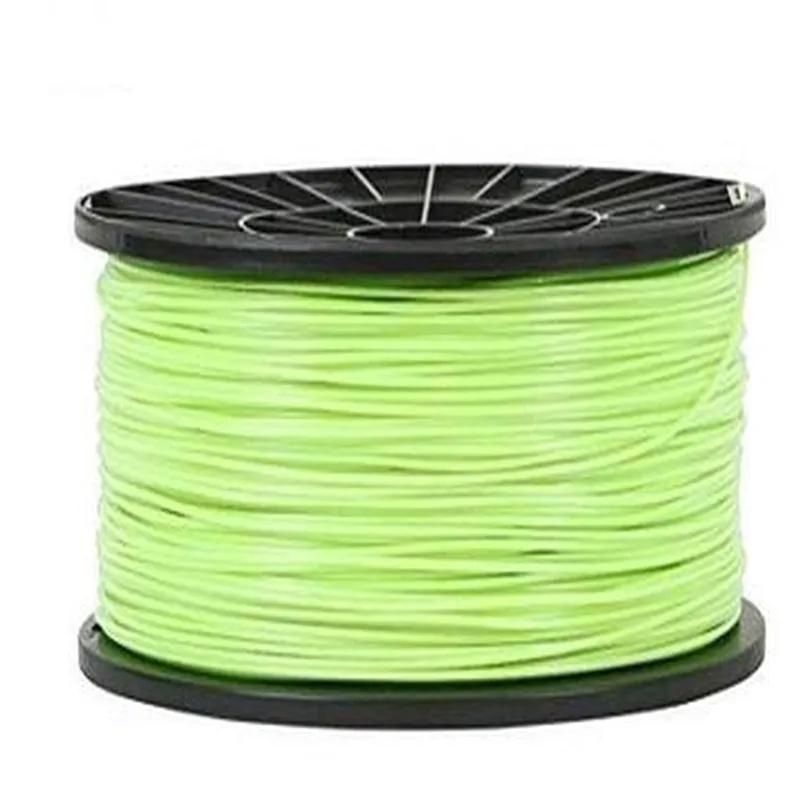
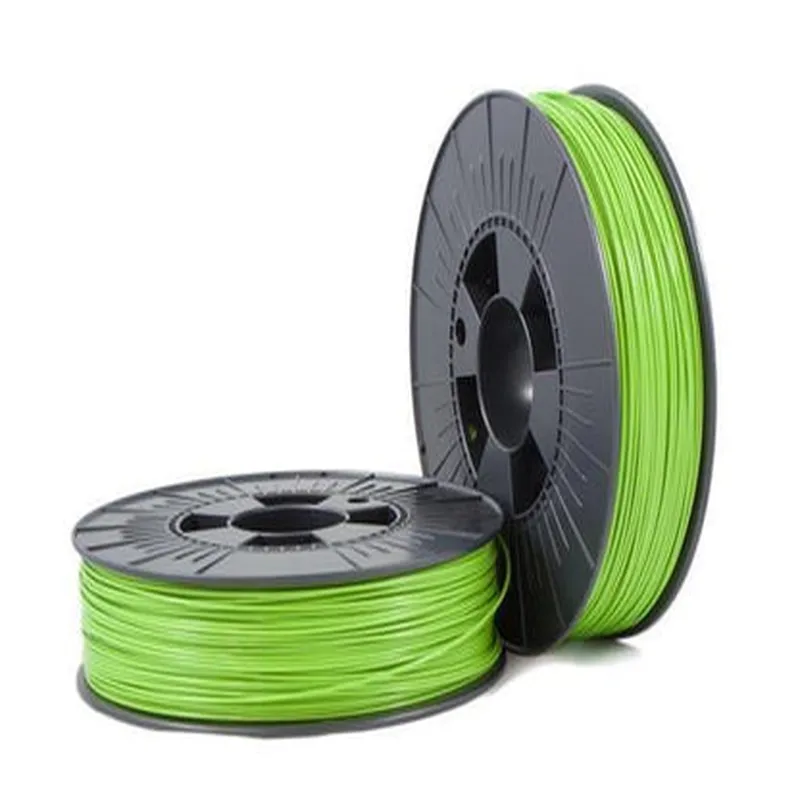
1.75mm Peak Green ABS Filament - 1Kg
The 1.75mm Peak Green ABS Filament - 1Kg is a type of 3D printing filament designed for use in Fused Deposition Modeling (FDM) 3D printers. This component is a spool of thermoplastic material, specifically Acrylonitrile Butadiene Styrene (ABS), which is formulated to provide optimal performance and print quality.
The primary function of the 1.75mm Peak Green ABS Filament - 1Kg is to serve as the raw material for 3D printing. When heated to its melting point, the filament is extruded through a heated nozzle, depositing layer upon layer to form a three-dimensional object. The ABS material is well-suited for printing durable, impact-resistant parts with a high level of detail and accuracy.
The 1.75mm Peak Green ABS Filament - 1Kg is compatible with most FDM 3D printers that support 1.75mm diameter filaments and ABS material. Always check the printer's specifications and manufacturer recommendations before use.
To maintain the filament's quality and print performance, store it in a dry, cool place, away from direct sunlight. Keep the spool clean and free from dust, and avoid exposing it to moisture or extreme temperatures.
By using the 1.75mm Peak Green ABS Filament - 1Kg, you can create high-quality 3D prints with excellent mechanical properties, making it an ideal choice for prototype development, model making, and production of functional parts.
Component Documentation: 1.75mm Peak Green ABS Filament - 1KgOverviewThe 1.75mm Peak Green ABS Filament - 1Kg is a high-quality, 1.75mm diameter Acrylonitrile Butadiene Styrene (ABS) filament designed for 3D printing applications. This filament is manufactured to provide excellent print quality, durability, and flexibility. It is suitable for a wide range of 3D printing projects, including prototyping, modeling, and production.PropertiesDiameter: 1.75mm
Material: Acrylonitrile Butadiene Styrene (ABS)
Color: Peak Green
Weight: 1Kg
Melting Temperature: 230C - 250C
Printing Temperature: 220C - 240C
Bed Temperature: 80C - 100CUsage GuidelinesBefore using the filament, ensure that your 3D printer is calibrated and configured for ABS printing. Follow the manufacturer's instructions for loading and feeding the filament into the printer.Code ExamplesHere are two code examples demonstrating how to use the 1.75mm Peak Green ABS Filament - 1Kg in various contexts:Example 1: Simplified 3D Printing Code using Marlin FirmwareIn this example, we'll demonstrate a basic 3D printing code using Marlin firmware. This code assumes a Prusa i3-style 3D printer and configures the printer to print a simple object using the Peak Green ABS Filament.```c++
// Marlin firmware example code
#include <Marlin.h>// Define the print settings
#define EXTRUDER_TEMP 230 // Set the extruder temperature to 230C
#define BED_TEMP 90 // Set the bed temperature to 90C
#define LAYER_HEIGHT 0.2 // Set the layer height to 0.2mmvoid setup() {
// Initialize the printer
SERIAL_ECHO();
SERIAL_PRINTLN("Initializing printer...");
initotron();
}void loop() {
// Home the printer
home_all();// Set the print settings
set_target_temp(EXTRUDER_TEMP);
set_bed_temp(BED_TEMP);// Print a simple object (e.g., a cube)
gcode_move_to(10, 10, 0.2);
gcode_extrude(10, 10, 0.2, 1);
gcode_move_to(10, 20, 0.2);
gcode_extrude(10, 20, 0.2, 1);
gcode_move_to(20, 20, 0.2);
gcode_extrude(20, 20, 0.2, 1);
gcode_move_to(20, 10, 0.2);
gcode_extrude(20, 10, 0.2, 1);// Wait for the print to complete
wait_for_queue();
}
```Example 2: Slicing and Printing using Simplify3DIn this example, we'll demonstrate how to use the Peak Green ABS Filament with Simplify3D, a popular 3D printing software. This code assumes a prepared 3D model file (e.g., STL or OBJ) and configures Simplify3D to slice and print the object using the filament.```python
# Simplify3D Python API example code
import simplify3d# Load the 3D model file
model = simplify3d.Model.from_file("path/to/model.stl")# Create a new process
process = simplify3d.Process()# Add the model to the process
process.add_model(model)# Configure the print settings
process.extruder_temperature = 230 # Set the extruder temperature to 230C
process.bed_temperature = 90 # Set the bed temperature to 90C
process.layer_height = 0.2 # Set the layer height to 0.2mm
process.infill_density = 20 # Set the infill density to 20%# Add a material configuration for the Peak Green ABS Filament
material = simplify3d.Material()
material.name = "Peak Green ABS"
material.density = 1.04
material.melting_temperature = 230
material.bed_adhesion_temperature = 90
process.add_material(material)# Slice the model
gcode = process.slice()# Print the object
gcode.print()
```These examples demonstrate the basic usage of the 1.75mm Peak Green ABS Filament - 1Kg in 3D printing applications. For more advanced usage and customization, refer to the manufacturer's documentation and the specific 3D printing software or firmware being used.