Stufin
Home Quick Cart Profile

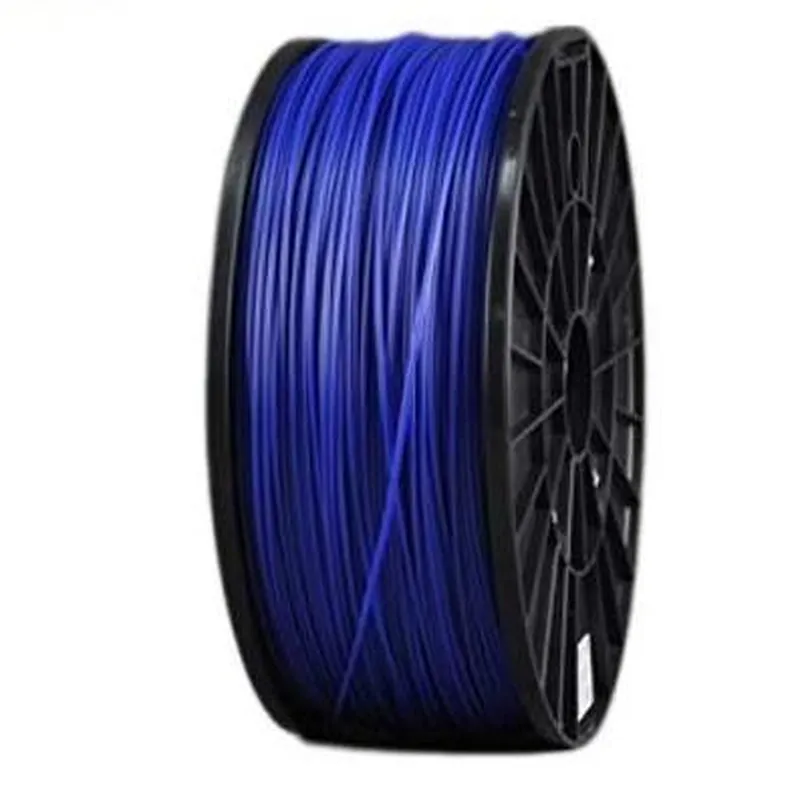
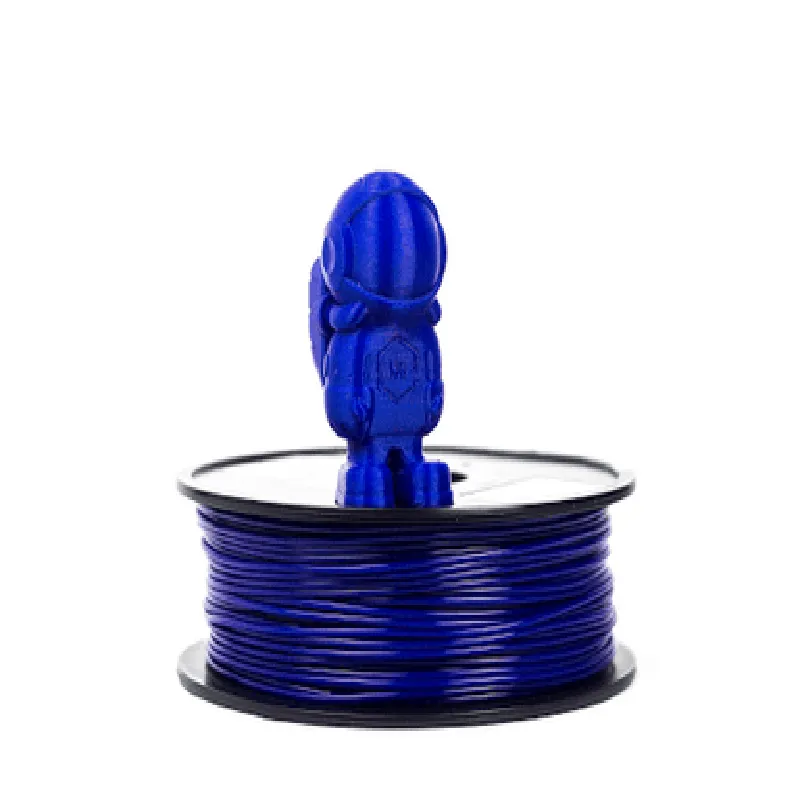
1.75mm Dark Blue ABS Filament -1Kg

Buy Now on Stufin

Component Description

1.75mm Dark Blue ABS Filament - 1Kg

Overview

The 1.75mm Dark Blue ABS Filament is a high-quality 3D printing material designed for use with Fused Deposition Modeling (FDM) and Fused Filament Fabrication (FFF) 3D printers. This filament is a versatile and widely used component in the Internet of Things (IoT) ecosystem, particularly in prototyping, model making, and production of end-use parts.

Functionality

The primary function of the 1.75mm Dark Blue ABS Filament is to provide a durable and stable material for 3D printing applications. This filament is designed to be melted and extruded through a heated nozzle to create complex shapes and objects. The resulting prints exhibit excellent mechanical properties, making them suitable for a wide range of IoT applications, including

Prototyping and proof-of-concept models

Production of end-use parts and components

Development of custom IoT devices and sensors

Creation of functional models and mockups

Key Features

  • Material Properties:

Material type

Acrylonitrile Butadiene Styrene (ABS)

Melting point

220C - 240C

Density

1.05 g/cm

Tensile strength

40-45 MPa

Flexural strength

70-80 MPa

Impact resistance

High

  • Filament Specifications:

Diameter

1.75mm 0.05mm

Weight

1 kg (2.2 lbs)

Length

Approximately 330m (1083 ft)

Color

Dark Blue

  • Print Quality:

Smooth and consistent surface finish

Good layer adhesion and bonding

Minimal warping and shrinkage

  • Compatibility:

Compatible with most FDM and FFF 3D printers

Suitable for use with a wide range of temperatures and printing speeds

  • Packaging and Storage:

Vacuum-sealed packaging to prevent moisture absorption

Recommended storage conditions

Cool, dry place away from direct sunlight

Tips and Recommendations

Use a heated bed and chamber for optimal print quality

Set the extruder temperature between 220C - 240C for ideal results

Use a brim or raft to improve print adhesion and reduce warping

Post-processing techniques such as sanding and painting can enhance the appearance and durability of the printed parts

Safety Precautions

Wear protective gloves and eyewear when handling the filament

Avoid breathing in dust or particles generated during printing

Keep the printing area well-ventilated to prevent inhalation of fumes

Follow the manufacturer's guidelines and safety recommendations for the specific 3D printer being used

Pin Configuration

  • I think there may be some confusion here.
  • The component you've mentioned, "1.75mm Dark Blue ABS Filament -1Kg", is not an electronic component with pins that need to be connected. It's actually a type of thermoplastic material used in 3D printing, specifically a spool of ABS (Acrylonitrile Butadiene Styrene) filament with a diameter of 1.75mm, weighing 1 kilogram, and having a dark blue color.
  • As such, it doesn't have any pins that need to be connected. Instead, it's used as a feedstock for 3D printing, where it's melted and extruded through a hotend to create three-dimensional objects.
  • If you're looking for documentation on how to use this filament with a 3D printer, I can provide some general guidance:
  • Handling and Storage:
  • Store the filament in a dry, cool place to prevent moisture absorption.
  • Handle the filament carefully to avoid kinking or tangling.
  • Loading the Filament:
  • Follow the specific instructions for your 3D printer model to load the filament.
  • Typically, this involves feeding the filament through a guide tube and into the extruder.
  • Printing Settings:
  • Consult your 3D printer's documentation for recommended printing settings (e.g., temperature, speed, layer height) for ABS filament.
  • If you're looking for documentation on a specific electronic component, please let me know and I'll be happy to help!

Code Examples

Component Documentation: 1.75mm Dark Blue ABS Filament - 1Kg
Overview
The 1.75mm Dark Blue ABS Filament is a high-quality, 1-kilogram spool of Acrylonitrile Butadiene Styrene (ABS) thermoplastic filament, ideal for 3D printing applications. This filament is compatible with most Fused Deposition Modeling (FDM) 3D printers and is suitable for creating durable and impact-resistant parts.
Technical Specifications
Filament diameter: 1.75 mm  0.05 mm
 Material: Acrylonitrile Butadiene Styrene (ABS)
 Color: Dark Blue
 Weight: 1 kilogram (2.2 pounds)
 Melting point: 220C - 250C (428F - 482F)
 Recommended extrusion temperature: 230C - 240C (446F - 464F)
 Recommended bed temperature: 90C - 110C (194F - 230F)
Example Usage
### Example 1: Printing a Simple Box using Prusa i3 3D Printer and Simplify3D Software
In this example, we will demonstrate how to use the 1.75mm Dark Blue ABS Filament to print a simple box using a Prusa i3 3D printer and Simplify3D software.
Hardware Requirements
Prusa i3 3D printer
 1.75mm Dark Blue ABS Filament - 1Kg
 Simplify3D software
Software Settings
Slicing software: Simplify3D
 Printer profile: Prusa i3
 Filament settings:
	+ Diameter: 1.75 mm
	+ Material: ABS
	+ Temperature: 235C (455F)
	+ Bed temperature: 100C (212F)
	+ Layer height: 0.2 mm
	+ Infill density: 20%
G-code Example
```
; Simplify3D generated G-code
; Layer height: 0.2 mm
; Infill density: 20%
; Start of print
G28 ; Home all axes
G1 Z0.2 F3000 ; Move to starting height
G1 X0 Y0 F3000 ; Move to starting position
; Print layers
G1 F1800 ; Set extrusion rate
G1 X10 Y10 E10 F1800 ; Print first layer
G1 X20 Y20 E20 F1800 ; Print second layer
...
G1 X100 Y100 E100 F1800 ; Print final layer
; End of print
G1 Z0.2 F3000 ; Move to starting height
G28 ; Home all axes
```
### Example 2: Creating a Custom Part using Fusion 360 and an LulzBot Mini 3D Printer
In this example, we will demonstrate how to design a custom part using Fusion 360 software and print it using an LulzBot Mini 3D printer with the 1.75mm Dark Blue ABS Filament.
Hardware Requirements
LulzBot Mini 3D printer
 1.75mm Dark Blue ABS Filament - 1Kg
 Fusion 360 software
Software Settings
CAD software: Fusion 360
 Printer profile: LulzBot Mini
 Filament settings:
	+ Diameter: 1.75 mm
	+ Material: ABS
	+ Temperature: 235C (455F)
	+ Bed temperature: 100C (212F)
	+ Layer height: 0.2 mm
	+ Infill density: 20%
Design and Print Process
1. Design the custom part using Fusion 360 software, taking into account the limitations of FDM 3D printing.
2. Export the design as an STL file.
3. Import the STL file into the LulzBot Mini's slicing software (e.g., Cura).
4. Set the filament settings and print settings according to the technical specifications.
5. Print the custom part using the LulzBot Mini 3D printer.
Note: The examples provided are for illustrative purposes only and may require adjustments based on specific printer and software configurations. Always follow the manufacturer's guidelines and recommended settings for the 3D printer and filament.