

Stufin
Home Quick Cart Profile

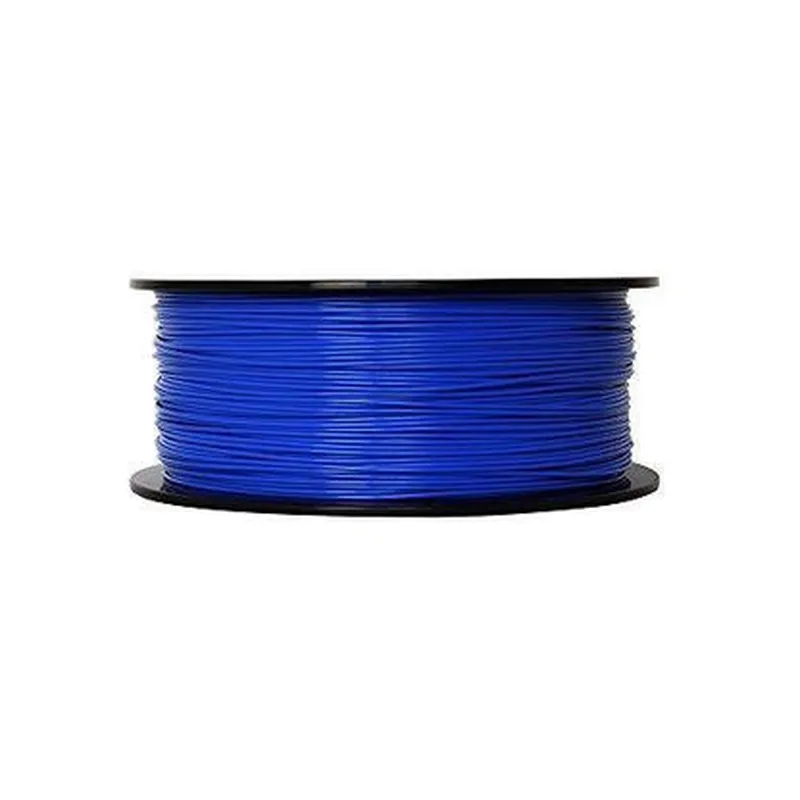
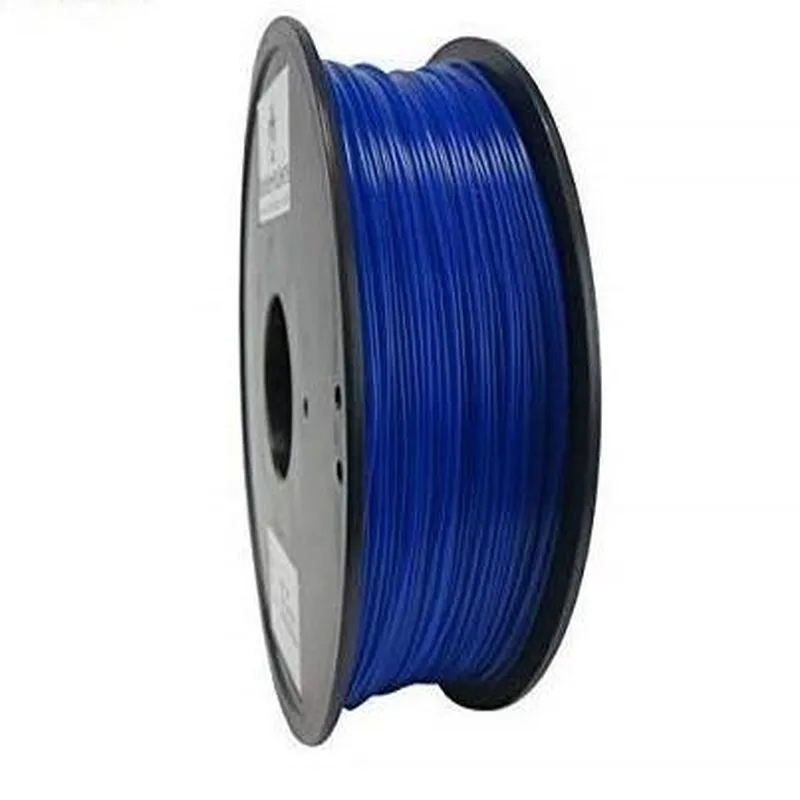
1.75mm Blue ABS Filament -1Kg

Buy Now on Stufin

Component Name

1.75mm Blue ABS Filament - 1Kg

Overview

The 1.75mm Blue ABS Filament is a type of 3D printing material used in Fused Deposition Modeling (FDM) and Fused Filament Fabrication (FFF) 3D printing technologies. This component is specifically designed for creating robust and durable prototypes, models, and production parts.

Functionality

The primary function of the 1.75mm Blue ABS Filament is to be melted and extruded through a heated nozzle to create a solid, three-dimensional object. As the filament is deposited, it cools and solidifies, bonding with the previously printed layer to form a solid part.

Key Features

  • Material: Acrylonitrile Butadiene Styrene (ABS) is a strong, impact-resistant thermoplastic material that provides excellent mechanical properties and heat resistance.
  • Diameter: The filament has a nominal diameter of 1.75mm, which is a standard size compatible with most FDM/FFF 3D printers.
  • Color: The filament is blue, allowing for visually appealing and distinguishable prints.
  • Weight: The spool contains 1 kilogram (1000 grams) of filament, providing a substantial amount of material for printing large objects or multiple smaller parts.
  • Tolerance: The filament has a tight diameter tolerance of 0.05mm to ensure consistent feeding and optimal print quality.
  • Melting Temperature: The ABS filament has a melting temperature range of 230C to 240C (446F to 464F), making it suitable for a wide range of 3D printing applications.
  • Printing Parameters: Recommended printing parameters for this filament include:

Printing temperature

230C to 240C (446F to 464F)

Bed temperature

90C to 110C (194F to 230F)

Layer thickness

0.2mm to 0.3mm

Infill density

10% to 50%

  • Certifications: The filament meets international standards for quality and purity, ensuring a consistent and reliable printing experience.

Technical Specifications

Material

Acrylonitrile Butadiene Styrene (ABS)

Diameter

1.75mm 0.05mm

Color

Blue

Weight

1 kilogram (1000 grams)

Melting Temperature

230C to 240C (446F to 464F)

Printing Temperature

230C to 240C (446F to 464F)

Bed Temperature

90C to 110C (194F to 230F)

Layer Thickness

0.2mm to 0.3mm

Infill Density

10% to 50%

Safety Precautions

When handling the filament, wear protective gloves and eyewear to avoid skin and eye irritation.

Keep the filament away from open flames, sparks, and high-temperature sources.

Store the filament in a cool, dry place, away from direct sunlight.

Compatibility

The 1.75mm Blue ABS Filament is compatible with most FDM/FFF 3D printers that accept 1.75mm ABS filament. It is recommended to check the printer's specifications and compatibility before purchasing.

Warranty and Support

The filament is backed by a manufacturer's warranty and dedicated customer support. For any questions, concerns, or issues, please contact the manufacturer or supplier for assistance.

Pin Configuration

  • I think there may be some confusion here. The component you've mentioned, "1.75mm Blue ABS Filament -1Kg", is actually a type of 3D printing material, not an electronic component with pins.
  • ABS (Acrylonitrile Butadiene Styrene) filament is a common thermoplastic material used in Fused Deposition Modeling (FDM) 3D printing. It's a physical material used to create three-dimensional objects, not an electronic component with pins that need to be connected.
  • As such, there are no pins to explain or connect. However, I can provide some general information on how to use this filament in a 3D printing setup:
  • Using the 1.75mm Blue ABS Filament -1Kg
  • Storage: Store the filament in a cool, dry place away from direct sunlight.
  • Handling: Handle the filament with care to avoid tangling or kinking.
  • Loading: Load the filament into your 3D printer's extruder according to the manufacturer's instructions.
  • Printing: Use the filament with a 3D printer that supports ABS material, following the recommended temperature and speed settings for ABS printing.
  • Post-processing: After printing, remove any support material, sand, or paint the printed object as desired.
  • If you meant to ask about a different component, please feel free to provide more information or clarify your question, and I'll be happy to assist you!

Code Examples

Component Documentation: 1.75mm Blue ABS Filament -1Kg
Overview
The 1.75mm Blue ABS Filament -1Kg is a type of thermoplastic filament used in 3D printing applications. It is a popular choice among makers and hobbyists due to its durability, impact resistance, and ease of use. This filament is suitable for a wide range of 3D printing projects, from prototyping to production.
Properties
Material: Acrylonitrile Butadiene Styrene (ABS)
 Diameter: 1.75mm
 Color: Blue
 Weight: 1Kg
 Melting Point: 220-240C
 Print Temperature: 210-240C
 Bed Temperature: 90-110C
Example Usage
### Example 1: Printing a Simple Object with Blue ABS Filament using Marlin Firmware
In this example, we will use the Blue ABS Filament to print a simple cube object using Marlin firmware on a 3D printer.
G-Code Example
```gcode
; Set the extruder temperature to 220C
M104 S220
; Set the bed temperature to 100C
M140 S100
; Home the printer
G28
; Start printing
G1 F300 E15
G1 X10 Y10 Z0.2 F3000 ; Move to the starting position
G1 E15 F300 ; Extrude filament
G1 X10 Y10 Z0.2 F3000 ; Print the first layer
...
```
Code Explanation
The G-Code commands are used to control the 3D printer.
 `M104 S220` sets the extruder temperature to 220C, which is suitable for printing with ABS filament.
 `M140 S100` sets the bed temperature to 100C, which helps with adhesion.
 `G28` homes the printer to ensure accurate movement.
 `G1 F300 E15` sets the feed rate and extrusion rate for the print job.
 `G1 X10 Y10 Z0.2 F3000` moves the print head to the starting position and begins printing the first layer.
### Example 2: Creating a Custom 3D Model and Printing with Blue ABS Filament using OpenSCAD
In this example, we will use OpenSCAD to create a custom 3D model and print it using the Blue ABS Filament.
OpenSCAD Code
```scad
// Create a custom 3D model
module custom_model() {
    cube([20, 20, 10]); // Create a 20x20x10 cube
    translate([10, 10, 5]) cylinder(h = 5, r = 5); // Add a cylinder on top
}
// Render the model
custom_model();
// Export the model as an STL file
stl_export("custom_model.stl");
```
Printing the Model
Once the STL file is generated, you can import it into your preferred 3D printing software (e.g., Cura, Slic3r) and print it using the Blue ABS Filament.
Note: These examples are for illustrative purposes only and may require modifications to work with your specific 3D printer and printing environment. Always follow safety guidelines and best practices when working with 3D printing materials.