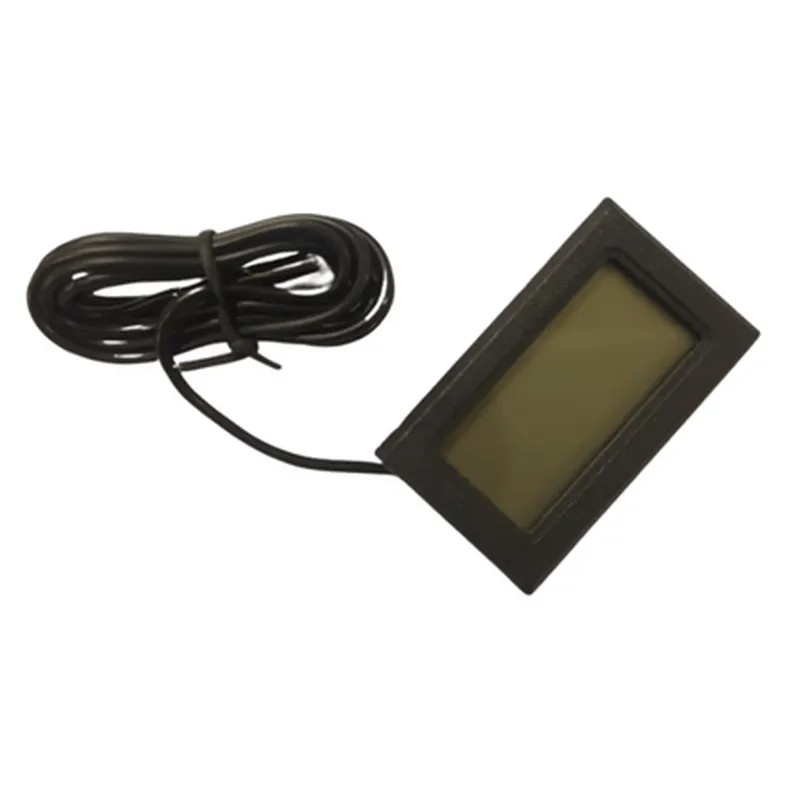
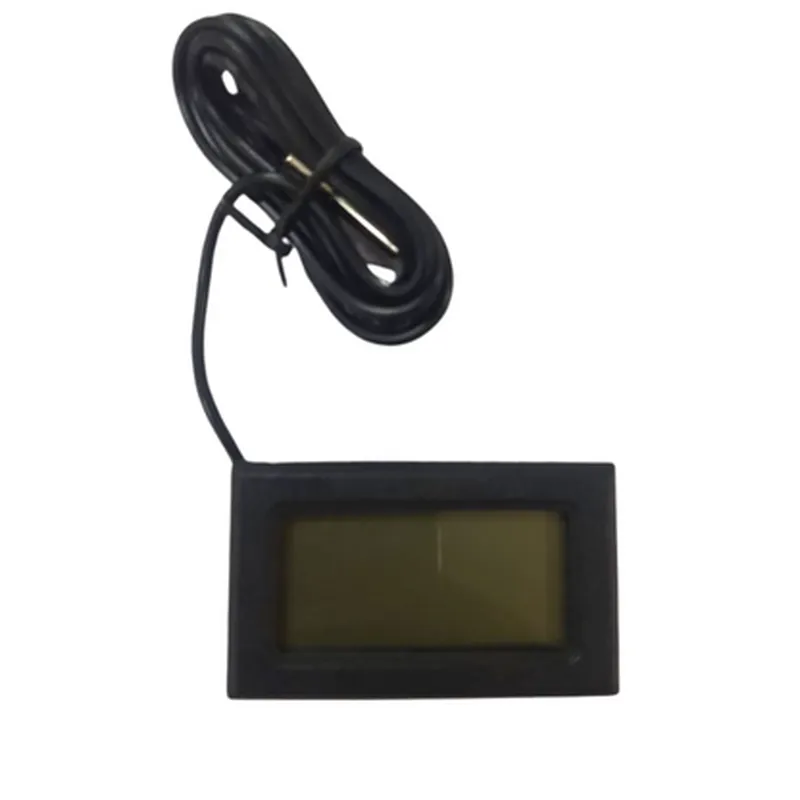
Mini LCD Digital Thermometer with Probe
The Mini LCD Digital Thermometer with Probe is a compact and accurate temperature measurement component designed for various IoT applications. It features a high-precision temperature sensor, a built-in LCD display, and a detachable probe for flexible measurement options.
Accuracy: 0.5C
 Temperature range: -50C to 120C
 Resolution: 0.1C
 LCD display: 3-digit, 7-segment, 22mm x 12mm
 Probe length: 1m
 Power supply: 3V to 5V
 Current consumption: < 10mA
 Communication interface: Analog output (0-1V)
### Example 1: Basic Temperature Measurement with Arduino
This example demonstrates how to read temperature data from the Mini LCD Digital Thermometer with Probe using an Arduino board.
```c
const int tempPin = A0;  // Connect the thermometer's output to Arduino's analog input A0
void setup() {
  Serial.begin(9600);
}
void loop() {
  int sensorValue = analogRead(tempPin);
  float voltage = sensorValue  (5.0 / 1023.0);
  float temperature = (voltage - 0.5)  100.0;  // Convert voltage to temperature (C)

  Serial.print("Temperature: ");
  Serial.print(temperature);
  Serial.println(" C");

  delay(1000);
}
```
### Example 2: IoT Weather Station with Raspberry Pi and Python
This example demonstrates how to create a simple weather station using the Mini LCD Digital Thermometer with Probe, a Raspberry Pi, and Python. We'll use the RPi.GPIO library to read the temperature data and display it on the LCD screen.
```python
import RPi.GPIO as GPIO
import time
# Set up GPIO library
GPIO.setmode(GPIO.BCM)
GPIO.setup(18, GPIO.IN, pull_up_down=GPIO.PUD_DOWN)  # Connect the thermometer's output to GPIO 18
while True:
    # Read the temperature data
    sensor_value = GPIO.input(18)
    voltage = sensor_value  (5.0 / 1023.0)
    temperature = (voltage - 0.5)  100.0  # Convert voltage to temperature (C)
# Print the temperature to the console
    print("Temperature: {:.1f} C".format(temperature))
# Update the LCD display (not shown in this example)
### Example 3: Wireless Temperature Monitoring with ESP32 and MicroPython
This example demonstrates how to create a wireless temperature monitoring system using the Mini LCD Digital Thermometer with Probe, an ESP32 board, and MicroPython.
```python
import machine
import time
# Set up the thermometer's output pin
temp_pin = machine.ADC(machine.Pin(32))
while True:
    # Read the temperature data
    sensor_value = temp_pin.read_uv() / 1000
    temperature = (sensor_value - 0.5)  100.0  # Convert voltage to temperature (C)
# Print the temperature to the console
    print("Temperature: {:.1f} C".format(temperature))
# Send the temperature data wirelessly using WiFi or BLE (not shown in this example)
These code examples demonstrate the basic usage of the Mini LCD Digital Thermometer with Probe in various IoT applications. You can modify and extend these examples to suit your specific project requirements.