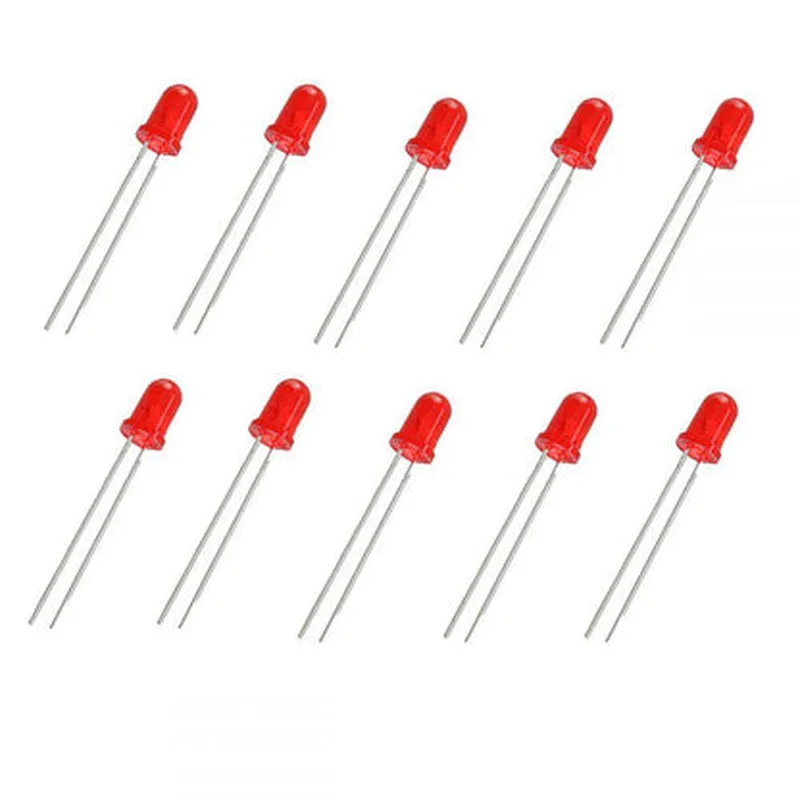
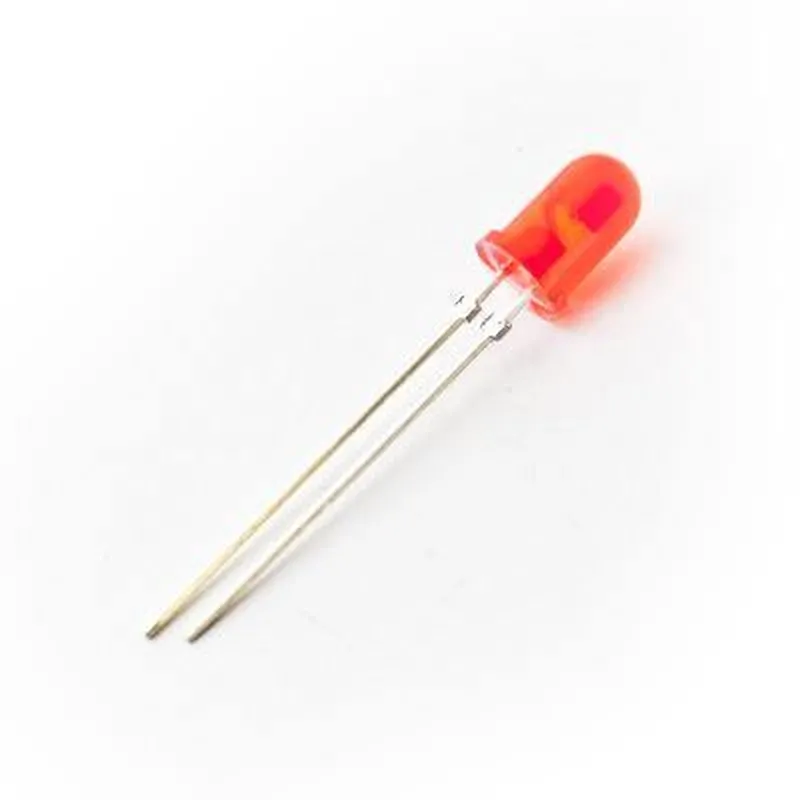
Component Documentation: 3mm Red LED (Pack of 10)
The 3mm Red LED is a standard through-hole LED component commonly used in electronic circuits for indication, debugging, and user interface applications. This pack contains 10 individual LEDs.
The 3mm Red LED has two legs:
Anode (Positive Leg): longer leg
 Cathode (Negative Leg): shorter leg
Electrical Characteristics
Forward Voltage (Vf): 1.8-2.2V
 Forward Current (If): 20mA
 Reverse Voltage (Vr): 5V
 Luminous Intensity: 100-150 mcd
 Wavelength: 630-660 nm (red light)
### Example 1: Basic LED Circuit with a Microcontroller (Arduino)
In this example, we will connect the 3mm Red LED to an Arduino board to create a simple blinking LED circuit.
1 x Arduino Uno board
 1 x 3mm Red LED (from the pack of 10)
 1 x 220 resistor
 2 x Jumper wires
Code:
```c
const int ledPin = 13; // choose an available digital pin on the Arduino
void setup() {
  pinMode(ledPin, OUTPUT);
}
void loop() {
  digitalWrite(ledPin, HIGH); // turn the LED on
  delay(1000); // wait for 1 second
  digitalWrite(ledPin, LOW); // turn the LED off
  delay(1000); // wait for 1 second
}
```
Connections:
Connect the anode (longer leg) of the LED to digital pin 13 on the Arduino board.
 Connect the cathode (shorter leg) of the LED to a 220 resistor.
 Connect the other end of the resistor to the GND pin on the Arduino board.
### Example 2: LED Circuit with a Raspberry Pi (Python)
In this example, we will connect the 3mm Red LED to a Raspberry Pi board to create a simple Python-controlled LED circuit.
1 x Raspberry Pi board
 1 x 3mm Red LED (from the pack of 10)
 1 x 220 resistor
 2 x Jumper wires
Code:
```python
import RPi.GPIO as GPIO
import time
GPIO.setmode(GPIO.BCM)
led_pin = 17 # choose an available GPIO pin on the Raspberry Pi
GPIO.setup(led_pin, GPIO.OUT)
while True:
    GPIO.output(led_pin, GPIO.HIGH) # turn the LED on
    time.sleep(1) # wait for 1 second
    GPIO.output(led_pin, GPIO.LOW) # turn the LED off
    time.sleep(1) # wait for 1 second
```
Connections:
Connect the anode (longer leg) of the LED to GPIO pin 17 on the Raspberry Pi board.
 Connect the cathode (shorter leg) of the LED to a 220 resistor.
 Connect the other end of the resistor to a GND pin on the Raspberry Pi board.
Note: Make sure to use a suitable resistor value based on the specific LED and power supply voltage used in your circuit. Exceeding the recommended forward current may damage the LED.