Electronics Kit (Computer Science) for Grade 7 | Ekya School, CMR


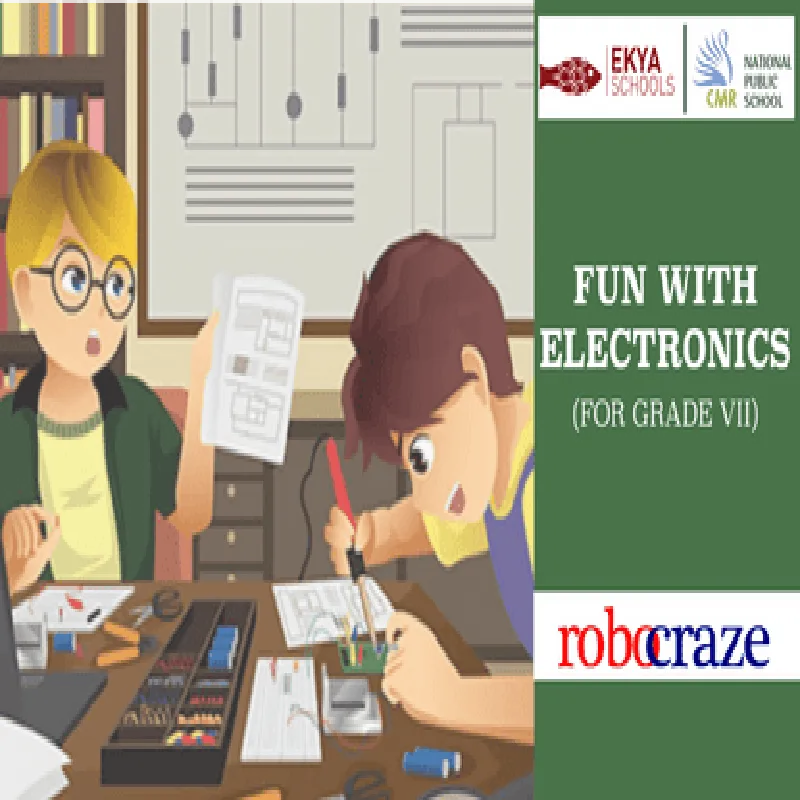
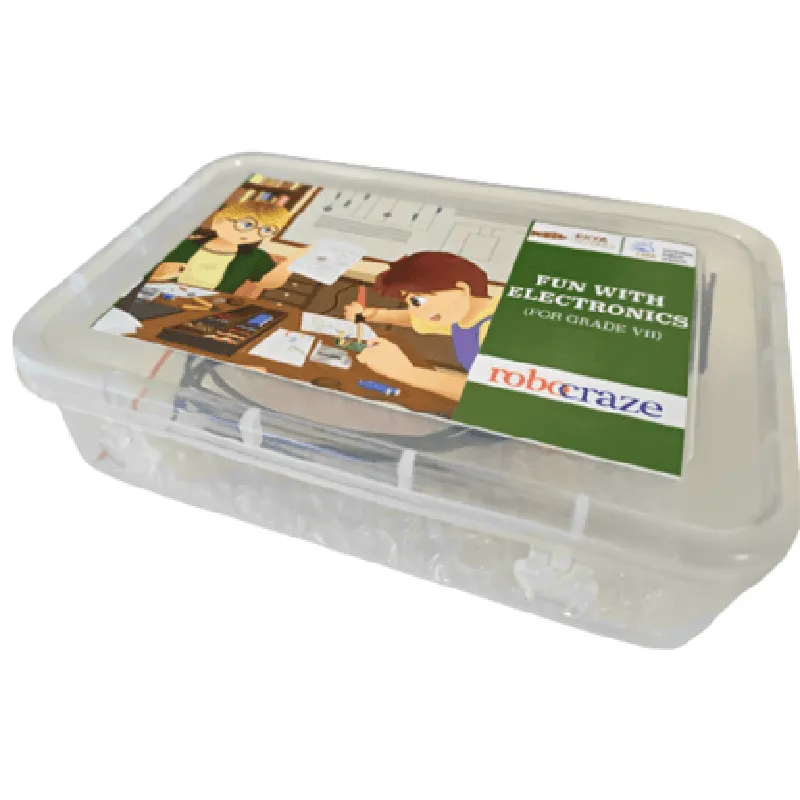
Electronics Kit (Computer Science) for Grade 7 | Ekya School, CMR
The Electronics Kit (Computer Science) for Grade 7 is a comprehensive educational toolkit designed specifically for students of Ekya School, CMR. This kit is an integral part of the computer science curriculum, aiming to introduce young learners to the world of electronics and programming. The kit provides a hands-on approach to understanding fundamental electronic circuits, microcontrollers, and programming concepts.
| The Electronics Kit is designed to facilitate a learning-by-doing approach, enabling students to explore and understand various electronic components, circuits, and programming concepts. The kit allows students to |
Learn about basic electronic components such as resistors, capacitors, LEDs, and sensors
Understand how to build and analyze simple electronic circuits
Program microcontrollers using a visual programming language
Develop interactive projects that integrate electronics and programming concepts
Cultivate problem-solving skills, critical thinking, and creativity
Resistors
Capacitors
LEDs
Sensors (e.g., light, temperature, and sound)
Breadboard
Jumper wires
Power supply module
Traffic light simulation
Home automation systems
Weather monitoring systems
Interactive games and puzzles
Custom-designed, 8-bit microcontroller with 16 KB of flash memory
5V, 1A power supply module with built-in voltage regulator
Variety of electronic components, including resistors, capacitors, LEDs, and sensors
Visual programming language with drag-and-drop functionality
Compatible with Windows, macOS, and Linux
Designed for Grade 7 students (11-12 years old)
The Electronics Kit (Computer Science) for Grade 7 | Ekya School, CMR is a comprehensive educational toolkit that provides a unique learning experience for young students. By combining hands-on electronics experiments with programming concepts, this kit fosters a deep understanding of computer science and STEM principles.
Electronics Kit (Computer Science) for Grade 7 | Ekya School, CMROverviewThe Electronics Kit (Computer Science) for Grade 7 is a comprehensive kit designed specifically for students at Ekya School, CMR, to learn the fundamentals of computer science and electronics. This kit is intended to introduce students to the world of electronics and programming, encouraging them to develop problem-solving skills, critical thinking, and creativity.Components Included1. Microcontroller Board (e.g., Arduino Uno or compatible)
2. Breadboard
3. Jumper Wires
4. LEDs (various colors)
5. Resistors (various values)
6. Capacitors (various values)
7. Push Buttons
8. Potentiometer
9. Buzzer
10. USB Cable
11. Power Source (Battery or Wall Adapter)Programming LanguageThe kit is designed to be used with the Arduino Integrated Development Environment (IDE), which supports C/C++ programming language.Code Examples### Example 1: Blinking LEDObjective: Create a simple program to blink an LED connected to the microcontroller board.Code:
```c
const int ledPin = 13; // Choose a digital pin on the boardvoid setup() {
pinMode(ledPin, OUTPUT); // Set the pin as an output
}void loop() {
digitalWrite(ledPin, HIGH); // Turn the LED on
delay(1000); // Wait for 1 second
digitalWrite(ledPin, LOW); // Turn the LED off
delay(1000); // Wait for 1 second
}
```
Hardware Setup:1. Connect the LED to digital pin 13 on the microcontroller board.
2. Connect the other end of the LED to a resistor (e.g., 220) and then to the GND pin on the board.Run the Code:Upload the code to the microcontroller board using the Arduino IDE. Observe the LED blinking on and off with a 1-second interval.### Example 2: Reading Potentiometer ValuesObjective: Read the analog value from a potentiometer and display it on the serial monitor.Code:
```c
const int potPin = A0; // Choose an analog input pin on the boardvoid setup() {
Serial.begin(9600); // Initialize the serial monitor
}void loop() {
int potValue = analogRead(potPin); // Read the analog value from the potentiometer
Serial.print("Potentiometer Value: ");
Serial.println(potValue); // Print the value to the serial monitor
delay(100); // Wait for 0.1 seconds
}
```
Hardware Setup:1. Connect the potentiometer to analog input pin A0 on the microcontroller board.
2. Connect the other end of the potentiometer to the GND pin on the board and a power source (e.g., 5V).Run the Code:Upload the code to the microcontroller board using the Arduino IDE. Open the serial monitor and observe the potentiometer values changing as you rotate the potentiometer.These examples demonstrate the basic usage of the Electronics Kit (Computer Science) for Grade 7 at Ekya School, CMR. Students can explore various projects and ideas using this kit, fostering their creativity and skills in computer science and electronics.