Plastic or metal


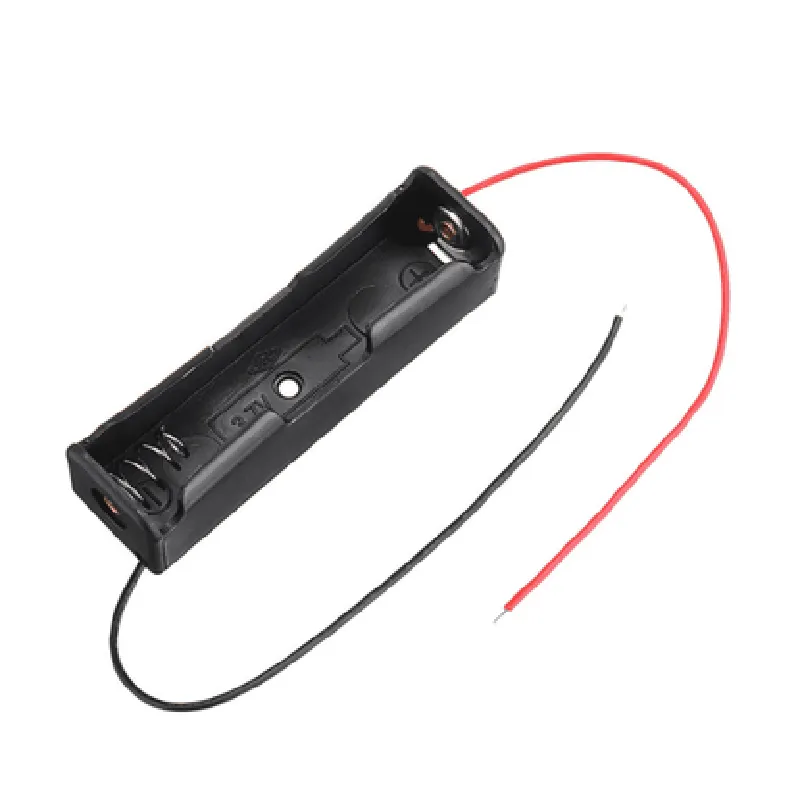
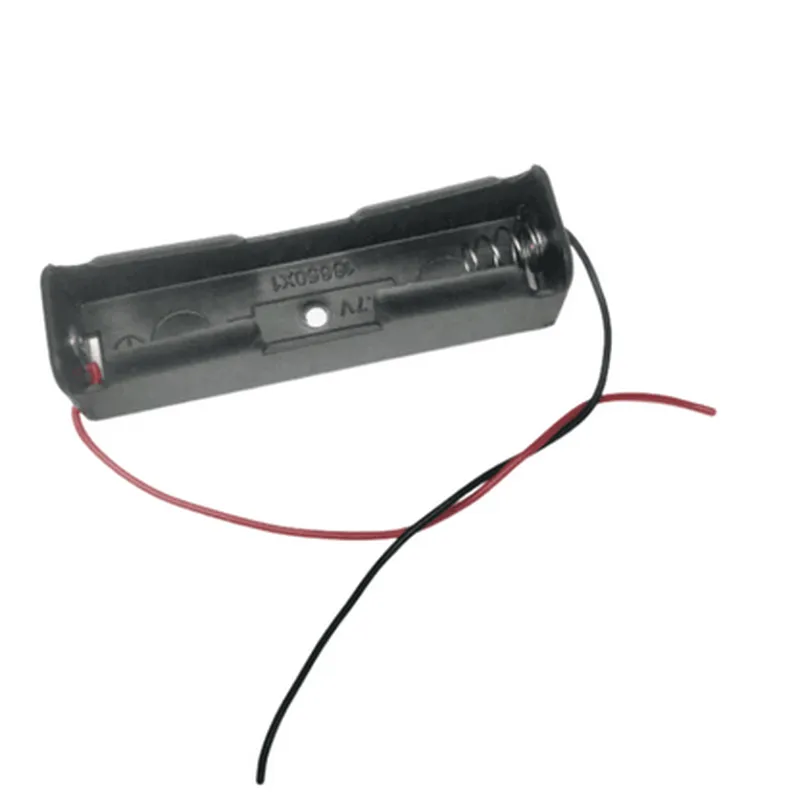
Plastic or metal
Varies depending on the manufacturer and design
Typically lightweight, around 10-20 grams
Standard 18650 lithium-ion battery cells
Typically -20C to 80C
Varies depending on the manufacturer and design
Applications
| The 18650 Single Battery Cell Case Holder is suitable for use in a wide range of IoT devices and projects, including |
Portable electronics
Wearables
IoT sensors and nodes
Robotics and drones
Solar-powered systems
Battery-powered instruments and tools
Prototyping and development boards
By providing a safe and secure environment for the battery, the 18650 Single Battery Cell Case Holder is an essential component for any IoT project or device that relies on a single 18650 lithium-ion battery cell.
18650 Single Battery Cell Case Holder DocumentationOverviewThe 18650 Single Battery Cell Case Holder is a compact, lightweight, and durable enclosure designed to securely hold a single 18650 lithium-ion battery cell. This holder is ideal for various IoT applications, such as powering small devices, prototyping, and proof-of-concept projects.FeaturesCompatible with standard 18650 lithium-ion battery cells
Compact design with dimensions: 18mm (diameter) x 65mm (length)
Made of high-quality plastic material for durability and longevity
Easy to assemble and disassemble for battery replacement
Ready for PCB mounting or wire connectionTechnical SpecificationsOperating Temperature: -20C to 80C (-4F to 176F)
Material: ABS Plastic
Weight: approximately 10g
Dimensions: 18mm (diameter) x 65mm (length)Code Examples### Example 1: Basic Arduino Battery Powered ProjectIn this example, we will use the 18650 Single Battery Cell Case Holder to power an Arduino Uno board. We will connect the battery to the Arduino's VIN pin, which will power the board.Hardware Requirements18650 Single Battery Cell Case Holder
Arduino Uno board
Jumper wiresCode
```c
void setup() {
// Initialize the Arduino board
Serial.begin(9600);
}void loop() {
// Print a message to the serial monitor
Serial.println("Hello, world!");
delay(1000);
}
```
Connection DiagramConnect the positive terminal of the 18650 battery to the VIN pin on the Arduino Uno board.
Connect the negative terminal of the 18650 battery to the GND pin on the Arduino Uno board.### Example 2: IoT Wireless Sensor Node with ESP32In this example, we will use the 18650 Single Battery Cell Case Holder to power an ESP32-based wireless sensor node. We will connect the battery to the ESP32's VCC pin, which will power the board.Hardware Requirements18650 Single Battery Cell Case Holder
ESP32 DevKitC board
Jumper wires
Wi-Fi antenna (optional)Code
```c
#include <WiFi.h>const char ssid = "your_wifi_ssid";
const char password = "your_wifi_password";void setup() {
// Initialize the ESP32 board
Serial.begin(115200);
WiFi.begin(ssid, password);
while (WiFi.status() != WL_CONNECTED) {
delay(1000);
Serial.println("Connecting to WiFi...");
}
Serial.println("Connected to WiFi");
}void loop() {
// Send sensor data to the cloud or a remote server
delay(10000);
}
```
Connection DiagramConnect the positive terminal of the 18650 battery to the VCC pin on the ESP32 DevKitC board.
Connect the negative terminal of the 18650 battery to the GND pin on the ESP32 DevKitC board.### Example 3: DIY Solar-Powered Weather StationIn this example, we will use the 18650 Single Battery Cell Case Holder to store energy harvested from a solar panel. We will connect the solar panel to a solar charge controller, which will charge the 18650 battery. The battery will power a microcontroller, such as an Arduino or ESP32, which will collect and transmit weather data.Hardware Requirements18650 Single Battery Cell Case Holder
Solar panel (e.g., 6V, 1W)
Solar charge controller (e.g., TP4056)
Microcontroller (e.g., Arduino Uno or ESP32 DevKitC)
Weather sensors (e.g., temperature, humidity, pressure)
Jumper wiresCodeThis example requires more complex code and is omitted for brevity. Please refer to specific Weather Station projects for code examples.Connection DiagramConnect the solar panel to the solar charge controller.
Connect the output of the solar charge controller to the 18650 battery.
Connect the 18650 battery to the microcontroller's power pins (VCC and GND).Remember to follow proper safety precautions when working with batteries and electrical components. Ensure that the 18650 battery is fully charged before use, and avoid overheating or short-circuiting the battery.