5 mm Orange LED (Pack of 10)


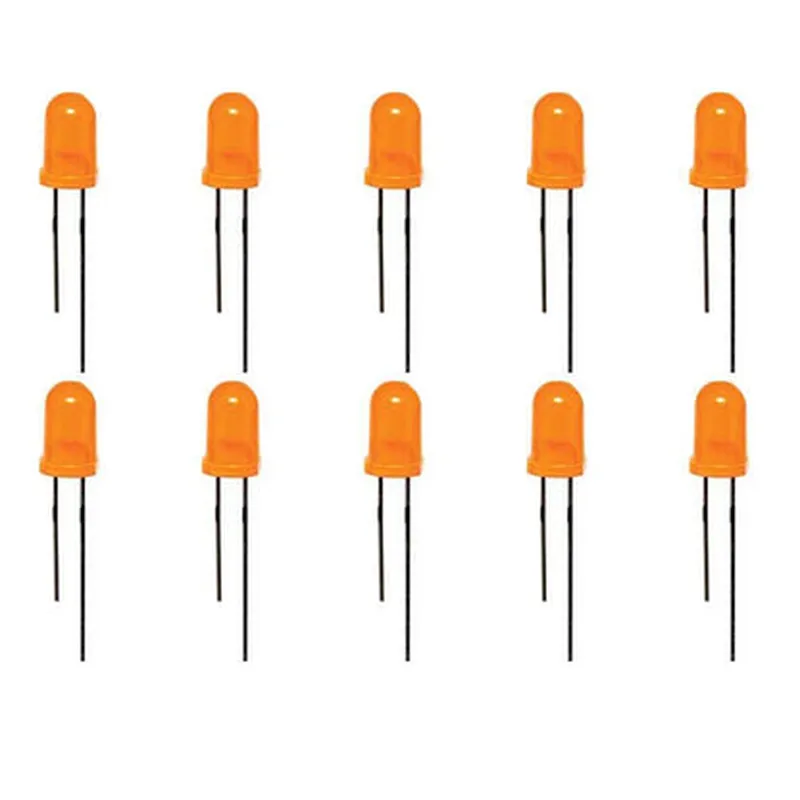
5 mm Orange LED (Pack of 10)
The 5 mm Orange LED is a light-emitting diode (LED) component designed to emit a bright orange light with a wavelength of approximately 590-620 nanometers. This LED is part of a pack of 10, making it an excellent option for projects that require multiple LEDs. The component is widely used in various applications, including indicator lights, backlights, and decorative lighting.
The 5 mm Orange LED serves as a light source, converting electrical energy into visible light. When a voltage is applied across the LED, it emits light in a specific direction, depending on the LED's internal structure and the angle of the light-emitting surface.
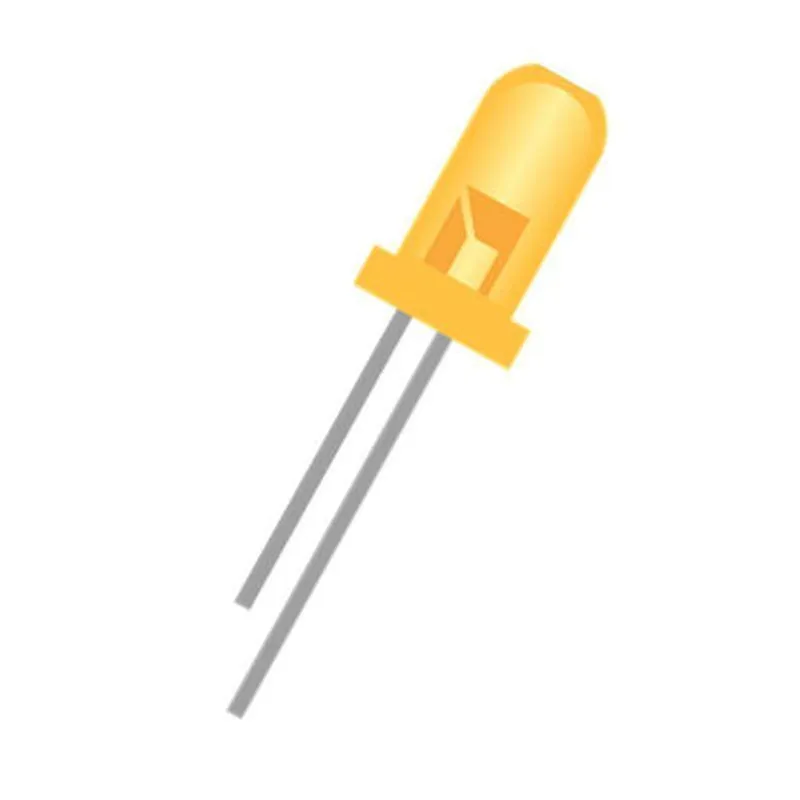
The LED has a round shape with a flat base and a domed top.
The component has two legs, with the anode (positive leg) being longer than the cathode (negative leg).
The LED is encapsulated in a clear plastic or epoxy resin material.
By following proper handling and usage guidelines, the 5 mm Orange LED (Pack of 10) can provide reliable and efficient performance in a wide range of applications.
5 mm Orange LED (Pack of 10) DocumentationOverviewThe 5 mm Orange LED is a high-brightness, low-power light emitting diode (LED) that can be used in a variety of applications, including IoT projects, robotics, and electronics prototyping. This pack includes 10 individual LEDs.Technical SpecificationsColor: Orange
Wavelength: 605 nm
Luminous Intensity: 1000-1500 mcd
Viewing Angle: 30
Operating Voltage: 1.8-2.2 V
Operating Current: 10-20 mA
Peak Forward Current: 30 mA
Reverse Voltage: 5 V
Operating Temperature: -20C to 80C
Package Type: Through-Hole
Lead Spacing: 2.54 mmPinoutThe 5 mm Orange LED has two legs:Anode (Positive Leg): Longer leg
Cathode (Negative Leg): Shorter legExample Code### Example 1: Basic LED Blinking with ArduinoThis example demonstrates how to use the 5 mm Orange LED with an Arduino board to create a simple blinking LED.```cpp
const int ledPin = 13; // Choose a digital pin on your Arduino boardvoid setup() {
pinMode(ledPin, OUTPUT);
}void loop() {
digitalWrite(ledPin, HIGH); // Turn the LED on
delay(1000); // Wait for 1 second
digitalWrite(ledPin, LOW); // Turn the LED off
delay(1000); // Wait for 1 second
}
```### Example 2: LED Control with Raspberry Pi (Python)This example shows how to use the 5 mm Orange LED with a Raspberry Pi and Python to turn the LED on and off using a simple script.```python
import RPi.GPIO as GPIO
import time# Set up GPIO mode
GPIO.setmode(GPIO.BCM)# Set up the LED pin as an output
led_pin = 17
GPIO.setup(led_pin, GPIO.OUT)try:
while True:
# Turn the LED on
GPIO.output(led_pin, GPIO.HIGH)
time.sleep(1)
# Turn the LED off
GPIO.output(led_pin, GPIO.LOW)
time.sleep(1)
except KeyboardInterrupt:
# Clean up GPIO on exit
GPIO.cleanup()
```### Example 3: LED Fade with ESP32 (MicroPython)This example demonstrates how to use the 5 mm Orange LED with an ESP32 board and MicroPython to create a fading LED effect.```python
import machine
import time# Set up the LED pin as a PWM output
led_pin = 15
pwm = machine.PWM(machine.Pin(led_pin), freq=50)try:
while True:
for i in range(0, 1023):
pwm.duty(i)
time.sleep(0.01)
for i in range(1023, 0, -1):
pwm.duty(i)
time.sleep(0.01)
except KeyboardInterrupt:
# Clean up on exit
pwm.deinit()
```Important NotesMake sure to use a suitable resistor in series with the LED to limit the current. The recommended resistor value is typically around 1 k for most microcontrollers and development boards.
Always follow proper soldering and handling techniques when working with electronic components.
Be cautious when working with high-brightness LEDs, as they can be hazardous to the eyes.