3.3V to 5V


3.3V to 5V
<10mA
Analog (0-5V)
0-100% soil moisture
5% (at 20C)
<1 second
-20C to 70C
20% to 90% RH
Applications
By providing accurate and reliable soil moisture measurements, the Analog Capacitive Soil Moisture Sensor is an essential component for various IoT applications, enabling users to make informed decisions and optimize their systems for improved performance and efficiency.
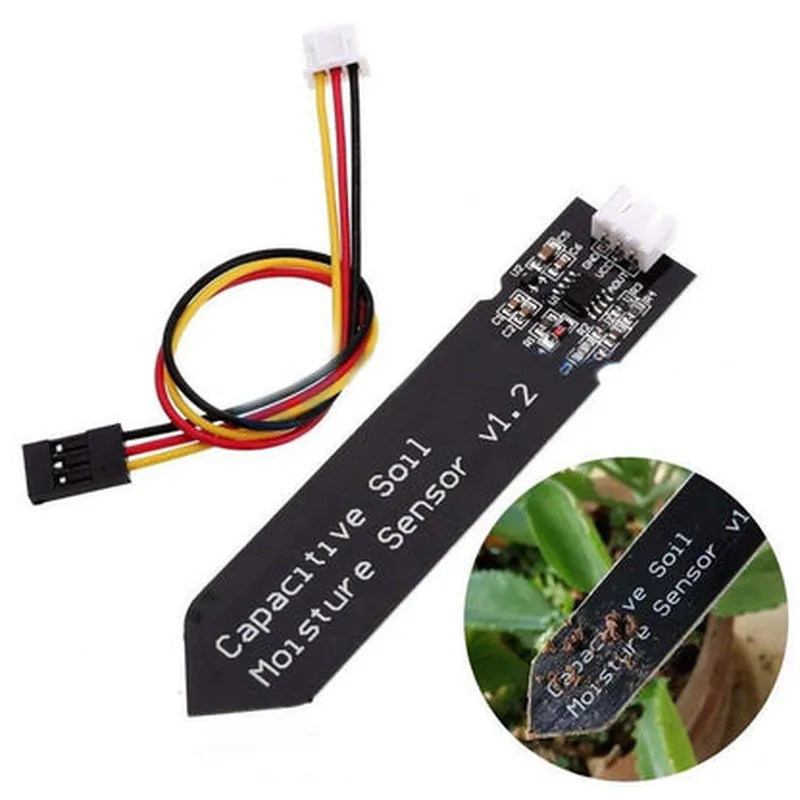
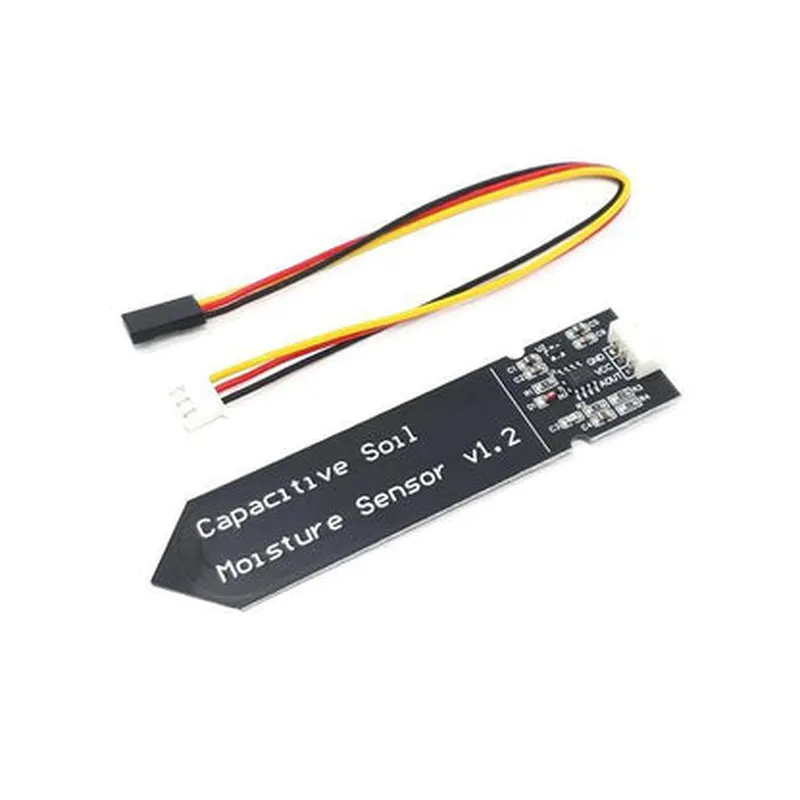
Analog Capacitive Soil Moisture Sensor DocumentationOverviewThe Analog Capacitive Soil Moisture Sensor is a widely used IoT component designed to measure the moisture levels in soil. This sensor operates on the principle of capacitive measuring, which detects changes in capacitance caused by variations in soil moisture. The sensor provides an analog output signal that can be easily interfaced with microcontrollers, such as Arduino or Raspberry Pi.Technical SpecificationsOperating Voltage: 3.3V to 5V
Output Voltage Range: 0V to 3.3V (analog)
Sensitivity: 0.5% to 100% soil moisture
Accuracy: 5%
Response Time: < 1 second
Interface: Analog outputCode Examples### Example 1: Basic Soil Moisture Measurement using ArduinoThis example demonstrates how to connect the Analog Capacitive Soil Moisture Sensor to an Arduino board and read the soil moisture levels.Hardware Connection:Connect the VCC pin of the sensor to the 5V pin of the Arduino board.
Connect the GND pin of the sensor to the GND pin of the Arduino board.
Connect the OUT pin of the sensor to an analog input pin (e.g., A0) of the Arduino board.Code:
```c
const int soilMoisturePin = A0; // Analog input pinvoid setup() {
Serial.begin(9600);
}void loop() {
int soilMoistureValue = analogRead(soilMoisturePin);
float soilMoisturePercentage = map(soilMoistureValue, 0, 1023, 0, 100);
Serial.print("Soil Moisture: ");
Serial.print(soilMoisturePercentage);
Serial.println("%");
delay(1000);
}
```
In this example, the Arduino board reads the analog output from the sensor using the `analogRead()` function and maps the value to a percentage using the `map()` function. The soil moisture level is then printed to the serial console.### Example 2: Soil Moisture Monitoring using Raspberry Pi with PythonThis example demonstrates how to connect the Analog Capacitive Soil Moisture Sensor to a Raspberry Pi and monitor the soil moisture levels using Python.Hardware Connection:Connect the VCC pin of the sensor to a 3.3V pin of the Raspberry Pi.
Connect the GND pin of the sensor to a GND pin of the Raspberry Pi.
Connect the OUT pin of the sensor to an analog input pin (e.g., GPIO 18) of the Raspberry Pi.Code:
```python
import RPi.GPIO as GPIO
import timeGPIO.setmode(GPIO.BCM)
soilMoisturePin = 18 # Analog input pinwhile True:
soilMoistureValue = GPIO.input(soilMoisturePin)
soilMoisturePercentage = (soilMoistureValue / 1023.0) 100
print("Soil Moisture: {:.2f}%".format(soilMoisturePercentage))
time.sleep(1)
```
In this example, the Raspberry Pi reads the analog output from the sensor using the `GPIO.input()` function and calculates the soil moisture percentage. The soil moisture level is then printed to the console.Note: In both examples, the sensor's output voltage range is assumed to be 0V to 3.3V. If your sensor has a different output range, you may need to adjust the code accordingly.