Stufin
Home Quick Cart Profile

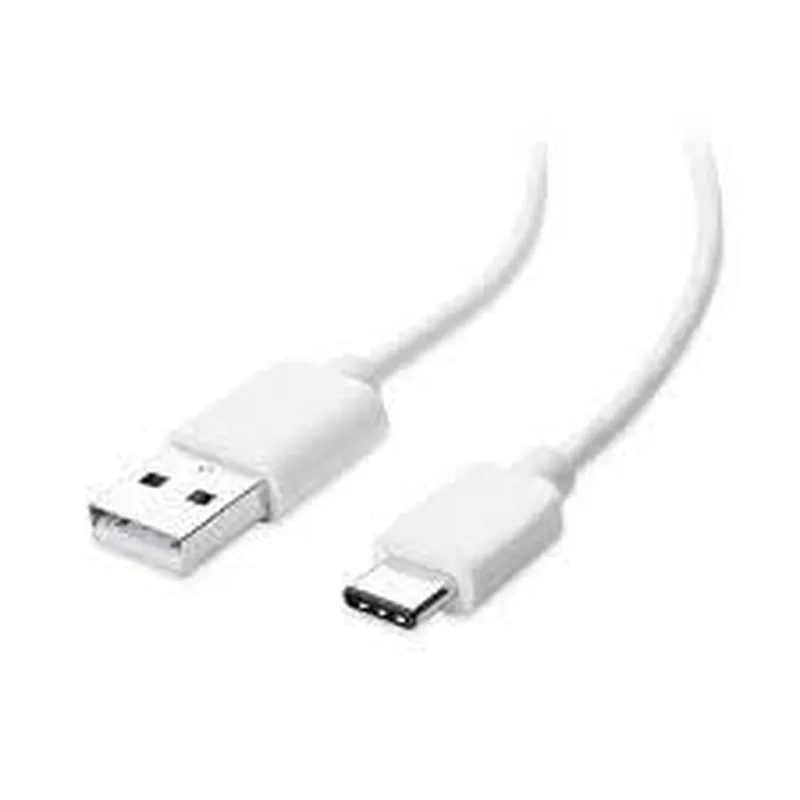
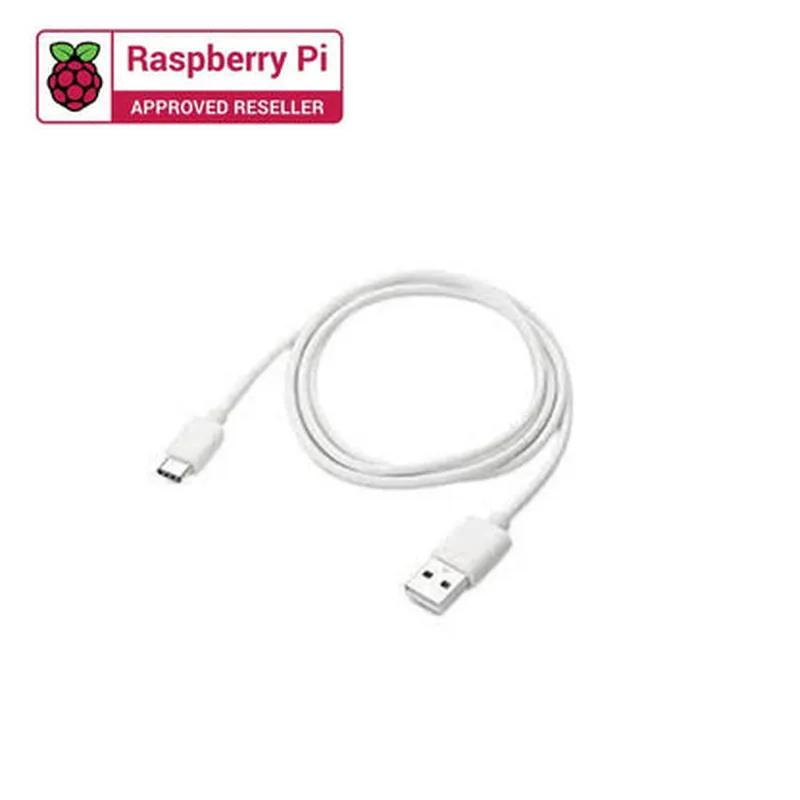
Type C USB Cable (1 metre)

Buy Now on Stufin

Component Name

Type-C USB Cable (1 metre)


Description

The Type-C USB Cable (1 metre) is a high-speed data transmission cable designed to connect devices with USB-C ports, providing fast and reliable data transfer, power delivery, and display output. This cable is an ideal solution for connecting devices such as laptops, tablets, smartphones, and desktop computers that feature USB-C ports.
Functionality

The Type-C USB Cable (1 metre) offers the following functionality
Data Transfer

The cable supports high-speed data transfer rates up to 10 Gbps, making it ideal for transferring large files, videos, and images between devices.

Power Delivery

+ Voltage5V, 12V, 20V
+ CurrentUp to 5A

Display Output

+ ResolutionUp to 4K at 60Hz
+ Color Depth24-bit

Reversible

Yes

Length

1 metre (3.3 feet)

Connector Type

USB-C (male) to USB-C (male)

Data Transfer Speed

Up to 10 Gbps

Material

Durable and flexible PVC jacket with internal shielding for reliable data transmission and reduced electromagnetic interference (EMI)

Compatibility

Compatible with USB-C devices, including laptops, tablets, smartphones, and desktop computers

Operating Temperature

-20C to 80C (-4F to 176F)

Storage Temperature

-40C to 85C (-40F to 185F)

Certifications

Meets USB-C specification version 1.2, USB 3.2 Gen 2, and DisplayPort Alternate Mode standards

Cable Construction

+ ConductorCopper
+ InsulationPVC
+ ShieldingAluminum mylar

Signal Integrity

+ Impedance90 15 ohms
+ Skew< 100 ps

Installation and Usage

  • Connect one end of the Type-C USB Cable to a device with a USB-C port.
  • Connect the other end to another device with a USB-C port.
  • Ensure the devices are compatible with the cable's features and specifications.

Warranty and Support

The Type-C USB Cable (1 metre) comes with a limited lifetime warranty against manufacturing defects. For more information, please refer to the manufacturer's warranty policy.

Conclusion

The Type-C USB Cable (1 metre) is a high-performance cable designed to provide fast data transfer, power delivery, and display output for devices with USB-C ports. Its durable construction, robust features, and compatibility with a wide range of devices make it an ideal solution for connecting devices in various applications.

Pin Configuration

  • Type C USB Cable (1 metre) Pinout Explanation
  • The Type C USB cable, also known as USB-C, is a reversible connector that can be used for both data transfer and power delivery. It has a compact design and can be used for a variety of applications, including USB, DisplayPort, and Power Delivery. The cable has a total of 24 pins, which are divided into two rows of 12 pins each. Here's a breakdown of each pin and their functions:
  • Row A (Upper Row)
  • 1. GND (Ground): Pin A1 - This pin is connected to the ground wire of the cable and provides a common ground reference for the entire circuit.
  • 2. TX1+ (Transmit Data 1+): Pin A2 - This pin is used for transmitting data in the upstream direction (device to host).
  • 3. TX1- (Transmit Data 1-): Pin A3 - This pin is used for transmitting data in the upstream direction (device to host).
  • 4. Vbus (Voltage Bus): Pin A4 - This pin provides power to the device, typically 5V, and is used for charging and powering devices.
  • 5. CC1 (Configuration Channel 1): Pin A5 - This pin is used for device configuration and negotiation, such as determining the direction of data transfer.
  • 6. D+ (Data+): Pin A6 - This pin is used for transmitting data in the downstream direction (host to device).
  • 7. D- (Data-): Pin A7 - This pin is used for transmitting data in the downstream direction (host to device).
  • 8. SBU1 (Sideband Use 1): Pin A8 - This pin is used for secondary functions, such as powering accessories or providing additional power to devices.
  • 9. Vconn (Voltage Connection): Pin A9 - This pin provides power to the cable's active components, such as signal repeaters or hubs.
  • 10. GND (Ground): Pin A10 - This pin is connected to the ground wire of the cable and provides a common ground reference for the entire circuit.
  • 11. RX2- (Receive Data 2-): Pin A11 - This pin is used for receiving data in the downstream direction (host to device).
  • 12. RX2+ (Receive Data 2+): Pin A12 - This pin is used for receiving data in the downstream direction (host to device).
  • Row B (Lower Row)
  • 1. GND (Ground): Pin B1 - This pin is connected to the ground wire of the cable and provides a common ground reference for the entire circuit.
  • 2. RX1- (Receive Data 1-): Pin B2 - This pin is used for receiving data in the upstream direction (device to host).
  • 3. RX1+ (Receive Data 1+): Pin B3 - This pin is used for receiving data in the upstream direction (device to host).
  • 4. Vbus (Voltage Bus): Pin B4 - This pin provides power to the device, typically 5V, and is used for charging and powering devices.
  • 5. CC2 (Configuration Channel 2): Pin B5 - This pin is used for device configuration and negotiation, such as determining the direction of data transfer.
  • 6. TX2- (Transmit Data 2-): Pin B6 - This pin is used for transmitting data in the downstream direction (host to device).
  • 7. TX2+ (Transmit Data 2+): Pin B7 - This pin is used for transmitting data in the downstream direction (host to device).
  • 8. SBU2 (Sideband Use 2): Pin B8 - This pin is used for secondary functions, such as powering accessories or providing additional power to devices.
  • 9. Vconn (Voltage Connection): Pin B9 - This pin provides power to the cable's active components, such as signal repeaters or hubs.
  • 10. GND (Ground): Pin B10 - This pin is connected to the ground wire of the cable and provides a common ground reference for the entire circuit.
  • 11. Shield (Shielding): Pin B11 - This pin is connected to the shield wire of the cable and provides electromagnetic interference (EMI) shielding.
  • 12. Shield (Shielding): Pin B12 - This pin is connected to the shield wire of the cable and provides EMI shielding.
  • Connecting the Pins
  • When connecting the pins, it's essential to ensure that the correct pins are connected to the corresponding pins on the device and host. Here's a general outline of how to connect the pins:
  • 1. Connect the GND pins (A1, A10, B1, and B10) to the ground wire of the device and host.
  • 2. Connect the Vbus pins (A4 and B4) to the power source, typically 5V.
  • 3. Connect the CC pins (A5 and B5) to the configuration channel circuitry.
  • 4. Connect the D+/D- pins (A6 and A7) to the data transmission lines.
  • 5. Connect the TX/RX pins (A2, A3, A11, A12, B2, B3, B6, and B7) to the data transmission lines.
  • 6. Connect the SBU pins (A8 and B8) to the secondary function circuitry, if applicable.
  • 7. Connect the Vconn pins (A9 and B9) to the cable's active components, if applicable.
  • 8. Connect the Shield pins (B11 and B12) to the shield wire of the cable.
  • Remember to follow proper safety precautions and wiring guidelines when working with electrical connections to avoid damage or injury.

Code Examples

Type C USB Cable (1 metre) Documentation
Overview
The Type C USB Cable (1 metre) is a versatile and high-speed data transmission cable designed for connecting devices with USB-C ports. It supports fast charging, data transfer, and DisplayPort Alternate Mode (DP Alt Mode) for transmitting audio/video signals. This cable is compatible with a wide range of devices, including laptops, smartphones, tablets, and desktop computers.
Technical Specifications
Cable length: 1 metre
 Connector type: USB-C (male) to USB-C (male)
 Data transfer rate: Up to 10 Gbps (USB 3.2 Gen 2)
 Power delivery: Up to 100W (USB Power Delivery 3.0)
 DisplayPort Alternate Mode: Supports up to 4K resolution at 60 Hz
Code Examples
### Example 1: Using the Type C USB Cable with Arduino (USB Host Mode)
In this example, we'll demonstrate how to use the Type C USB Cable to connect an Arduino Board (with USB-C port) to a USB device, such as a keyboard or a flash drive.
Hardware Requirements:
Arduino Board with USB-C port (e.g., Arduino MKR WiFi 1010)
 Type C USB Cable (1 metre)
 USB device (e.g., keyboard or flash drive)
Arduino Code:
```c
#include <USBHost.h>
// Set up the USB host
USBHost usb;
void setup() {
  // Initialize the USB host
  usb.begin();
}
void loop() {
  // Check for connected devices
  if (usb.getDeviceList().getSize() > 0) {
    // Print the device list
    Serial.println("Connected devices:");
    for (int i = 0; i < usb.getDeviceList().getSize(); i++) {
      Serial.print("  Device ");
      Serial.print(i);
      Serial.print(": ");
      Serial.println(usb.getDeviceList().getDevice(i)->getDeviceDescriptor().manufacturer);
    }
  }
  delay(1000);
}
```
In this example, we use the Arduino USBHost library to initialize the USB host and check for connected devices. The code prints the list of connected devices to the serial console.
### Example 2: Using the Type C USB Cable with Raspberry Pi (USB OTG Mode)
In this example, we'll demonstrate how to use the Type C USB Cable to connect a Raspberry Pi (with USB-C port) to a USB device, such as a USB storage device.
Hardware Requirements:
Raspberry Pi with USB-C port (e.g., Raspberry Pi 4)
 Type C USB Cable (1 metre)
 USB storage device (e.g., USB flash drive)
Raspberry Pi Code:
```python
import os
# Mount the USB storage device
os.system("sudo mount /dev/sda1 /mnt")
# Check the contents of the USB storage device
print(os.listdir("/mnt"))
#Unmount the USB storage device
os.system("sudo umount /mnt")
```
In this example, we use the Raspberry Pi's USB OTG mode to connect to a USB storage device. The code mounts the device, prints the list of files and directories, and then unmounts the device.
Note: Make sure to configure the Raspberry Pi's USB OTG mode and set up the necessary permissions before running this code.
These code examples demonstrate the versatility of the Type C USB Cable (1 metre) in various contexts, including Arduino USB Host Mode and Raspberry Pi USB OTG Mode. The cable's high-speed data transfer capabilities and compatibility with a wide range of devices make it an ideal choice for various IoT applications.