Arduino UNO R3 Board with Transparent Acrylic Case


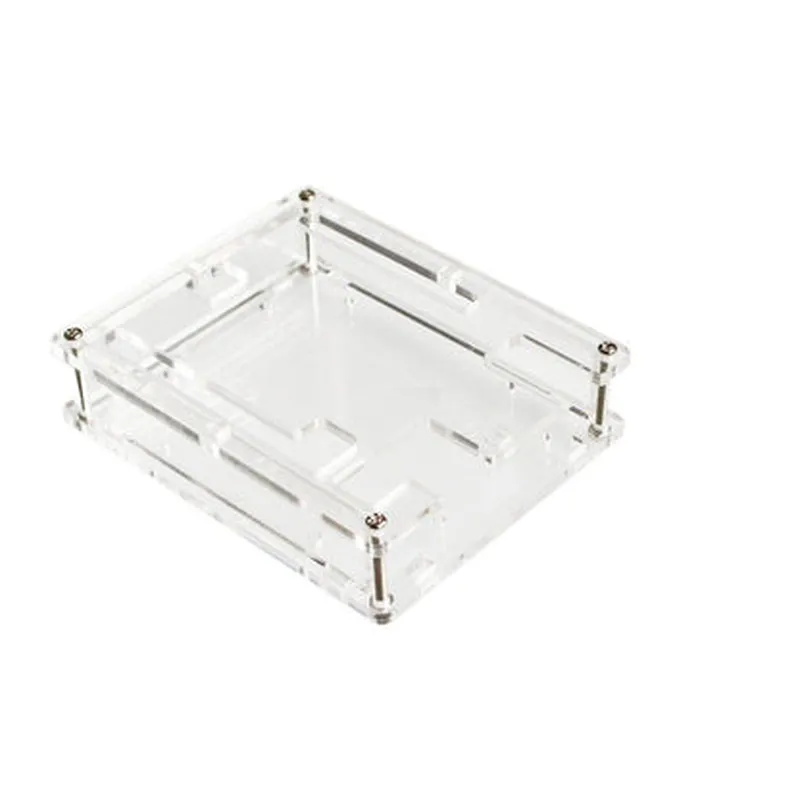
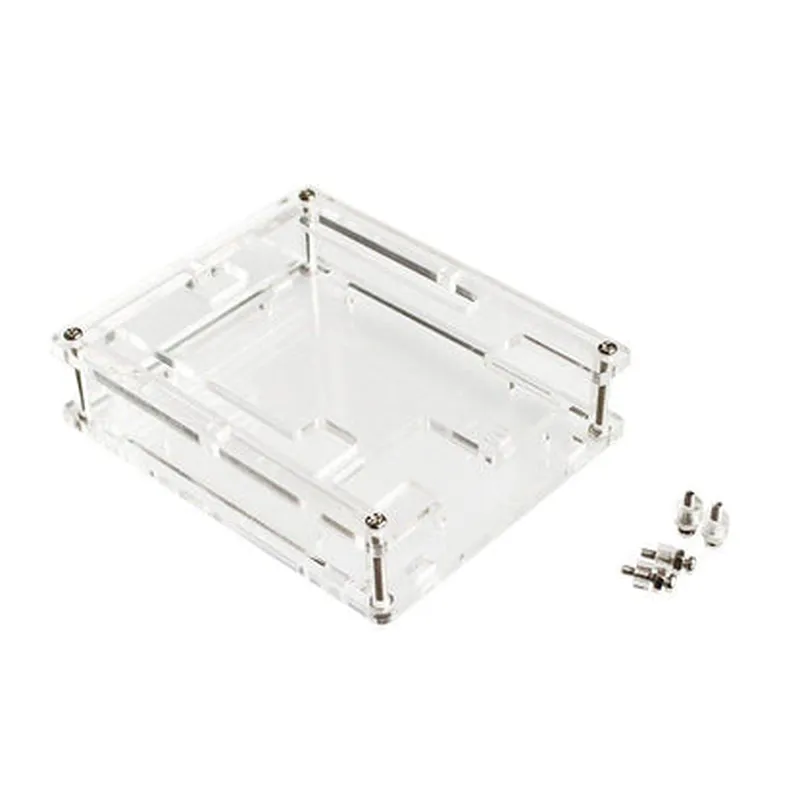
Arduino UNO R3 Board with Transparent Acrylic Case
The Arduino UNO R3 board is a popular microcontroller development board based on the ATmega328P microcontroller. It is compatible with a wide range of shields and modules, making it an ideal choice for prototyping and developing IoT projects. The transparent acrylic case provides protection and durability to the board, while allowing for easy access to the onboard components.
| The Arduino UNO R3 board is designed to be a versatile and easy-to-use platform for building a wide range of projects, from simple interactive devices to complex IoT systems. It can be used to |
Read and write data to digital and analog sensors
Control and interact with LEDs, motors, and other actuators
Communicate with other devices using serial communication protocols
Store and execute programs using the onboard flash memory
Connect to the internet using Wi-Fi or Ethernet shields
ATmega328P
8-bit AVR microcontroller with 32KB flash memory, 2KB SRAM, and 1KB EEPROM
16 MHz
| Input/Output |
14 digital input/output pins (6 PWM outputs)
6 analog input pins
16-bit timer/counters and 8-bit timer/counter
UART, SPI, and I2C communication protocols
USB connection for programming and power supply
External power input (7-12V) with onboard voltage regulator
500mA
Reset button and LED indicator
Power and USB status LEDs
I2C and SPI bus connectors
Compatible with a wide range of shields and modules
Durable and transparent material for easy visibility of onboard components
Provides protection against dust, moisture, and physical damage
Easy to assemble and disassemble for maintenance and repair
68.6mm x 53.4mm (2.7" x 2.1")
73mm x 58mm x 17mm (2.9" x 2.3" x 0.7")
20g (0.7 oz)
25g (0.9 oz)
-20C to 70C (-4F to 158F)
20% to 80% non-condensing
CE and FCC compliant
RoHS and REACH compliant
| Manufacturer's warranty | 1 year |
Extended warranty options available
| This component is suitable for a wide range of applications, including |
IoT projects and prototypes
Robotics and automation
Home automation and security systems
Wearable devices and accessories
Educational and training projects
Arduino UNO R3 Board Transparent Acrylic Case CompatibleOverviewThe Arduino UNO R3 board is a popular microcontroller board based on the ATmega328P microchip. The transparent acrylic case provides a protective and visually appealing enclosure for the board. This documentation provides an overview of the board's features, technical specifications, and code examples to demonstrate its usage in various contexts.Technical SpecificationsMicrocontroller: ATmega328P
Operating Voltage: 5V
Input Voltage: 7-12V
Digital I/O Pins: 14
Analog Input Pins: 6
DC Power Jack: Yes
USB Connection: Yes
Dimensions: 68.6mm x 53.4mm
Weight: 25gFeaturesBuilt-in USB interface for programming and communication
14 digital input/output pins
6 analog input pins
16 MHz quartz crystal
Power jack for external power supply
Reset button
ICSP header for in-circuit programmingCode Examples### Example 1: Blinking LEDIn this example, we will use the Arduino UNO R3 board to blink an LED connected to digital pin 13.Hardware RequirementsArduino UNO R3 board
LED
220 resistor
Breadboard
Jumper wiresCode
```c++
const int ledPin = 13;void setup() {
pinMode(ledPin, OUTPUT);
}void loop() {
digitalWrite(ledPin, HIGH);
delay(1000);
digitalWrite(ledPin, LOW);
delay(1000);
}
```
ExplanationIn this example, we define the LED pin as output and set it high (VCC) for 1 second, then low (GND) for 1 second, creating a blinking effect.### Example 2: Reading Analog Sensor ValuesIn this example, we will use the Arduino UNO R3 board to read analog values from a potentiometer connected to analog pin A0.Hardware RequirementsArduino UNO R3 board
Potentiometer
Breadboard
Jumper wiresCode
```c++
const int sensorPin = A0;void setup() {
Serial.begin(9600);
}void loop() {
int sensorValue = analogRead(sensorPin);
Serial.print("Sensor value: ");
Serial.println(sensorValue);
delay(100);
}
```
ExplanationIn this example, we read the analog value from the potentiometer using the `analogRead()` function and print the value to the serial monitor.### Example 3: Controlling a Servo MotorIn this example, we will use the Arduino UNO R3 board to control a servo motor connected to digital pin 9.Hardware RequirementsArduino UNO R3 board
Servo motor
Breadboard
Jumper wiresCode
```c++
#include <Servo.h>const int servoPin = 9;
Servo myServo;void setup() {
myServo.attach(servoPin);
}void loop() {
myServo.write(0);
delay(1000);
myServo.write(90);
delay(1000);
myServo.write(180);
delay(1000);
}
```
ExplanationIn this example, we include the `Servo` library and create a `Servo` object. We attach the servo motor to digital pin 9 and use the `write()` function to set the servo to 0, 90, and 180 degrees, creating a sweeping motion.These examples demonstrate the basic usage of the Arduino UNO R3 board and its capabilities in various contexts. The transparent acrylic case provides a protective and visually appealing enclosure for the board, making it suitable for prototyping and development.