6mm Timing Belt 3D Printer Belt White GT2 Open Synchronous Belt PU with Steel Core - 1 Meter


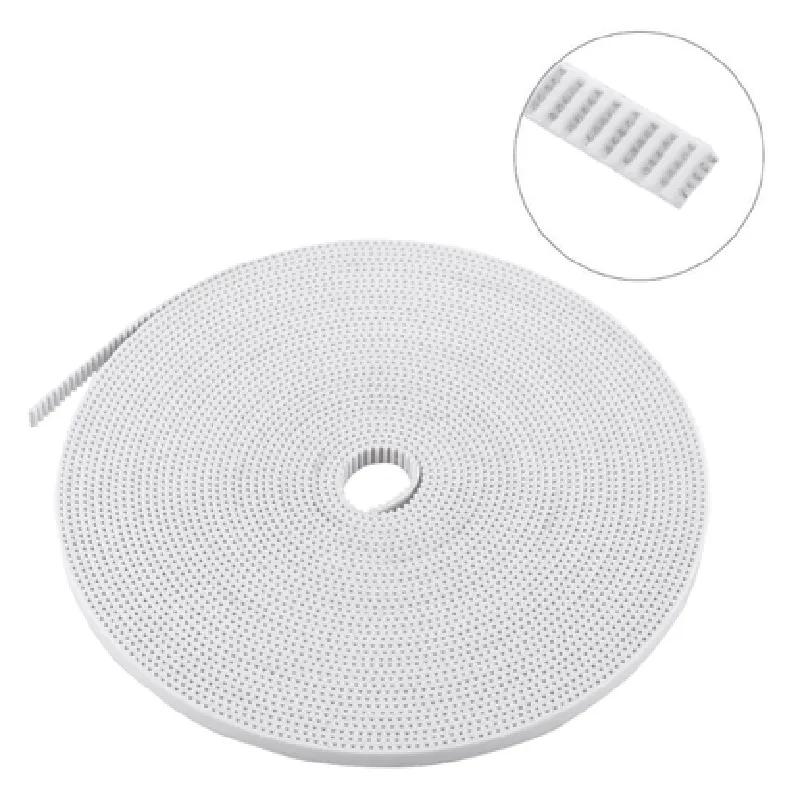
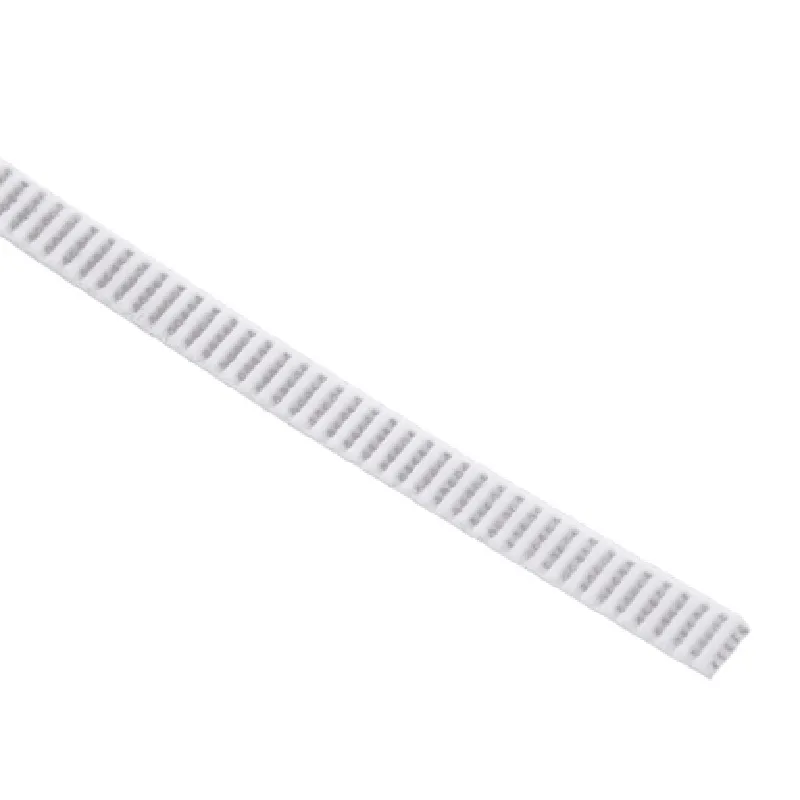
6mm Timing Belt 3D Printer Belt White GT2 Open Synchronous Belt PU with Steel Core - 1 Meter
The 6mm Timing Belt 3D Printer Belt White GT2 Open Synchronous Belt PU with Steel Core - 1 Meter is a high-quality, Toothed belt designed specifically for 3D printing applications. It is a critical component in 3D printing systems, serving as a transmission belt that enables precise motion and synchronization between the print head and the motor.
The primary function of this timing belt is to transmit motion and torque from the motor to the print head, ensuring accurate and precise movement during the 3D printing process. The belt's toothed design and steel core provide a stable and consistent motion, allowing for smooth and reliable printing operations.
Polyurethane (PU) with Steel Core
GT2
2mm
6mm
1 meter (3.3 feet)
White
Toothed
Most 3D printer systems that utilize GT2 timing belts
| The 6mm Timing Belt 3D Printer Belt White GT2 Open Synchronous Belt PU with Steel Core - 1 Meter is suitable for a wide range of 3D printing applications, including |
FFF/FDM 3D printers
SLA/DLP 3D printers
SLS/SLM 3D printers
CNC machines
Robotics systems
Other motion-controlled systems that require precise motion transmission.
6mm Timing Belt 3D Printer Belt White GT2 Open Synchronous Belt PU with Steel Core - 1 MeterOverviewThe 6mm Timing Belt is a high-quality, open synchronous belt designed for precise and reliable motion control in 3D printing and other applications. Its steel core provides excellent tensile strength, while the PU (Polyurethane) material ensures flexibility and durability. This belt is suitable for linear motion systems, CNC machines, and robotic applications.SpecificationsBelt width: 6mm
Pitch: 2mm (GT2 standard)
Material: PU with steel core
Length: 1 meter
Tooth profile: Trapezoidal
Suitable for 3D printers, CNC machines, and robotic applicationsCode Examples### Example 1: 3D Printer Belt Configuration (Marlin Firmware)In this example, we'll demonstrate how to configure the 6mm Timing Belt in a 3D printer using the Marlin firmware.Marlin Firmware ConfigurationIn the `Configuration.h` file, add the following lines to configure the X-axis belt:
```c
#define X_BELT_PITCH 2 // GT2 pitch in mm
#define X_BELT_TOOTH_COUNT 200 // Number of teeth on the belt
#define X_BELT_WIDTH 6 // Belt width in mm
#define X_BELT_LENGTH 1000 // Belt length in mm
```
In the `Stepper.cpp` file, update the `X-axis` stepper motor configuration:
```c
void X_stepper::init() {
// ...
steps_per_mm = (X_BELT_TOOTH_COUNT / X_BELT_PITCH) 1000;
// ...
}
```
### Example 2: CNC Machine Belt Configuration (GRBL Firmware)In this example, we'll show how to configure the 6mm Timing Belt in a CNC machine using the GRBL firmware.GRBL Firmware ConfigurationIn the `config.h` file, add the following lines to configure the X-axis belt:
```c
#define X_AXIS_BELT_PITCH 2 // GT2 pitch in mm
#define X_AXIS_BELT_TOOTH_COUNT 200 // Number of teeth on the belt
#define X_AXIS_BELT_WIDTH 6 // Belt width in mm
#define X_AXIS_BELT_LENGTH 1000 // Belt length in mm
```
In the `stepper.cpp` file, update the `X-axis` stepper motor configuration:
```c
void stepper_init() {
// ...
X_AXIS_STEPS_PER_MM = (X_AXIS_BELT_TOOTH_COUNT / X_AXIS_BELT_PITCH) 1000;
// ...
}
```
These code examples demonstrate the configuration of the 6mm Timing Belt in different firmware environments. The specific implementation may vary depending on the application and firmware used.