Surface-mount RGB LEDs


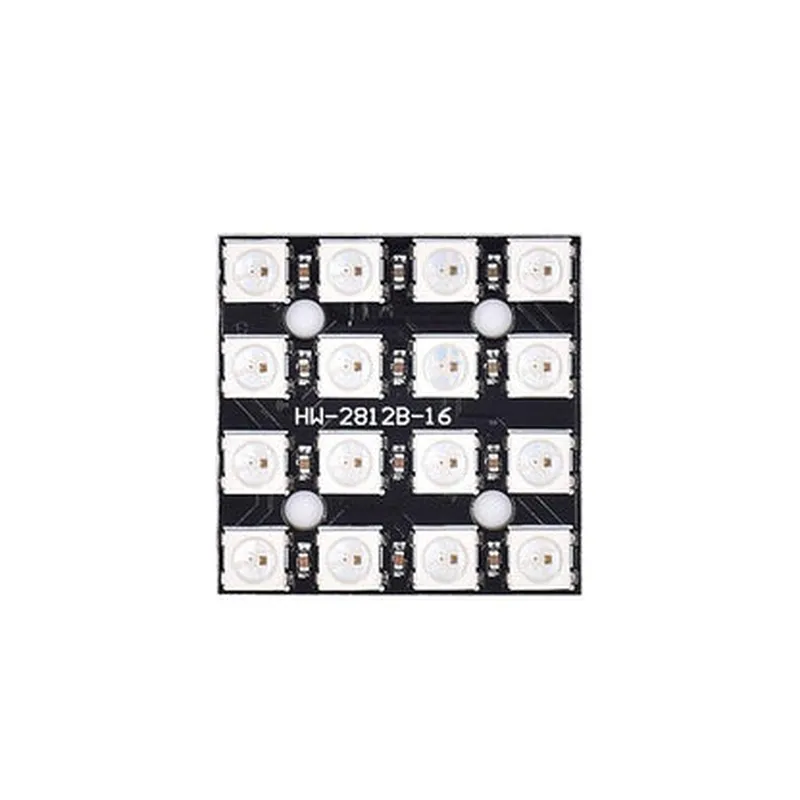
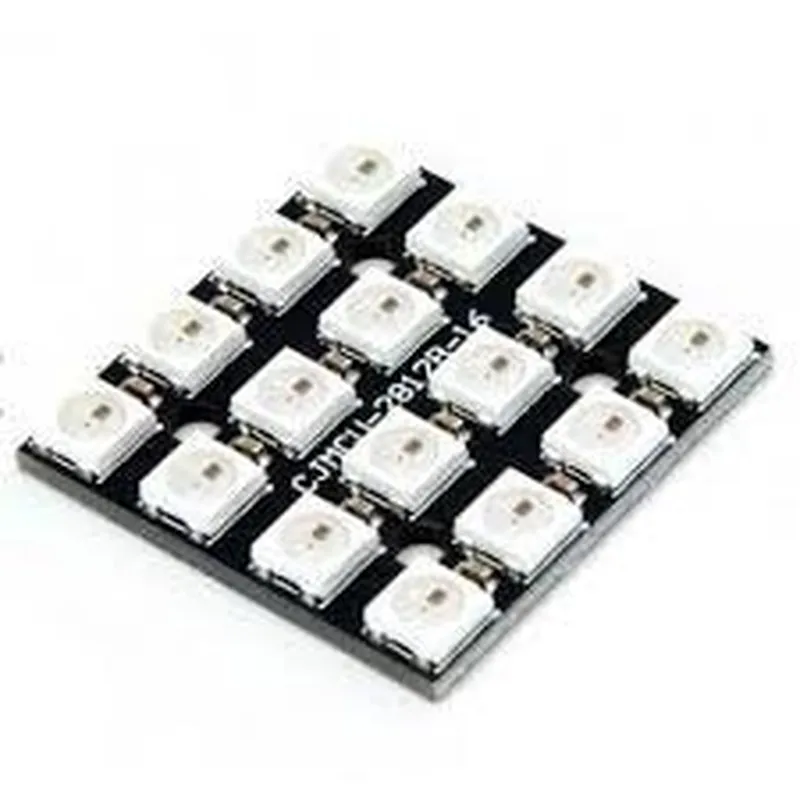
Surface-mount RGB LEDs
2.5 mm
16 bits (65,536 possible colors per pixel)
Up to 800 KHz
0.3-0.5A per meter
5V
Serial data input
Varies depending on the specific module size and layout
Applications
| The WS2812 16 Bit RGB LED Matrix is an ideal component for various IoT projects, including |
Wearable devices, such as smartwatches and fitness trackers
Interactive installations, like interactive art and ambient lighting systems
Ambient displays, such as mood lighting and decorative displays
Advertising and signage displays
IoT-enabled home automation systems
By offering high-density, addressable LEDs with 16-bit color depth, the WS2812 16 Bit RGB LED Matrix provides a versatile and powerful display solution for a wide range of IoT applications.
WS2812 16 Bit RGB LED Matrix DocumentationOverviewThe WS2812 16 Bit RGB LED Matrix is a popular IoT component used for creating vibrant, high-resolution displays for various applications, including signage, art installations, and interactive projects. This matrix consists of 16-bit, 5-channel RGB LEDs, each capable of producing 16 million colors, with a maximum refresh rate of 400 Hz.Pinout and ConnectionsThe WS2812 LED Matrix has a single signal wire that requires only one digital pin from a microcontroller to control the entire matrix. The pinout is as follows:| Pin | Function |
| --- | --- |
| VCC | Power supply (5V) |
| GND | Ground |
| DIN | Data input |Code Examples### Example 1: Basic Color Cycling with ArduinoIn this example, we will demonstrate how to control the WS2812 LED Matrix using an Arduino board. We will create a simple color cycling effect that transitions between red, green, and blue.Hardware RequirementsWS2812 16 Bit RGB LED Matrix
Arduino Board (e.g., Arduino Uno)
Breadboard and jumper wiresSoftware RequirementsArduino IDE (version 1.8 or later)Code
```c++
#include <FastLED.h>#define LED_PIN 6
#define NUM_LEDS 16CRGB leds[NUM_LEDS];void setup() {
FastLED.addLeds<WS2812, LED_PIN, GRB>(leds, NUM_LEDS);
}void loop() {
static uint8_t hue = 0;
for (int i = 0; i < NUM_LEDS; i++) {
leds[i] = CHSV(hue, 255, 255);
}
FastLED.show();
hue += 1;
delay(50);
}
```
In this code, we use the FastLED library to control the WS2812 LED Matrix. We define the number of LEDs, the pin used to control the matrix, and the color order (GRB). In the `loop()` function, we cycle through hues from 0 to 255, assigning each LED a color based on the current hue value.### Example 2: Interactive Pattern Display with Raspberry Pi (Python)In this example, we will create an interactive pattern display using a Raspberry Pi and the WS2812 LED Matrix. We will use Python and the RPi.GPIO library to control the matrix.Hardware RequirementsWS2812 16 Bit RGB LED Matrix
Raspberry Pi (any model)
Breadboard and jumper wiresSoftware RequirementsRaspbian OS (version 10 or later)
Python 3.x
RPi.GPIO library (install using `pip install RPi.GPIO`)Code
```python
import time
import RPi.GPIO as GPIOGPIO.setmode(GPIO.BCM)
GPIO.setup(18, GPIO.OUT)leds = [0xFF0000, 0x00FF00, 0x0000FF, 0xFFFFFF, 0x000000] # Red, Green, Blue, White, Black
pattern = [0, 1, 2, 3, 4]while True:
for i in range(16):
GPIO.output(18, leds[pattern[i % len(pattern)] >> (i % 3) 8)
time.sleep(0.05)
```
In this code, we use the RPi.GPIO library to set up the GPIO pin 18 as an output. We define a list of colors and a pattern to cycle through. In the main loop, we output the color values to the WS2812 LED Matrix, shifting the bits to address each LED individually.These examples demonstrate the basic usage of the WS2812 16 Bit RGB LED Matrix with Arduino and Raspberry Pi. You can modify and extend these examples to create complex, interactive displays for your IoT projects.