3.7V


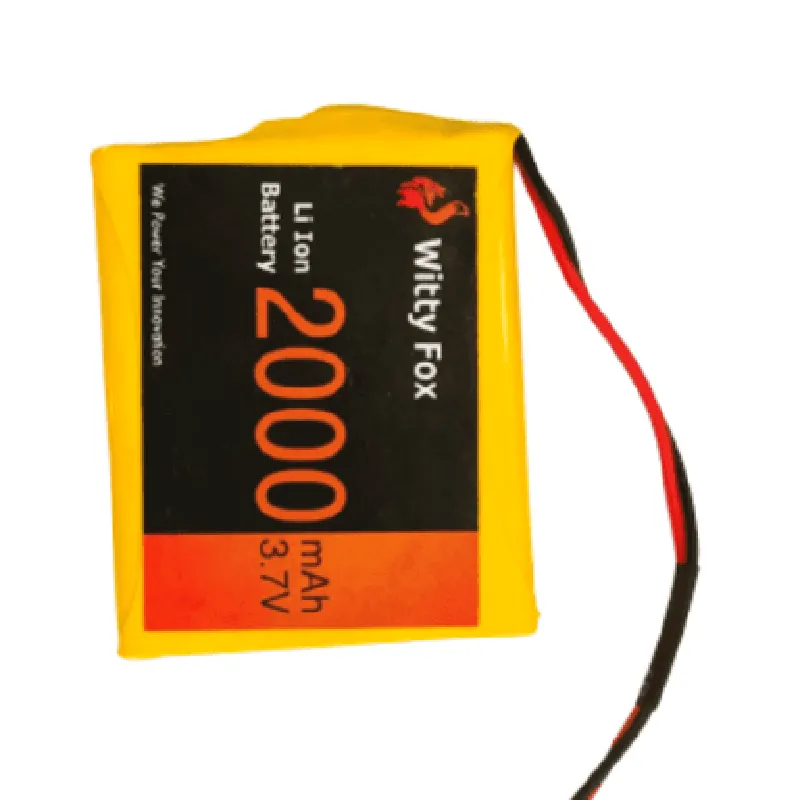
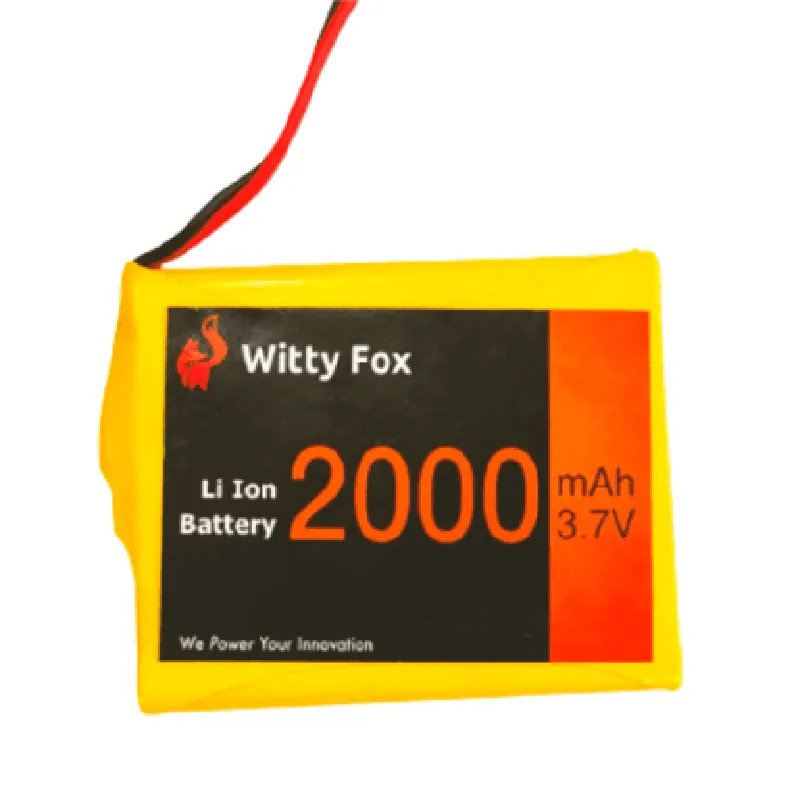
3.7V
2000mAh
60m
500 cycles
2C
Mechanical Characteristics
54mm x 34mm x 10mm
30 grams
Plastic
Applications
| The Witty Fox 3.7V 2000mAh Li-ion GPS Battery is suitable for a wide range of IoT applications, including |
GPS tracking devices
Wearable devices
Asset tracking systems
Fleet management systems
Industrial IoT applications
Conclusion
The Witty Fox 3.7V 2000mAh Li-ion GPS Battery is a reliable and efficient power source for GPS tracking devices and IoT applications. Its high capacity, compact design, and low self-discharge rate make it an ideal choice for devices requiring continuous operation.
Witty Fox 3.7V 2000mAh Li-ion GPS Battery DocumentationOverviewThe Witty Fox 3.7V 2000mAh Li-ion GPS Battery is a rechargeable Lithium-ion battery designed for Internet of Things (IoT) applications, particularly for GPS tracking devices. This battery offers a high capacity of 2000mAh, making it suitable for devices that require extended battery life.Technical SpecificationsNominal Voltage: 3.7V
Capacity: 2000mAh
Chemistry: Lithium-ion (Li-ion)
Dimensions: 40mm x 30mm x 10mm (L x W x H)
Weight: 40g
Operating Temperature: -20C to 45C
Cycle Life: Up to 300 cyclesConnecting the BatteryTo connect the Witty Fox 3.7V 2000mAh Li-ion GPS Battery to your IoT device, follow these steps:1. Identify the positive (+) and negative (-) terminals of the battery.
2. Connect the positive terminal to the power input of your IoT device, such as a GPS module or microcontroller.
3. Connect the negative terminal to the ground (GND) of your IoT device.Code Examples### Example 1: Using the Witty Fox Battery with an Arduino Uno and GPS ModuleIn this example, we'll use the Witty Fox battery to power an Arduino Uno board and a GPS module (e.g., Ublox NEO-6M). The Arduino Uno will read GPS data and display it on a serial console.HardwareArduino Uno board
Witty Fox 3.7V 2000mAh Li-ion GPS Battery
GPS module (e.g., Ublox NEO-6M)Software```c
#include <SoftwareSerial.h>
SoftwareSerial gpsSerial(3, 4); // RX, TX pins for GPS modulevoid setup() {
Serial.begin(9600);
gpsSerial.begin(9600);
}void loop() {
while (gpsSerial.available() > 0) {
char c = gpsSerial.read();
Serial.write(c); // Print GPS data to serial console
}
}
```Example 2: Using the Witty Fox Battery with a Raspberry Pi and PythonIn this example, we'll use the Witty Fox battery to power a Raspberry Pi and a GPS module (e.g., Ublox NEO-6M) connected to the Raspberry Pi's UART interface. A Python script will read GPS data and display it on the console.HardwareRaspberry Pi board
Witty Fox 3.7V 2000mAh Li-ion GPS Battery
GPS module (e.g., Ublox NEO-6M)Software```python
import serial# Open the serial connection to the GPS module
gps_serial = serial.Serial('/dev/ttyUSB0', 9600)while True:
line = gps_serial.readline().decode('utf-8')
print(line) # Print GPS data to console
```Example 3: Using the Witty Fox Battery with an ESP32 Board and MicroPythonIn this example, we'll use the Witty Fox battery to power an ESP32 board and a GPS module (e.g., Ublox NEO-6M) connected to the ESP32's UART interface. A MicroPython script will read GPS data and display it on the console.HardwareESP32 board
Witty Fox 3.7V 2000mAh Li-ion GPS Battery
GPS module (e.g., Ublox NEO-6M)Software```python
import machine
import utime# Initialize the UART interface for the GPS module
uart = machine.UART(1, 9600)while True:
line = uart.readline()
print(line) # Print GPS data to console
utime.sleep_ms(100)
```Remember to adjust the serial communication settings and pin connections according to your specific IoT device and GPS module. Always follow proper safety precautions when working with batteries and electronic components.