5mm White Yellow LED (Pack of 10)


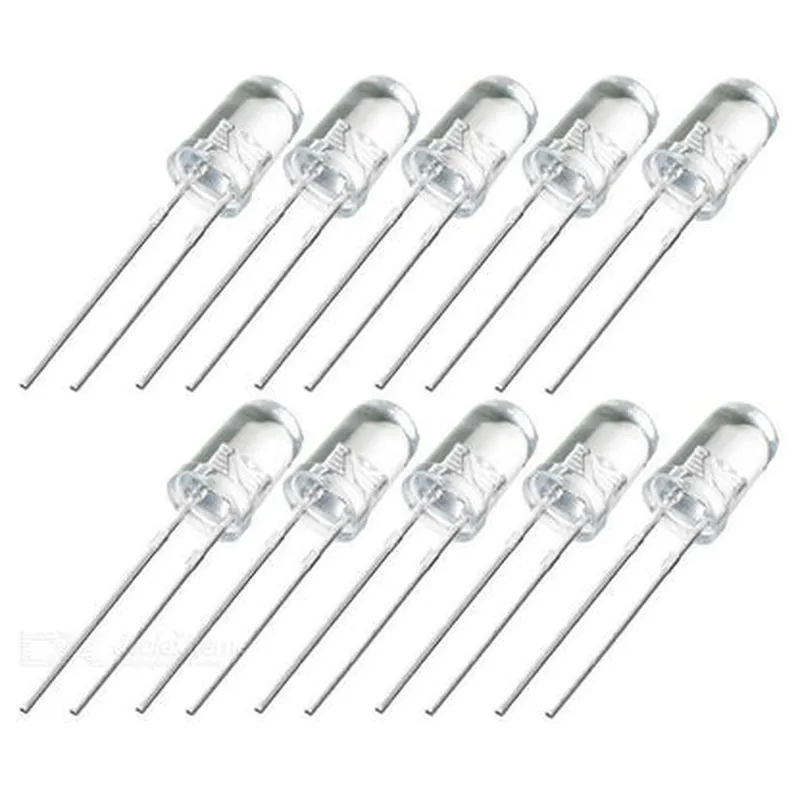
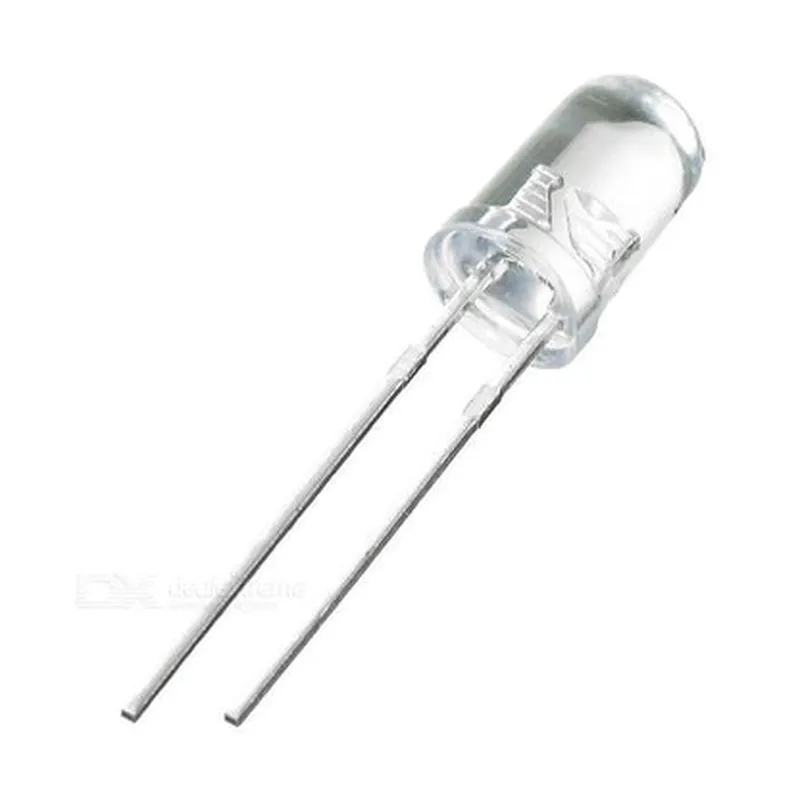
5mm White Yellow LED (Pack of 10)
The 5mm White Yellow LED is a high-intensity, dual-color light-emitting diode (LED) component, available in a pack of 10 pieces. This LED is designed to emit a bright, white-yellow light when energized, making it suitable for a wide range of applications, including indicator lights, backlighting, and decorative lighting.
The primary function of the 5mm White Yellow LED is to convert electrical energy into visible light. When a forward voltage is applied across the LED, electrons recombine with holes, releasing energy in the form of photons, which are emitted as light. The LED's dual-color design allows it to produce a unique, warm-white to yellowish color, depending on the voltage and current applied.
1.8-2.2V
15-20mA
5V
-25C to +85C
-40C to +100C
800-1000mcd
590-600nm
60
| The 5mm White Yellow LED is suitable for a variety of applications, including |
Indicator lights for electronic devices
Backlighting for LCD displays
Decorative lighting for automotive, industrial, or consumer products
Status indicators for machinery or equipment
Signaling devices for safety or warning applications
Component Documentation: 5mm White Yellow LED (Pack of 10)OverviewThe 5mm White Yellow LED is a general-purpose Light Emitting Diode (LED) used for indication, backlighting, and decorative lighting applications. This pack of 10 LEDs is suitable for a wide range of projects, from basic electronics to robotics and IoT systems.SpecificationsLED Type: 5mm White Yellow LED
Voltage: 2.0-2.4V
Current: 20mA (max)
Luminous Intensity: 100-150mcd
Viewing Angle: 60
Operating Temperature: -25C to +85C
Storage Temperature: -40C to +100CPinoutThe 5mm White Yellow LED has two pins:Anode (Positive): Longer leg
Cathode (Negative): Shorter legCode ExamplesExample 1: Basic LED Blinking using ArduinoIn this example, we'll use an Arduino Uno board to blink the LED at a rate of 1 Hz.```c
const int ledPin = 13; // Choose a digital pin on your Arduino boardvoid setup() {
pinMode(ledPin, OUTPUT); // Set the pin as an output
}void loop() {
digitalWrite(ledPin, HIGH); // Turn the LED on
delay(500); // Wait for 500ms
digitalWrite(ledPin, LOW); // Turn the LED off
delay(500); // Wait for 500ms
}
```Example 2: LED as an Indicator using Raspberry Pi and PythonIn this example, we'll use a Raspberry Pi board to turn the LED on and off using Python.```python
import RPi.GPIO as GPIO
import time# Set up GPIO mode
GPIO.setmode(GPIO.BCM)# Set the LED pin as an output
led_pin = 17
GPIO.setup(led_pin, GPIO.OUT)try:
while True:
# Turn the LED on
GPIO.output(led_pin, GPIO.HIGH)
time.sleep(1) # Wait for 1 second# Turn the LED off
GPIO.output(led_pin, GPIO.LOW)
time.sleep(1) # Wait for 1 secondexcept KeyboardInterrupt:
# Clean up GPIO on exit
GPIO.cleanup()
```Example 3: LED with Resistor and Voltage Divider using ESP32 and MicroPythonIn this example, we'll use an ESP32 board to control the LED using MicroPython.```python
import machine
import utime# Set the LED pin as an output
led_pin = machine.Pin(15, machine.Pin.OUT)# Create a voltage divider with a 220 resistor
voltage_divider = machine.ADC(machine.Pin(32)) # Assuming a 3.3V voltage sourcetry:
while True:
# Read the voltage divider value
voltage = voltage_divider.read_u16() 3.3 / 65535# Turn the LED on if the voltage is above 2.5V
if voltage > 2.5:
led_pin.value(1)
else:
led_pin.value(0)utime.sleep_ms(50) # Wait for 50msexcept KeyboardInterrupt:
# Clean up on exit
machine.reset()
```Important NotesAlways use a suitable current-limiting resistor when connecting the LED to a power source.
Ensure the LED is connected to a microcontroller or board with a compatible voltage and current rating.
Follow proper safety precautions when working with electronics and electrical components.By following these examples and guidelines, you can successfully integrate the 5mm White Yellow LED into your IoT projects.