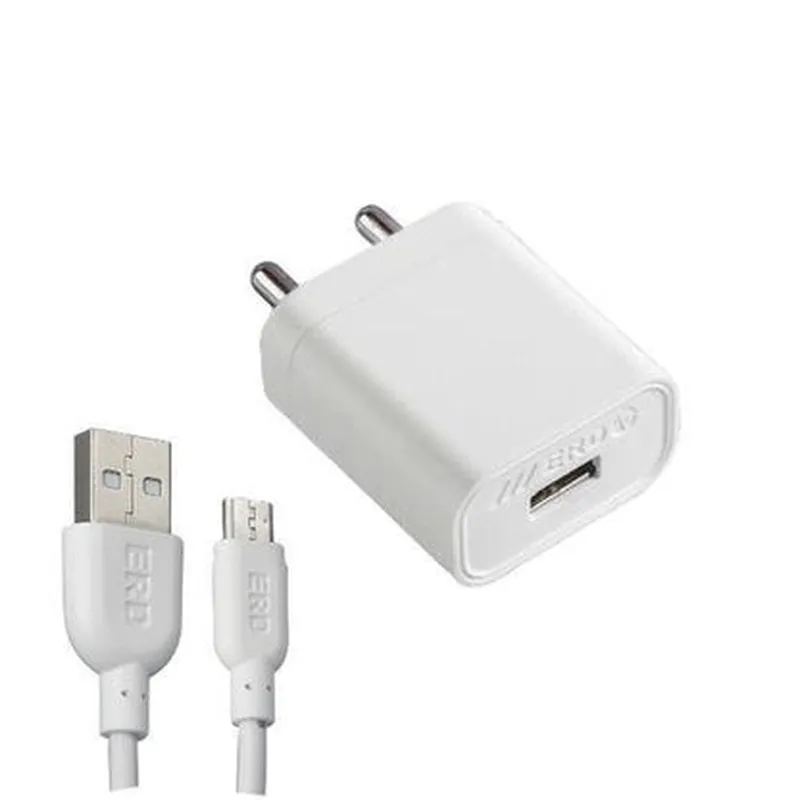
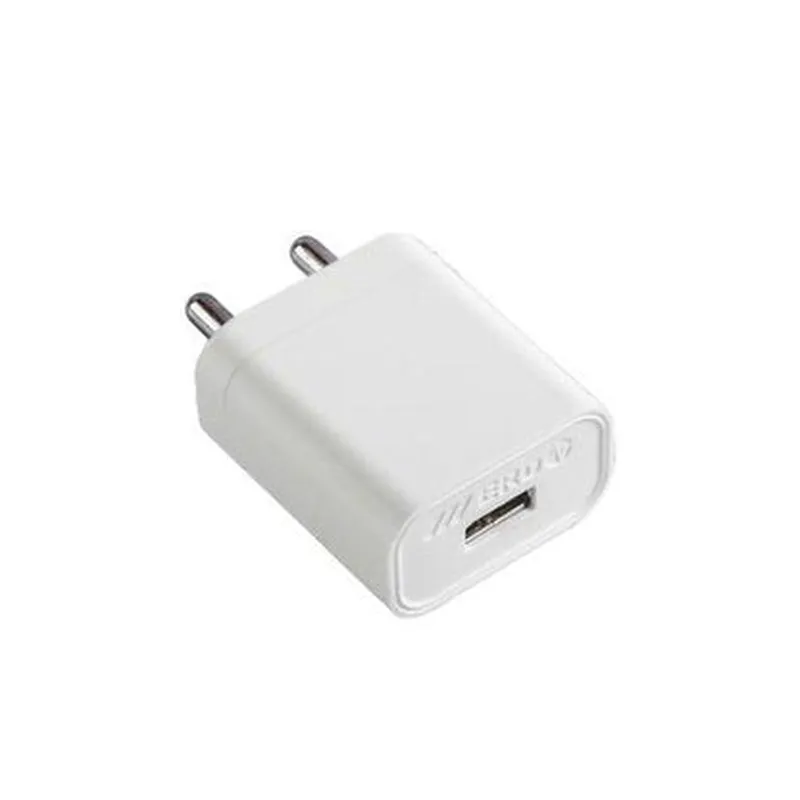
5V 3A ERD Power Adapter with Micro USB Cable Documentation
The 5V 3A ERD Power Adapter with Micro USB cable is a compact and efficient power supply unit designed for various IoT applications. It provides a stable 5V output voltage and up to 3A current, making it suitable for powering devices such as single-board computers, microcontrollers, and other low-power IoT devices.
Input: 100-240V AC, 50-60Hz
 Output: 5V DC, 3A
 Micro USB connector for convenient connection
 ERD (Efficient, Reliable, and Durable) design for high reliability and efficiency
 Compact size and lightweight design for easy integration
Input Voltage: 100-240V AC, 50-60Hz
 Output Voltage: 5V DC 5%
 Output Current: 3A maximum
 Efficiency: 80% (typical)
 Operating Temperature: 0C to 40C
 Storage Temperature: -20C to 60C
 Dimensions: 45mm x 25mm x 15mm (LxWxH)
 Weight: approximately 25g
### Example 1: Powering a Raspberry Pi 4 with Python Script
In this example, we will demonstrate how to use the 5V 3A ERD Power Adapter to power a Raspberry Pi 4 running a Python script.
Raspberry Pi 4
 5V 3A ERD Power Adapter with Micro USB cable
 MicroSD card with Raspbian OS
Python Script
```python
import time
# Import the necessary libraries
import RPi.GPIO as GPIO
# Set up the GPIO library
GPIO.setmode(GPIO.BCM)
# Define the GPIO pin for an LED
LED_PIN = 17
# Set up the LED pin as an output
GPIO.setup(LED_PIN, GPIO.OUT)
while True:
    # Toggle the LED on and off
    GPIO.output(LED_PIN, GPIO.HIGH)
    time.sleep(1)
    GPIO.output(LED_PIN, GPIO.LOW)
    time.sleep(1)
```
Connect the Power Adapter
Connect the Micro USB cable to the Raspberry Pi 4 and the other end to the 5V 3A ERD Power Adapter. Plug the power adapter into a wall outlet.
### Example 2: Powering an ESP32 Board with MicroPython
In this example, we will demonstrate how to use the 5V 3A ERD Power Adapter to power an ESP32 board running MicroPython.
ESP32 board
 5V 3A ERD Power Adapter with Micro USB cable
MicroPython Script
```python
import machine
import time
# Initialize the ESP32 board
machine.freq(240000000)
# Define the pin for an LED
led = machine.Pin(2, machine.Pin.OUT)
while True:
    # Toggle the LED on and off
    led.value(1)
    time.sleep(1)
    led.value(0)
    time.sleep(1)
```
Connect the Power Adapter
Connect the Micro USB cable to the ESP32 board and the other end to the 5V 3A ERD Power Adapter. Plug the power adapter into a wall outlet.
Please note that these examples are for demonstration purposes only and may require modifications to suit your specific IoT project requirements. Ensure that you follow proper safety precautions when working with electrical components and IoT devices.