Raspberry Pi 3 in 1 Heat Sink Aluminium for Raspberry Pi 4B (White) - Pack of 1


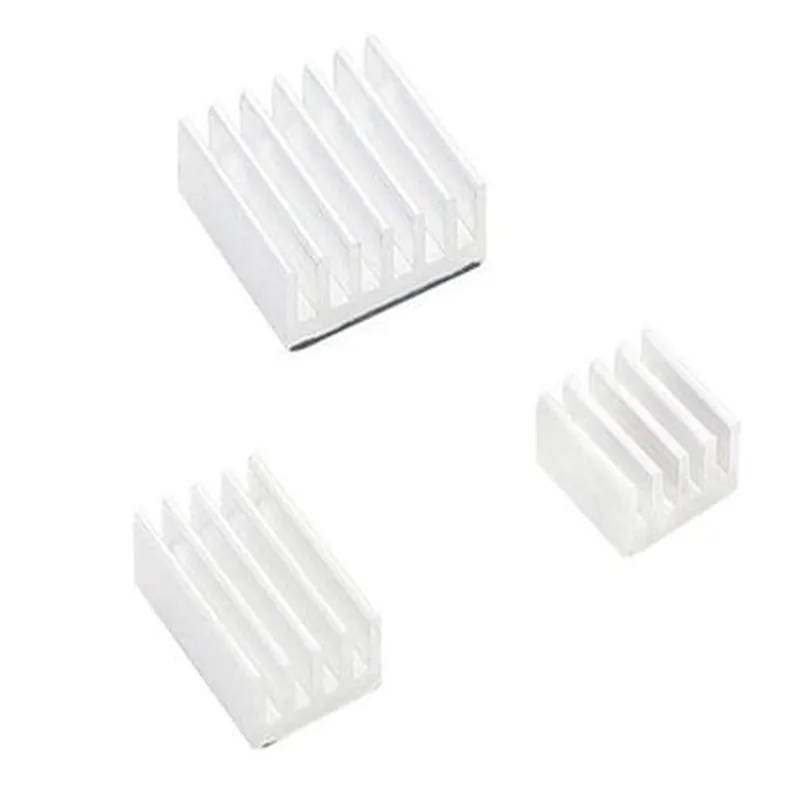
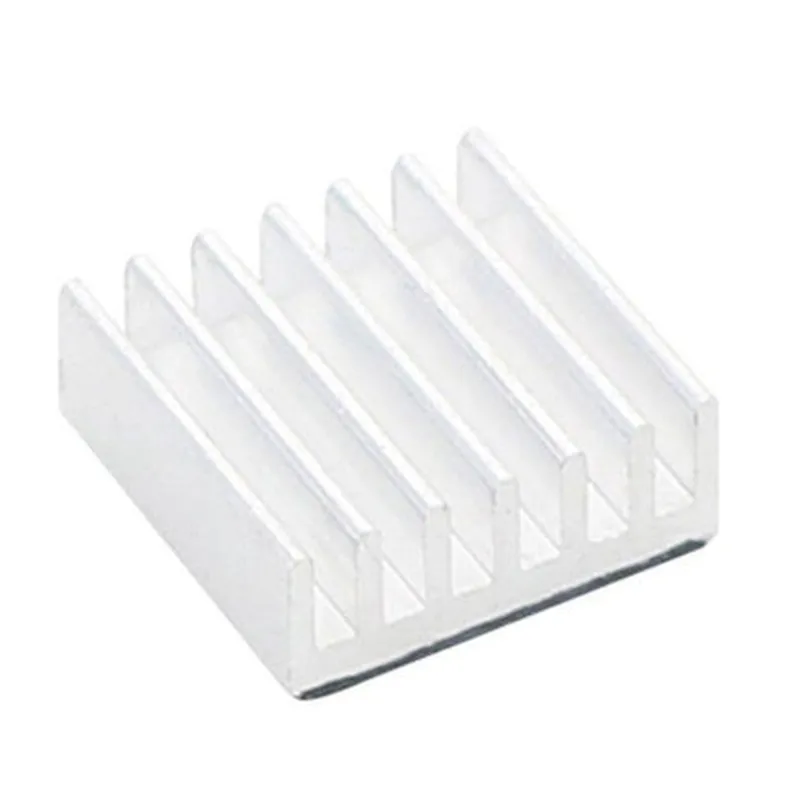
Raspberry Pi 3 in 1 Heat Sink Aluminium for Raspberry Pi 4B (White) - Pack of 1
The Raspberry Pi 3 in 1 Heat Sink Aluminium is a compact, high-performance heat dissipation solution designed specifically for the Raspberry Pi 4B single-board computer. This heat sink is an essential component for maintaining optimal operating temperatures, ensuring reliable performance, and preventing overheating issues in demanding applications.
The primary function of this heat sink is to efficiently dissipate heat generated by the Raspberry Pi 4B's CPU, GPU, and other components. It achieves this through a combination of conduction, convection, and radiation mechanisms, effectively reducing the temperature of the board and preventing thermal throttling.
Aluminium
White Anodized
(L x W x H) mm (Please check the manufacturer's documentation for exact dimensions)
(Please check the manufacturer's documentation for exact weight)
Raspberry Pi 4B
| This heat sink is suitable for a wide range of applications, including |
IoT projects
Robotics and automation
Media centers and digital signage
Home automation and security systems
Industrial control systems
Prototyping and proof-of-concept development
The Raspberry Pi 3 in 1 Heat Sink Aluminium is a high-performance, compact, and efficient heat dissipation solution designed specifically for the Raspberry Pi 4B. Its 3-in-1 design, premium materials, and easy installation make it an ideal choice for anyone looking to maintain optimal operating temperatures and prevent overheating issues in their projects.
Raspberry Pi 3 in 1 Heat Sink Aluminium for Raspberry Pi 4B (White) - Pack of 1OverviewThe Raspberry Pi 3 in 1 Heat Sink Aluminium is a high-quality heat sink designed specifically for the Raspberry Pi 4B. This heat sink is made of aluminum and comes in a white finish. It is designed to effectively dissipate heat generated by the Raspberry Pi 4B, ensuring reliable operation and prolonging its lifespan.Technical SpecificationsMaterial: Aluminum
Finish: White
Compatibility: Raspberry Pi 4B
Dimensions: 65mm x 45mm x 10mm (L x W x H)
Weight: 20gInstallationThe heat sink is easy to install on the Raspberry Pi 4B. Simply attach the heat sink to the CPU and other heat-generating components using the provided thermal tape or screws.Code Examples### Example 1: Python Script for Temperature Monitoring with the Heat SinkThis example demonstrates how to use the Raspberry Pi 4B with the heat sink to monitor temperature readings using Python.```python
import os
import time# Import the required libraries
import pygame
import RPi.GPIO as GPIO
import Adafruit_DHT# Set up the GPIO pins
GPIO.setmode(GPIO.BCM)# Define the pin for the temperature sensor
DHT_PIN = 4# Initialize the temperature sensor
humidity, temperature = Adafruit_DHT.read_retry(Adafruit_DHT.DHT11, DHT_PIN)# Print the temperature reading
print(f"Temperature: {temperature:.2f}C")# Monitor temperature readings every 5 seconds
while True:
humidity, temperature = Adafruit_DHT.read_retry(Adafruit_DHT.DHT11, DHT_PIN)
print(f"Temperature: {temperature:.2f}C")
time.sleep(5)
```### Example 2: Using the Heat Sink with a Raspberry Pi 4B in a Home Automation SystemThis example demonstrates how to use the Raspberry Pi 4B with the heat sink in a home automation system to control lights and fans based on temperature readings.```python
import RPi.GPIO as GPIO
import time# Set up the GPIO pins
GPIO.setmode(GPIO.BCM)# Define the pins for the lights and fans
LIGHT_PIN = 17
FAN_PIN = 23# Initialize the lights and fans as outputs
GPIO.setup(LIGHT_PIN, GPIO.OUT)
GPIO.setup(FAN_PIN, GPIO.OUT)# Define the temperature threshold for turning on the lights and fans
TEMP_THRESHOLD = 30# Monitor temperature readings every 5 seconds
while True:
# Read the temperature using a temperature sensor (e.g., DS18B20)
temperature = read_temperature()# Turn on the lights and fans if the temperature exceeds the threshold
if temperature > TEMP_THRESHOLD:
GPIO.output(LIGHT_PIN, GPIO.HIGH)
GPIO.output(FAN_PIN, GPIO.HIGH)
else:
GPIO.output(LIGHT_PIN, GPIO.LOW)
GPIO.output(FAN_PIN, GPIO.LOW)time.sleep(5)
```Note: The above code examples are for illustration purposes only and may require modifications to work with your specific setup and requirements.